- ASO
- App Store
- Google Play
App downloads dropped suddenly? How to find the cause
App downloads dropped suddenly? Check the data, find the traffic source that fell, match the date to a change, and fix the cause on both app stores.
AppRanker team13 min read
On this page
When your app downloads dropped overnight, the first instinct is to blame "the algorithm" and start changing things. That usually makes it worse: you change three parts of your listing at once and never learn which one mattered. A drop almost always has a cause you can find in your own console, and the place it shows up tells you which one it is.
This week has a timely example. Google Play's extension for the target API requirement ended on November 1, 2026. Existing apps that still target below Android 15 (API level 35) "will stop being discoverable to all Google Play users whose devices run Android OS versions newer" than their target, according to Google's target API level requirements. Installed users keep the app, so nothing looks broken. New installs just fall.
This guide is a diagnosis in four steps for both stores: confirm the drop is real, find the traffic source that fell, match the date to a change, then fix the cause behind that source. It ends with a symptom table, a checklist and the questions developers ask most in threads like "Sudden drop in number of daily installs on Google Play Store".
Key takeaways
- Check the data before the app: App Store Connect analytics runs on UTC, dashboards are estimates, and Play Console switched its store listing metrics to unique clicks in June 2026.
- Split the drop by traffic source. Search, browse or explore, and referrals each have different causes.
- Lay the drop's start date next to your change log: releases, metadata edits, price changes, featuring, campaigns and platform deadlines.
- On Google Play, check target API level (35 or higher since the November 1 cutoff for apps with an extension) and the Android vitals bad behavior thresholds, which can reduce visibility and add a warning to your listing.
- Change one thing at a time and give it a week before you judge it.
Step 1: Make sure the drop is real
A surprising number of drops are reporting artifacts. Rule these out in ten minutes before you touch the app.
Time zones and partial days. Apple's page on differences in reporting tools says "App Analytics data is based on Coordinated Universal Time (UTC)", while Sales and Trends can be switched to Pacific Time. Comparing today's partial UTC day with yesterday's full day, or one tool with the other, produces a fake drop. Apple also notes that "certain transactions may not be reported on the same dates" in the two systems.
A metric that changed meaning. Google's store listing performance help says that "from June 2026, the primary metrics for store listing performance are based on unique clicks", and that click-through rate "replaces the legacy 'Conversion Rate' metric". If you compare a 2026 chart with a 2025 export, you are comparing different definitions.
Weekday and season. Compare the same weekday week over week, not Monday with Saturday. Then compare with the same weeks last year if you have them: back-to-school, the end of the holidays and New Year resolutions move whole categories. Our holiday app marketing plan covers the weeks ahead.
Which number fell. Downloads, first-time downloads, store listing acquisitions and "installs" in a third-party tool are different counts. Pick one, the store's own first-time downloads or store listing acquisitions, and use it for the whole diagnosis.
If the drop survives all four checks over at least three full days, it is real.
Step 2: Find the traffic source that fell
Total downloads hide the cause. Split them by where people came from.
App Store. In App Store Connect, open Analytics, then Acquisition > Sources, and chart first-time downloads by source type. Our App Store Connect analytics guide explains each one; the short version is App Store search, App Store browse (Today, Games and Apps tabs, charts), app referrers and web referrers.
Google Play. In Play Console, open Grow users > Store performance > Conversion analysis. Read Google's definitions closely, because they do not split traffic the way the App Store does:
| Play traffic source | What it means |
|---|---|
| Google Play search | A search on Google Play "for your app's name or closely associated brand", not counting ads in search results |
| Google Play explore | People who "browsed Google Play" before visiting your listing; in the overview report, people who found you "without searching for it by name" |
| Ads and referrals | Visits from an ad or a referral link, with utm_source and utm_campaign filters |
That makes "Google Play search" your branded search. Searches for generic keywords such as "habit tracker" count under explore, together with browsing and recommendations. So on Play, a fall in search means fewer people looked for you by name, and a lost keyword shows up as a fall in explore.
Then read the split:
| The source that fell | What it usually means |
|---|---|
| App Store search, impressions down | You lost rank for keywords, or something now sits above you |
| App Store search, impressions steady but conversion down | Your result persuades fewer people: rating, screenshots, price or a stronger neighbour |
| App Store browse | Featuring ended or you left a chart |
| Google Play explore | Lost keyword rank, fewer recommendations, or featuring ended |
| Google Play search (branded) | Fewer people heard of you: press, ads or word of mouth slowed |
| Referrers, or ads and referrals | A link, campaign, article or partner stopped sending people |
| Every source at once | A store-side gate: availability, target API, vitals, policy or a listing warning |
The last row is the important one. When every source falls on the same day, the problem is rarely marketing.
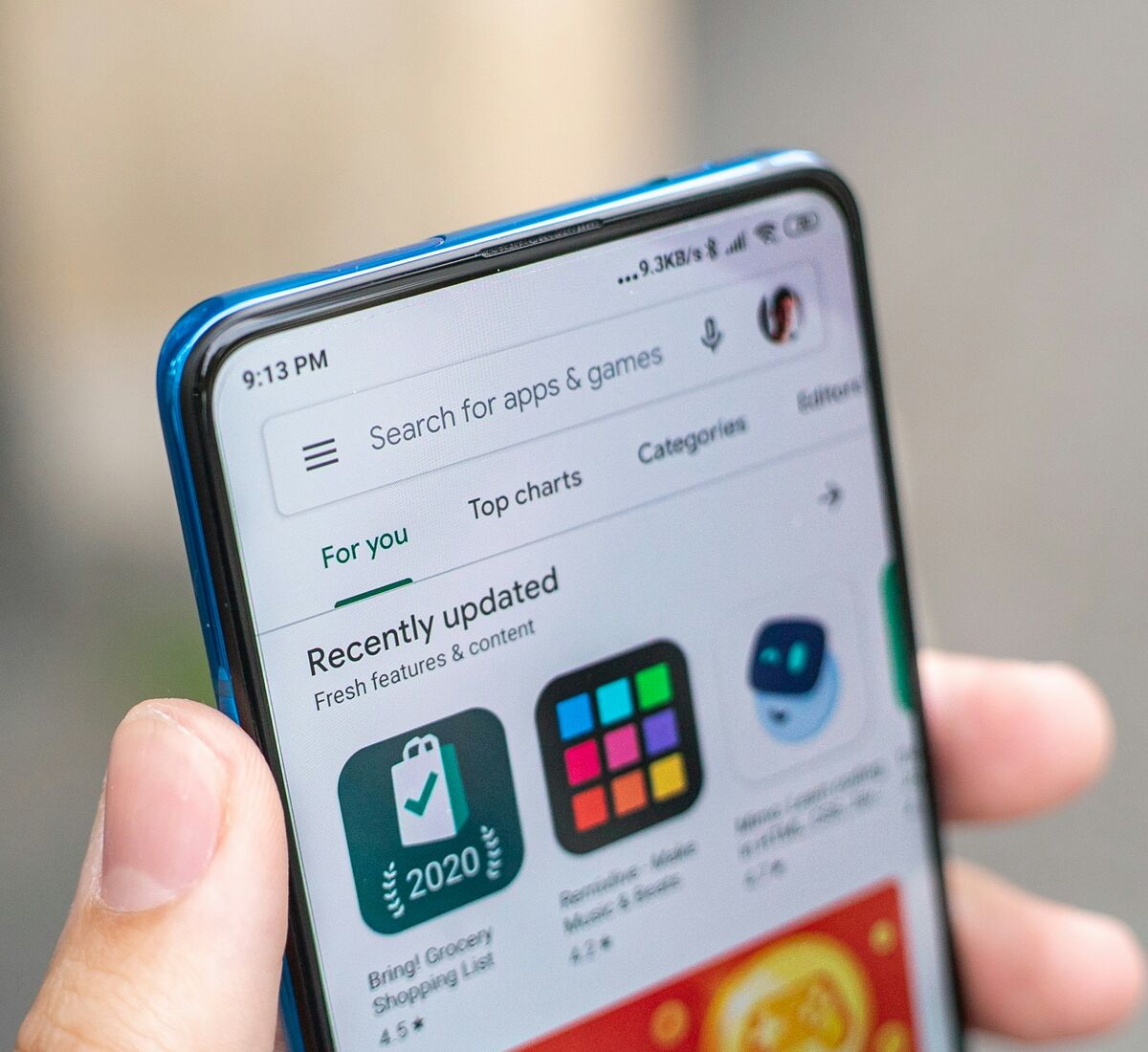
Search, explore and referrals reach the same listing by different roads. The road that emptied is the one to fix. Photo: Mika Baumeister / Unsplash
Step 3: Match the date to a change
Write down the first full day of the drop, then line it up with everything that changed in the two weeks before:
- Your releases. A new version, a crash that shipped with it, a raised minimum OS version, a changed target SDK.
- Your listing. Name, subtitle, keywords, short description, screenshots, icon, category, price, in-app purchase prices.
- Your availability. Countries removed, devices excluded in Play's device catalog, an age rating change.
- Your promotion. An Apple Ads or Google App campaign paused or out of budget, a featuring slot or In-App Event that ended, a newsletter or launch post that stopped sending traffic.
- The platform. Deadlines like the target API cutoff, new ad slots, store-wide ranking changes. Our posts on App Store search changes in 2026 and Google Play ASO in 2026 list this year's.
If you do not keep a change log, start one today. A plain file with a date and one line per change turns the next drop into a five-minute lookup.
Causes that only happen on Google Play
Your target API level is too low
Since August 31, 2026, existing apps must target API level 35 or higher, and apps that got an extension had until November 1. Below that, the app stops being discoverable to people on newer Android versions, while existing users keep it. Because newer Android versions are what new phones ship with, this drop grows over time.
Check the target SDK of your live release in App bundle explorer. New releases now need API level 36, so fixing this means a real migration, not a version bump; our target API 36 guide covers what breaks.
Android vitals crossed a bad behavior threshold
Google's Android vitals overview is direct: "If your app or game exceeds a bad behavior threshold, Play may reduce the visibility of your title. Play may also show users a warning on your store listing." The current thresholds:
| Core vital | Overall | Per phone model |
|---|---|---|
| User-perceived crash rate | 1.09% | 8% |
| User-perceived ANR rate | 0.47% | 8% |
| Excessive partial wake locks | 5% | none |
Play uses a 28-day average, checked daily, so a bad release can lower visibility for weeks after you fix it. Google also says apps over the thresholds for memory usage, bitmap memory usage or code optimization "may see store visibility impact starting from February 2027", so check those now while there is no penalty. Our guides to the ANR rate and enabling R8 cover the two most common fixes.
A per-device threshold matters more than it looks. If one popular phone model is over 8%, people on that model can see a warning even when your overall rate is fine.
Policy, availability or the device catalog
Check the Inbox and Policy status in Play Console for warnings, and Device catalog for excluded devices after a release. A new release that raised minSdk or added a hardware feature requirement can quietly exclude devices that used to install you.
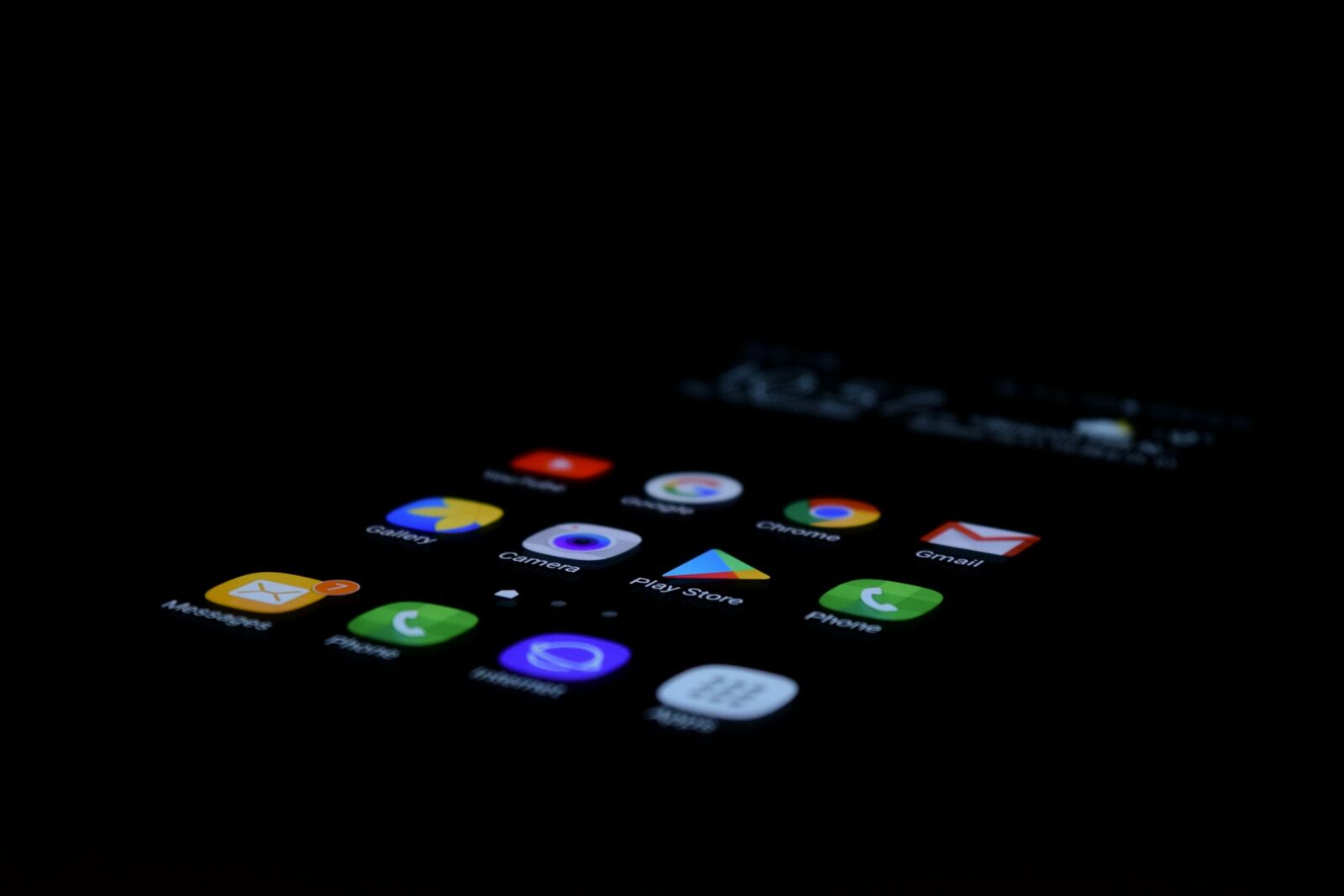
A store-side gate removes you from some phones entirely. Your existing users see nothing wrong, which is why it goes unnoticed. Photo: Pathum Danthanarayana / Unsplash
Causes that only happen on the App Store
Keyword rank after a metadata change. Changing the name, subtitle or keyword field resets which searches you rank for. If App Store search impressions fell after a release that carried new metadata, the new words are the likeliest cause. Check your positions with our App Store keyword ranking guide, and roll back the one field that changed if the old words were earning more.
A second ad above you. Since March 3, 2026, Apple can show a second Apple Ads slot inside search results, so your organic position can be unchanged while fewer people scroll to it. Impressions steady and conversion down on your main keywords, with no change on your side, fits this pattern.
Featuring or a chart ended. A drop in App Store browse is normal when a Today story, a collection or a chart position ends. See how App Store top charts work to tell a chart drop from a featuring drop.
A custom product page is winning your searches. Custom product pages can rank for their own keywords. If you added one, the downloads may have moved there rather than disappeared: filter by product page before you conclude anything.
If your app does not appear for its own name at all, that is an indexing or availability problem rather than a drop; our guide to an app not showing in App Store search walks through it.
Causes on both stores
- Your rating fell. A bad release brings one-star reviews, and the rating next to your name in search results falls with it. Reply to the reviews that describe a bug once it is fixed, using the templates in how to respond to app reviews, and ask happy users for a rating with the official prompts.
- A competitor moved. A new app, a rival's price cut or a big rival's redesign can take search clicks. Search your main keywords on a clean device and look at who is now above you.
- Your price or paywall changed. A higher price or an earlier paywall lowers conversion at the product page and, over time, the ratings that feed search.
- A referral source dried up. If the drop is only in referrers, find the link. Tagged store links, App Store campaign links and Play UTM parameters, set up as in our free app promotion playbook, make this a lookup instead of a guess.
The 30-minute diagnosis
| Symptom | Likely cause | Where to check | First fix |
|---|---|---|---|
| Drop only in today's numbers | Partial day or time zone | Same tool, full UTC days | Wait for three full days |
| Play: every source down, older target SDK | Target API below 35 | App bundle explorer | Migrate and ship a release targeting 36 |
| Play: every source down, vitals red | Bad behavior threshold | Android vitals overview | Fix the top crash or ANR cluster |
| Play: some devices gone | Device catalog exclusion | Device catalog, release notes | Revert the minSdk or feature change |
| Search impressions down after a release | New metadata lost keywords | Keyword positions, release history | Restore the field that changed |
| Search conversion down, no change by you | Ads or a stronger result above you | Search results on a clean device | Improve screenshots, test with A/B testing |
| App Store browse down | Featuring or chart ended | Featuring history, charts | Plan the next nomination |
| Play explore down, branded search steady | Lost generic keywords or recommendations | Search term dimension in conversion analysis | Revisit listing text and vitals |
| Referrals down | A link or campaign stopped | Referrer and UTM breakdown | Replace the channel |
| All sources down, rating falling | A bad release | Ratings and reviews, crash reports | Fix, reply, prompt satisfied users |
How to recover without making it worse
- Fix the cause you found, and only that. If you change your icon, subtitle and price in the same week, you will not know what worked.
- Ship store-side fixes fast. Target API, crashes and device exclusions need a release; listing text can change with or without one, depending on the store and field.
- Give it a week. Search positions, Play's 28-day vitals average and conversion all lag. Judge on weekly totals.
- Replace lost traffic on purpose. If the drop was a channel that ended, such as a feature or a launch post, it will not come back on its own. Paid channels can fill the gap, but only up to what an install is worth to you; our cost per install guide shows how to work that number out first.
- Do not reset your rating to escape a bad week. It removes your good ratings too. Read should you reset your App Store rating before you consider it.
Your app downloads drop checklist
- Compared full UTC days, the same weekdays, and the same metric throughout.
- Checked whether a reporting change (Play's unique clicks in June 2026) explains the gap.
- Split downloads by traffic source on both stores.
- Lined up the drop's first day with releases, listing edits, prices, campaigns and platform deadlines.
- Google Play: live release targets API level 35 or higher; new releases target 36.
- Google Play: crash rate under 1.09%, ANR rate under 0.47%, wake locks under 5%, and no phone model over 8%.
- Google Play: no policy warnings and no unexpected device catalog exclusions.
- App Store: keyword positions checked after the last metadata change.
- Rating trend and recent reviews read for a release problem.
- One fix shipped, with a date in the change log and a review a week later.
Do not depend on one source of downloads
Most sudden drops hurt because one source carried the app: a keyword, a chart or a single feature. Spreading discovery across several sources makes the next drop smaller. Outside the stores, you can list your App Store or Google Play app on the AppRanker leaderboard, where position is a plain sort on what each listing has paid and nothing decays over time, and our guide to where to submit your app covers directories and launch sites worth a tracked link.
FAQ
Why did my app downloads drop suddenly?
The most common causes are a lost keyword ranking after a metadata change, the end of a featuring slot or chart position, a referral source that stopped, a falling rating after a bad release, and store-side gates on Google Play such as a low target API level or Android vitals above the bad behavior thresholds. Splitting downloads by traffic source tells you which one it is.
Why did my Google Play installs drop after November 1, 2026?
If your app got an extension for the target API requirement, it had until November 1, 2026 to target Android 15 (API level 35) or higher. Below that, Google says the app stops being discoverable to users on newer Android versions. Existing users keep it, so only new installs fall.
Can crashes and ANRs lower my Google Play ranking?
Yes. Google says that if your app exceeds a bad behavior threshold, such as a 1.09% user-perceived crash rate or a 0.47% user-perceived ANR rate, Play may reduce its visibility and show a warning on your store listing. Play uses a 28-day average, so recovery takes time after the fix.
Does updating my app reset its ranking?
Neither store says an update resets ranking. What an update can change is the metadata, size, requirements and stability that ranking and conversion depend on, so check what the release changed before blaming the update itself.
How long does it take for downloads to recover?
It depends on the cause. A restored keyword or a fixed referral link can recover within days. A Google Play vitals problem follows the 28-day average, and a target API fix needs a new release first. Judge recovery on weekly totals, not daily ones.
Are my App Store numbers late or wrong?
App Store Connect analytics is based on UTC and Sales and Trends can show Pacific Time, so totals for the same day can differ. Apple also says some transactions are reported on different dates in the two systems. Compare full days in one tool before deciding that downloads fell.
Image credits
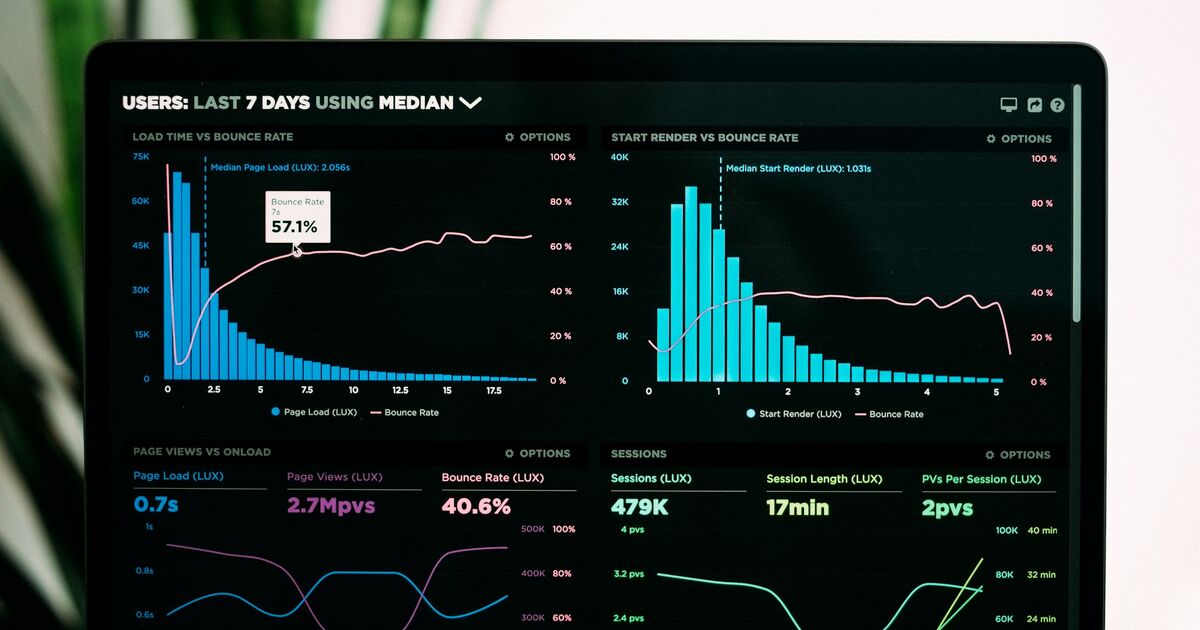
- Cover, analytics dashboard on a laptop screen: photo by Luke Chesser on Unsplash, Unsplash License. Cropped to 1200x630.
- Google Play Store on an Android phone: photo by Mika Baumeister on Unsplash, Unsplash License. Cropped.
- Android phone with app icons in the dark: photo by Pathum Danthanarayana on Unsplash, Unsplash License. Resized.