- ASO
- App Store
- iOS
App Store Connect analytics: how to see where your downloads come from and whether your ASO is working
App Store Connect analytics explained: impressions, conversion rate, source types, campaign links and peer benchmarks, and how to tell if your ASO is working.
AppRanker team10 min read
On this page
App Store Connect analytics is the only place that tells you, with Apple's own data, how people find your iOS app and how many of them download it. It is also the dashboard most indie developers open, glance at the download count, and close. That leaves the useful part unread: where those downloads came from, how often your app was seen, and whether a change to your listing actually moved anything.
The tool also changed a lot this year. On March 25, 2026, Apple announced that "Analytics in App Store Connect receives its biggest update since its launch", with more than 100 new metrics, cohorts, peer group benchmarks and a new Analytics guide. This post walks through the parts that matter for visibility and growth: the acquisition funnel, source types, campaign links and benchmarks, and a simple weekly routine to tell whether your App Store optimization is working.
Key takeaways
- Conversion rate in App Store Connect is total downloads and pre-orders divided by unique device impressions.
- Filter by Source type to separate App Store search from browse, app referrers and web referrers. Search includes downloads from Apple Ads.
- Search impressions falling with a steady conversion rate usually means lost keyword rank; steady impressions with falling conversion points at the product page.
- Peer group benchmarks now show where your conversion rate and retention sit against similar apps, at the 25th, 50th and 75th percentiles.
What changed in App Store Connect analytics in 2026
According to Apple's March 2026 announcement, the update added:
- More than 100 new metrics, including monetization and subscription data for In-App Purchases and offers.
- Cohorts that group users by attributes "such as download date, download source, offer start date, and more", so you can see how a group performs over time.
- Peer group benchmarks, including two new monetization benchmarks: download-to-paid conversion and proceeds per download.
- Two new subscription reports in the Analytics Reports API.
- Up to seven filters at once on any metric.
- The App Store Analytics Guide, a new section of App Store Connect Help.
Since then, the fall 2026 release added new product page headers, search result assets and a preview tool to App Store Connect. If you plan to use them, measure your baseline now, so you can tell later whether they helped. Our post on App Store search in 2026 covers those assets.
Where to find App Store Connect analytics, and why some numbers are missing
In App Store Connect, open Apps, select your app, and click the Analytics tab. Apple's dashboard guide lists the sections: Overview, Sources, Product Pages, In-App Events, Campaigns, Sales, Subscriptions, Cohorts, Offers, Retention, Benchmarks and Metrics. Viewing them requires the Account Holder, Admin, Finance or Sales role.
If a chart is empty, it is usually a privacy threshold rather than a bug. Apple's metric definitions say App Store metrics are "available once you have at least five first-time downloads or pre-orders", and usage metrics need at least five active devices in the date range. Usage data also only comes from people who opted in to share analytics with developers, and Analytics "doesn't include data from watchOS".
The acquisition funnel: from impression to download
Four metrics describe how people move from seeing your app to installing it. These are Apple's definitions:
| Metric | What it counts |
|---|---|
| Impressions | Times your app was viewed on the Today, Games, Apps and Search tabs "for more than one second". Includes product page views. |
| Impressions (Unique Devices) | Unique devices that viewed your app in those places. |
| Product Page Views (Unique Devices) | Unique devices that viewed your product page, including pages loaded inside other apps with StoreKit. |
| Total Downloads | First-time downloads plus redownloads. Auto-updates, iCloud restores and automatic downloads to other devices are not counted. |
| Conversion Rate | "Total downloads and pre-orders divided by unique device impressions." |
Two details trip people up. Conversion rate uses impressions, not product page views, as its denominator. A search result that shows your screenshots and gets a tap on Get converts without a page view. And a pre-order counts toward conversion once; it is not counted again when the app downloads.
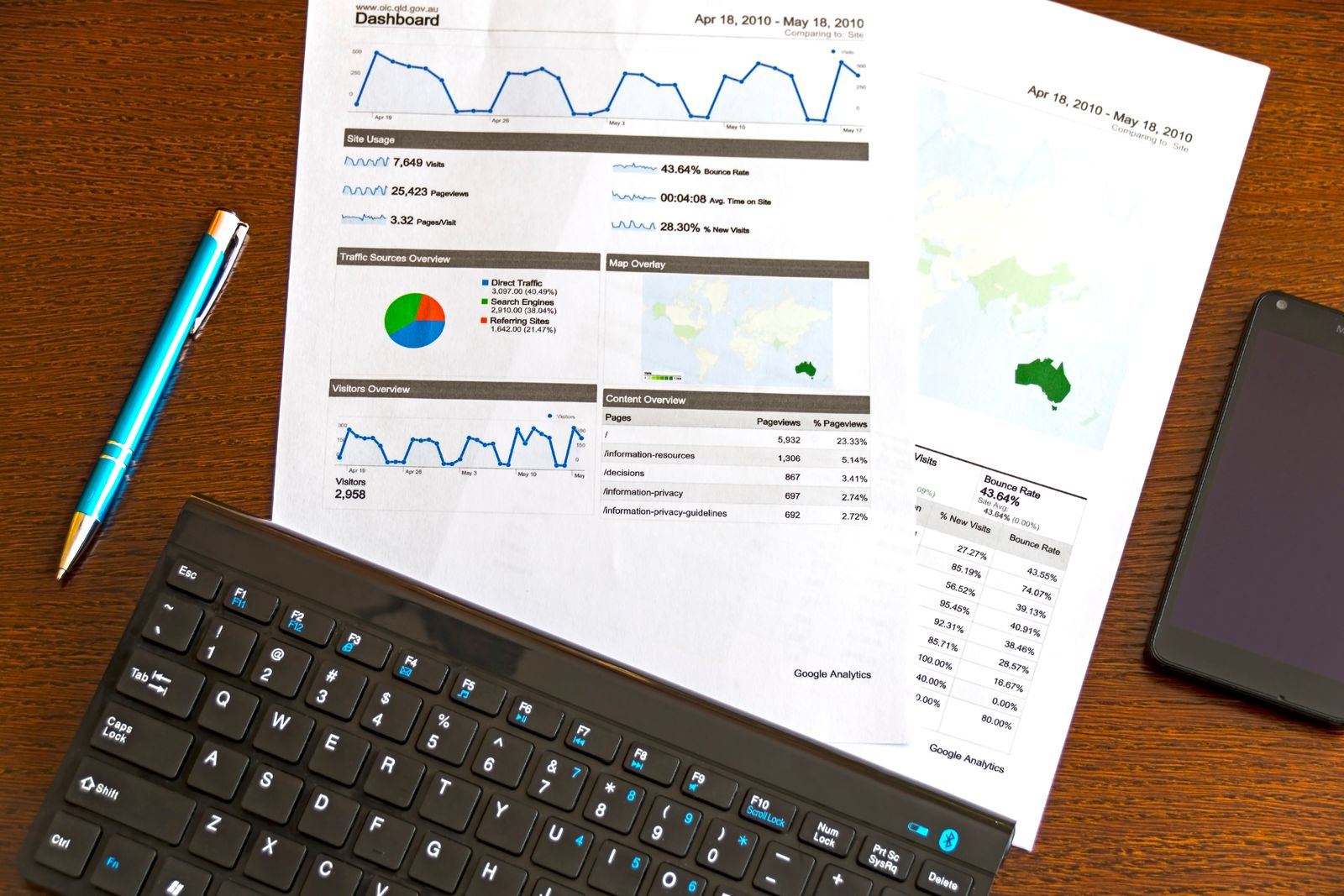
Impressions, page views, downloads and conversion: read them together, never one at a time. Photo: AS Photography / Pexels
Source types: where your downloads come from
Open Acquisition > Sources to see the same funnel split by where people came from. Apple's acquisition guide defines each source:
| Source type | What it means |
|---|---|
| App Store search | Views and downloads from App Store search. "Includes views and downloads from ads that appear in App Store search results." |
| App Store browse | Views or downloads while browsing the store, "for example, in the Today, Games, or Apps sections". |
| App referrer | A link in another app, including apps that load your page with StoreKit and Apple apps such as Messages, but not Safari. |
| Web referrer | A link on a website, opened in Safari. With redirects, the referrer is "the last URL in the chain". |
| App Clip | A link in your App Clip. |
| Institutional purchase | Downloads through Apple Business Manager or Apple School Manager. |
| Unavailable | Downloads before April 15, 2017, or via gift cards, promo codes or device management software. |
Three notes make this table more useful:
- Chrome counts as an app. On iOS, taps from non-Safari browsers such as Chrome "are attributed as that web browser app in app referrers", not as web referrers. A blog post that sends you traffic may show up under both.
- Search includes your ads. If you run Apple Search Ads, separate paid from organic in Apple Ads reporting before you judge your organic rank by the search line.
- Sources reset on redownload. When someone manually redownloads your app, later sales and usage are attributed to the new source.
How to tell if your ASO is working
App Store Connect does not show your keyword rankings or the search terms people used. Our guide to free ASO keyword research covers where to get that data. What App Store Connect does show is the effect of your ranking: how often your app is seen in search, and how often a search view becomes a download.
Use this routine after any metadata change, such as a new subtitle, keywords or screenshots:
- In Metrics, choose Impressions (Unique Devices) and add the filter Source type: App Store search.
- Set the date range to four weeks before and four weeks after the release that carried the change. App Store Connect shows weekly trends more clearly than daily ones.
- Add a second metric, Conversion Rate, with the same filter.
- Repeat for your main territories, since rank and language differ by storefront.
- Read the result with the table below.
| What you see in search | Likely cause | What to do |
|---|---|---|
| Impressions down, conversion steady | You lost rank for some keywords, or a competitor or ad moved above you | Check the queries you target; see why an app stops showing in App Store search. |
| Impressions steady, conversion down | Your result or product page persuades fewer people: screenshots, rating, price or a stronger neighbour | Test the page with product page optimization. |
| Impressions up, conversion down | You now rank for broader, less relevant queries | Normal after adding general keywords; watch whether total downloads rose. |
| Browse impressions jump | You were featured or climbed a chart | See how App Store top charts work and plan for it to end. |
Repeat the same filter with Product Pages if you use custom product pages. Since Apple allowed keywords to be assigned to custom product pages, a custom page can win searches that your default page used to get.
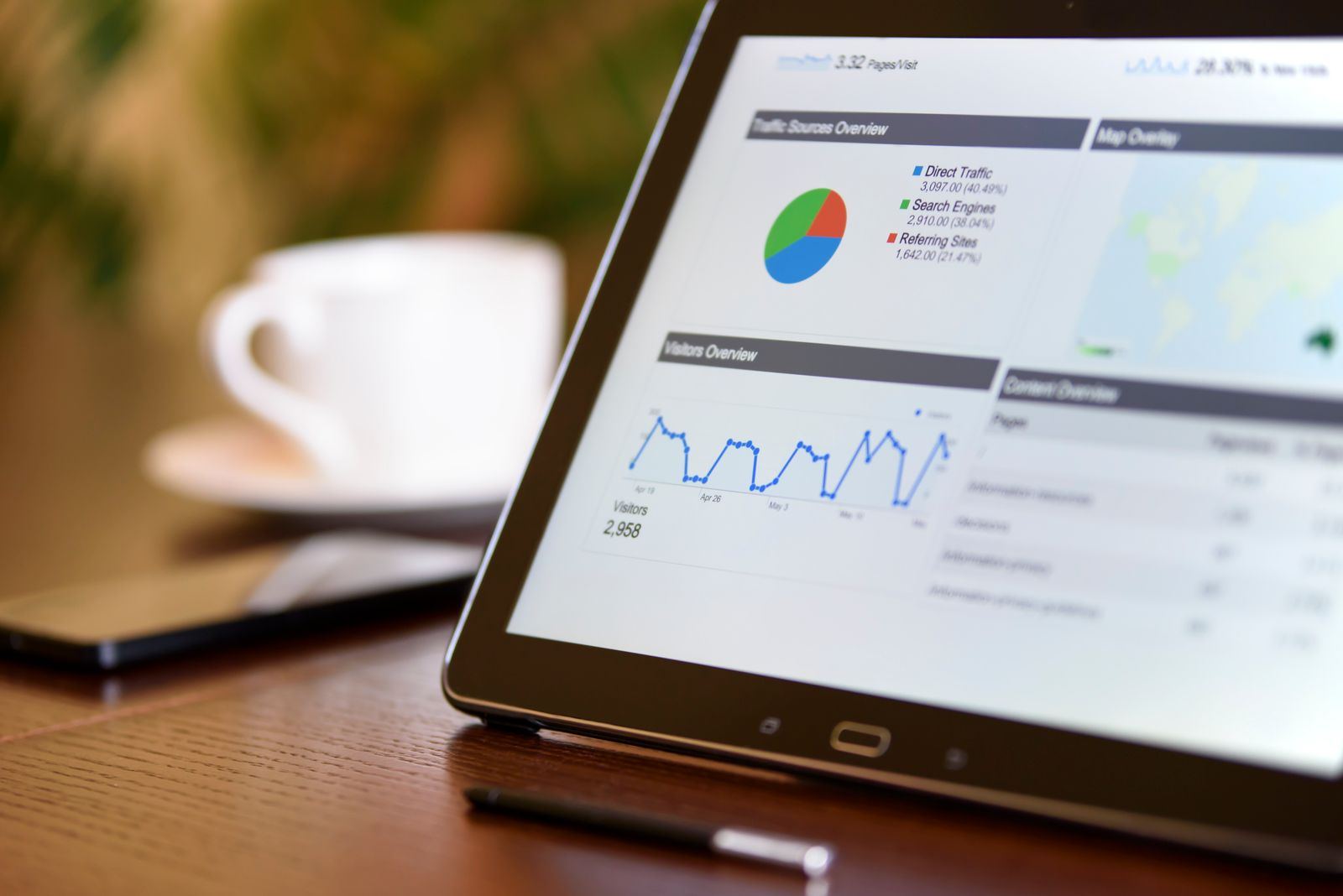
The source split is where ASO shows up: search for keywords, browse for featuring and charts, referrers for everything you promote yourself. Photo: AS Photography / Pexels
Track every link you share with campaign links
Anything you promote outside the App Store shows up as an app or web referrer, which tells you the site but not the post, email or campaign. Campaign links fill that gap. Apple's campaign links guide explains the setup:
- Open Analytics > Acquisition > Campaigns and click the add button (+).
- Enter a campaign name. It becomes your campaign token: up to 30 characters.
- Copy the link. It looks like this:
https://apps.apple.com/app/apple-store/id123456789?pt=123456&ct=launch-week&mt=8
The pt provider token identifies your developer account and stays the same for every campaign; only ct changes. You can also pass both tokens in a Smart App Banner, or to SKStoreProductViewController when you cross-promote from another app:
let parameters: [String: Any] = [
    SKStoreProductParameterITunesItemIdentifier: 123456789,
    SKStoreProductParameterCampaignToken: "launch-week",
    SKStoreProductParameterProviderToken: "123456"
]
Know the limits before launch day. You cannot create a campaign link until your app has analytics data, so a new app has to wait until it has been live and getting downloads for at least 24 hours. Campaign metrics only appear once they reach a threshold of 5, a download counts if it happens within 24 hours of the tap, and if someone taps more than one campaign link, the most recent one gets the credit. Our guide on how to promote your app for free covers the Google Play side, where the same job is done with UTM parameters.
Is your conversion rate good? Use peer group benchmarks
The most common analytics question, "is this number good?", now has an answer inside App Store Connect. Under Benchmarks, Apple's benchmark guide compares your conversion rate, Day 1, 7 and 28 retention, crash rate and monetization metrics with a peer group of similar apps, and shows the 25th, 50th and 75th percentile values.
- The default peer group is your primary category and business model. Click the peer group name to switch to a subcategory or secondary category.
- View Trends shows 26 weeks against a percentile line, and you can narrow the peer group by download volume.
- Apple uses differential privacy and adds noise, so treat benchmarks as "directional insight, not an exact ranking."
If your conversion rate sits below the 25th percentile of your peer group, work on the product page before spending on traffic. If it sits above the 75th, the bottleneck is visibility, and more impressions are worth paying for.
Judge sources by what users do after the install
Downloads are not all equal. With cohorts, you can group users by download source and compare what they do next: Day 1, Day 7 and Day 35 download-to-paid conversion, retention and proceeds. A source that brings fewer downloads but twice the paying users deserves more of your time. For bulk analysis, the same data is available through the Analytics Reports API in the App Store Connect API.
A weekly App Store Connect analytics routine
- Overview: anything unusual in downloads, conversion rate or crashes this week?
- Sources: search, browse, app referrer and web referrer impressions compared with the previous four weeks.
- Search filter: impressions and conversion rate for your top three territories.
- Web referrers: which sites sent visitors, and which of them convert.
- Campaigns: downloads per campaign token for anything you promoted.
- Benchmarks: conversion rate and Day 7 retention against your peer group.
- One note of what changed in your listing this week, so next month's numbers have a cause next to them.
More impressions from outside the App Store
Analytics shows where your traffic comes from; it does not create any. If your search line is flat, the web referrer and campaign lines are the ones you control directly. On AppRanker, every app on the leaderboard links straight to its App Store page, so visitors arrive as a web referrer you can see in Sources, and an app's rank is a plain sort on what each listing has paid. To see what a place on the board costs today, paste your App Store link on the AppRanker home page. If you are on Google Play as well, our post on how long Google Play review takes covers the Android side of shipping the listing changes you measure here.
FAQ
Why is my App Store Connect analytics data empty?
Apple only shows App Store metrics once an app has at least five first-time downloads or pre-orders in the selected range, and usage metrics need at least five active devices. Usage data also comes only from users who opted in to share analytics. Widen the date range or wait for more data.
Does App Store search in App Store Connect include Apple Ads downloads?
Yes. Apple's definition of the App Store search source "includes views and downloads from ads that appear in App Store search results." Use Apple Ads reporting to separate paid installs from organic ones.
Can I see which keywords people searched in App Store Connect?
No. App Store Connect shows App Store search as a source, with impressions, page views and downloads, but not the search terms. Apple Ads search terms reports and search popularity scores are the closest first-party sources.
What is a good conversion rate on the App Store?
It depends on your category, price and business model, which is why Apple added peer group benchmarks. Compare your conversion rate with the 25th, 50th and 75th percentiles of your peer group under Benchmarks, rather than with a single industry figure.
Why don't I see data for my campaign link?
Campaigns appear at least 24 hours after launch, and each metric needs a minimum of 5 in the selected date range. Check that the link includes both the pt provider token and the ct campaign token, and widen the date range.
Image credits
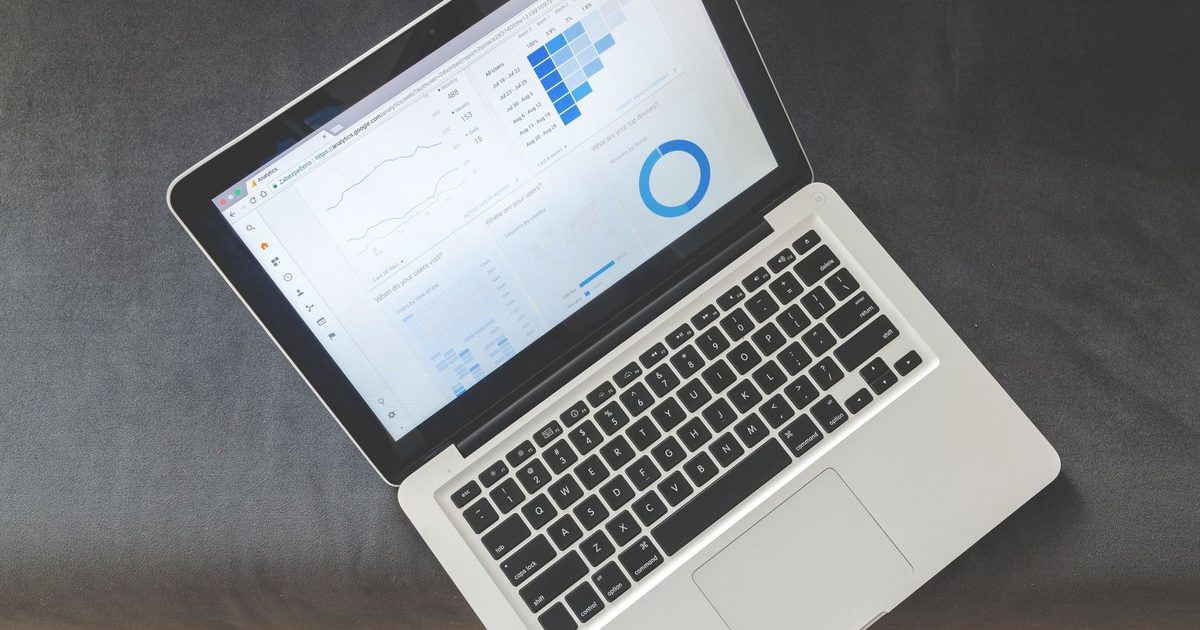
- Cover, laptop showing an analytics dashboard: photo by Lukas Blazek on Pexels, Pexels License. Cropped to 1200x630.
- Printed analytics report on a desk: photo by AS Photography on Pexels, Pexels License. Resized.
- Tablet showing a traffic sources chart: photo by AS Photography on Pexels, Pexels License. Resized.