- App promotion
- ASO
- App Store
Holiday app marketing for 2026: an App Store and Google Play plan from now to New Year
Holiday app marketing for 2026: submit-by dates, App Store creative assets, In-App Events, Play promotional content, sales, offer codes and review slowdowns.
AppRanker team11 min read
On this page
Holiday app marketing is mostly a calendar problem. The weeks from late November to New Year are when people unwrap new phones, redeem gift cards and look for apps to fill them, and almost every tool that gets your app seen in that window has a lead time: featuring nominations want weeks of notice, In-App Events can only be promoted two weeks before they start, Google Play reviews promotional content before it goes live, and App Review has warned in past years that reviews slow down around Christmas.
This year there is one more reason to start in October. On October 5, 2026, Apple introduced new creative assets for product page headers and search results, an Asset Library that lets you get images approved before you need them, and a preview tool in App Store Connect. This guide turns all of that into a plan for the App Store and Google Play, with dates, limits and a checklist. Every rule comes from Apple's and Google's documentation, linked throughout.
Key takeaways
- Ship your holiday app update by early December. In 2024, Apple warned that "reviews may take longer to complete from December 20-26."
- The new App Store creative assets can be submitted on their own through the Asset Library and approved ahead of a seasonal campaign. They show on iOS 27 and iPadOS 27 or later.
- Promotional text (170 characters), In-App Events and custom product pages can all change without a new app version.
- On Google Play, submit promotional content at least four days before it starts, and remember that sales are for paid apps only, last 1 to 14 days and need 30 days between them.
- For In-App Purchases and subscriptions, a holiday discount on iOS now means offer codes, since promo codes for In-App Purchases ended in March 2026.
Why the holidays matter for app installs
The spike is real and it is driven by hardware. When Sensor Tower estimated Christmas Day 2019 spending at about $277 million across the App Store and Google Play, 9to5Mac reported the explanation: "consumers receiving new devices and gift cards." A new phone starts with an empty home screen, and its owner spends the first days searching the stores, browsing the Today and Apps tabs, and asking friends what to install.
For a small app, that is both an opportunity and a trap. Search volume rises, but so does competition for every slot, including the paid ones. The apps that do well usually did their work in October and November, so that their product page, events and offers were approved and live before the rush.
Your holiday app marketing calendar
Work backwards from the dates that cannot move:
| When | What to do | Why |
|---|---|---|
| Now, mid-October | Submit a featuring nomination for any holiday launch, update or event | Apple asks for "a minimum of two weeks notice" and recommends "up to three months in advance" (getting featured) |
| Late October | Design and submit creative assets and seasonal screenshots through the Asset Library | Standalone submissions can be approved before you use them |
| Early to mid-November | Submit In-App Events for December | An event can be promoted up to 14 days before it starts and last up to 31 days (In-App Events) |
| Mid-November | Create offer codes and Google Play promo codes | Codes can take hours or days to work; test before sending |
| By early December | Ship the holiday app version | Review volume rises toward Christmas |
| At least 4 days before each Play event | Submit Google Play promotional content | Google says submit "at least four days before the start date" |
| December 20 onwards | Change only what does not need a new build: promotional text, events, prices | Avoid depending on a fast review |
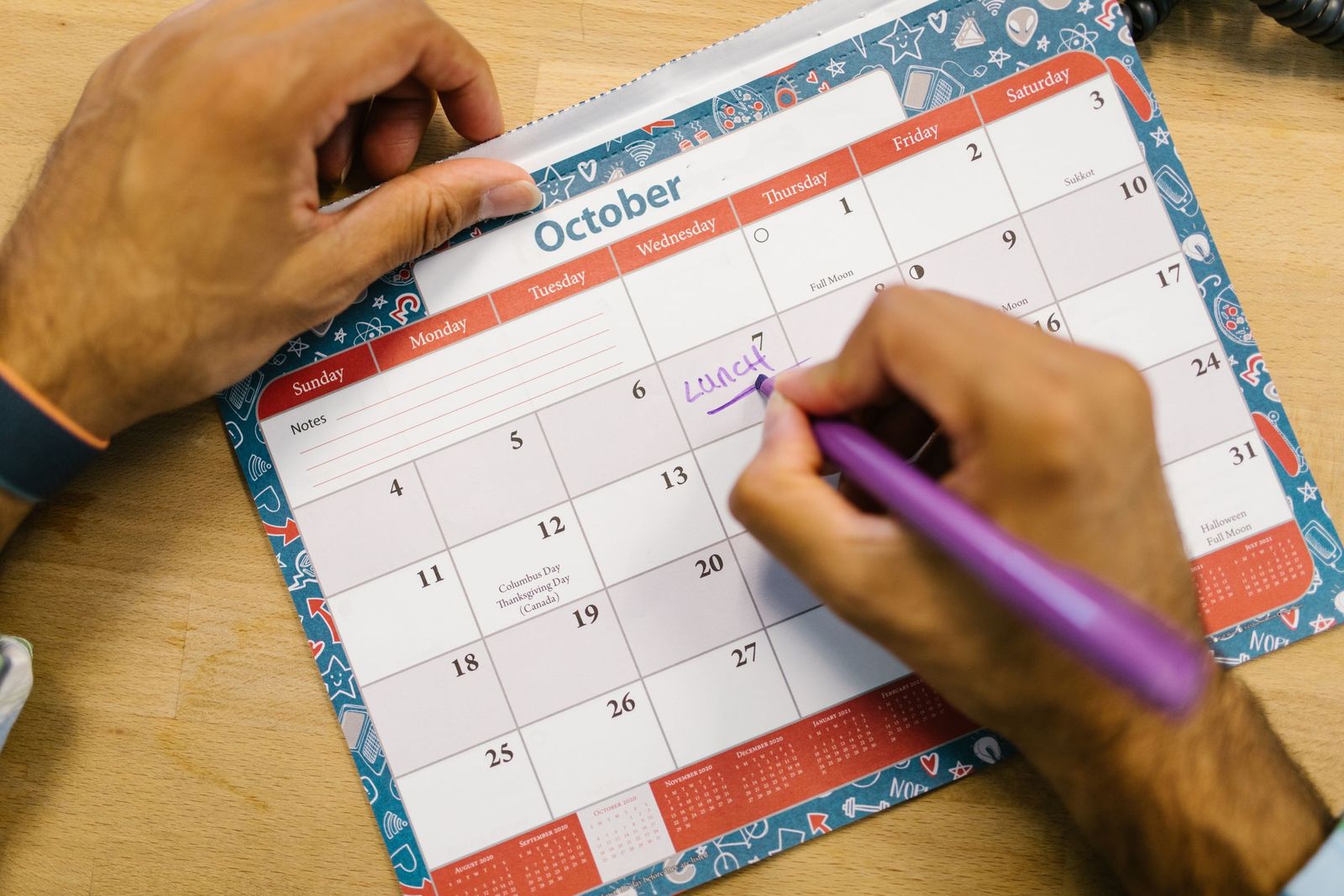
Most holiday deadlines fall in October and November, long before the holidays start. Photo: RDNE Stock project / Pexels
Step 1: Ship the holiday build early
App Review keeps working through the holidays, but it gets busier. Apple's December 2024 notice, Get your apps and games ready for the holidays, said: "App Review will continue to accept submissions throughout the holiday season. Please plan to submit time-sensitive submissions early, as we anticipate high volume and reviews may take longer to complete from December 20-26." Apple's developer news page has no equivalent notice for 2025, so check it again in late November for this year's dates.
Google Play does not publish a holiday schedule, but Play Console's publishing overview shows what is in review, and our guides on how long Google Play review takes and how long App Store review takes cover what to do when a submission sits.
Two habits lower the risk:
- Use phased or staged rollouts so a bad holiday build reaches a fraction of users before you can fix it.
- Separate what needs a build from what does not. Since October 2025, Apple lets you send some items to App Review on their own while a version is in review: Apple's announcement lists In-App Events "in a separate submission if you have an app version under review" and a version "to address a critical bug that's separate from any existing custom product pages under review."
Step 2: Refresh your App Store product page for the holidays
You do not need a new app version to make the App Store page feel seasonal.
Promotional text. Apple's product page guide says it "appears at the top of the description and is up to 170 characters long", and "you can update promotional text at any time without having to submit a new version of your app." Use it for a holiday offer or a new seasonal feature. It "doesn't affect your app's search ranking", so do not fill it with keywords.
Creative assets and the Asset Library. The new assets are images and videos for your product page header and for search results, shown on devices running iOS 27 or iPadOS 27 or later. Apple's Asset Library help says you can "upload and submit images and videos on their own, independent of an app version", and that standalone assets "are reviewed against your app's latest version." That is exactly what a holiday campaign needs: get the December artwork approved in November, then switch it on when you are ready. The specs, from Apple's creative assets reference:
| Placement | Image | Video |
|---|---|---|
| Product page header | 21:9, 3840 x 1646 px (JPEG or PNG) | 21:9, 3840 x 1646 px, 5 to 30 seconds, 30 or 60 fps |
| Search results | 3:2, 1920 x 1280 to 3840 x 2560 px | 3:2, same sizes, 5 to 30 seconds |
Images cannot use transparency, and videos loop and start muted. Use the new Preview in the Asset Library to check the result on iPhone and iPad, in both orientations and in Dark Mode, before you submit. Our post on App Store search changes in 2026 covers how these assets sit in search results.
Custom product pages. You can publish up to 70, and Apple says their metadata can be submitted for review "independent of an app update." Apple's own custom product page guide suggests highlighting "seasonal or culturally relevant content." A holiday page with gift-themed screenshots works well as the landing page for ads, emails and social posts, and since October 2025 you can assign keywords so it can appear in search for those terms. If you need new screenshots, our App Store screenshot sizes guide lists every size.
Step 3: Use In-App Events for holiday content
If your app has anything time-based, such as a holiday challenge, a seasonal content drop or a year-end recap, an In-App Event puts a card on your product page and in search results, and can be picked for the Today, Games and Apps tabs. Apple's limits: up to 10 events published at a time, events up to 31 days long, and promotion up to 14 days before the start. Choose the badge that fits, such as Challenge, New Season, Major Update or Special Event, and do not put prices in the event metadata, which Apple rejects.
Plan two events, one for the run-up and one for the week after Christmas, when new device owners are exploring. Our guide on how to get featured on the App Store explains how events and featuring nominations work together.
Step 4: Google Play promotional content for the holidays
Google Play's equivalent is promotional content, available to all games and to apps that meet Google's premium growth tools criteria. Google's promotional content help says to submit "at least four days before the start date", that review typically takes under 24 hours, and that content meeting its guidelines shows on your app's details page and can also appear in the Apps, Games and Offers tabs.
If you are not eligible, update your Play store listing's short description and feature graphic for the season instead, and keep the listing accurate: Google's AI discovery features read it, as our guide on getting recommended in Gemini and Ask Play explains.
Step 5: Run a holiday price promotion
Paid apps on the App Store. App Store Connect supports a temporary price change: under Pricing and Availability, add a Temporary Price Change with a start and end date, choose the storefronts and the price, and the price returns to normal afterwards. Apple's example is "a promotional price for a month." Mention the sale in your promotional text so people know it ends.
Paid apps on Google Play. Google's sales help sets firm rules: sales are only for paid apps, not subscriptions or in-app products; the sale price must be at least 10% off; a sale runs for 1 to 14 days; and there must be 30 days between the end of one sale and the start of the next. A $0 sale is allowed, but the app leaves the paid top charts while it is free. In Belgium, Croatia, the Czech Republic, Denmark, Estonia, France, Greece, Hungary, Latvia, the Netherlands, Poland, Sweden and the UK, buyers see only the sale price, without a strikethrough.
In-App Purchases and subscriptions. On iOS, use offer codes, which now work for every In-App Purchase type, with custom codes that can serve as a single holiday code. Our guide to App Store offer codes covers creating them, redemption links and the StoreKit code. On Google Play, promo codes give free trials of 3 to 90 days for subscriptions, or a free one-time product.

New phones and gift cards are what drive the Christmas spike in installs and spending. Photo: RDNE Stock project / Pexels
Step 6: Get ready for the Christmas Day install wave
A new device owner who installs your app on December 25 is deciding in the first session whether to keep it. Before the holidays:
- Test the first-run experience on the newest hardware and OS. A crash on a brand-new phone is the worst first impression and the easiest one-star review.
- Make the free path useful. People with fresh gift cards will pay, but only after the app has shown its value.
- Time your rating prompt for after a success, not at first launch. Holiday installers who rate you well help the next wave convert.
- Reply to reviews quickly. Our guide on how to respond to app reviews has templates for the bug reports a busy week brings.
- Decide on ad spend in advance. If you run Apple Ads, set a holiday budget and keyword list in November, not on Christmas Eve. Our guide to Apple Search Ads on a small budget helps you keep costs under control.
Step 7: Keep your app visible outside the stores
Store features are competitive in December, so do not rely on them alone. Gift guides, newsletters and communities all publish holiday lists, and our list of where to submit your app covers the directories and launch sites worth your time. You can also put your App Store or Google Play listing on a public leaderboard: AppRanker is an Outbid alternative for mobile apps and browser extensions, a pay-to-rank board where the order is a plain sort on what each listing has paid, with no review queue and no algorithm in between, and every row links straight to your store page. It is visibility you control while the store's own slots fill up.
Holiday app marketing checklist
- Featuring nomination submitted for any holiday launch, update or event.
- Holiday creative assets and screenshots uploaded and approved in the Asset Library.
- Assets checked in the App Store Connect preview, in Dark Mode and on iPad.
- Promotional text written for the season, ready to switch on.
- A holiday custom product page for ads and email.
- In-App Events submitted, set to promote 14 days before they start.
- Google Play promotional content submitted at least four days ahead.
- Price promotion scheduled: temporary price change on iOS, sale on Google Play.
- Offer codes and Google Play promo codes created and tested.
- Holiday app version live by early December, with a staged rollout.
- First-run experience tested on the newest devices.
FAQ
When should I submit my app update before Christmas?
By early December. In 2024, Apple said "reviews may take longer to complete from December 20-26", and submissions get busier in the weeks before. Leave time for a rejection and a resubmission.
Does App Store review stop over the holidays?
No. Apple has said App Review "will continue to accept submissions throughout the holiday season", but warned that reviews may take longer around Christmas. Check Apple's developer news page in late November for this year's notice.
Can I update my App Store listing for the holidays without a new version?
Yes, partly. Promotional text can change at any time, In-App Events and custom product pages are reviewed independently of app versions, and the new creative assets can be submitted on their own through the Asset Library.
How far ahead should I submit In-App Events for December?
At least two weeks before the start date, so the event can use its full 14 days of promotion. Submit earlier if you also want to request featuring.
Can I run a sale on Google Play for the holidays?
Yes, if your app is paid. A sale must be at least 10% off, can last 1 to 14 days, and needs 30 days between sales. Sales are not available for subscriptions or in-app products; use promo codes for those.
What are the new App Store creative assets?
Images and videos for your product page header and for search results, introduced on October 5, 2026. They appear on iOS 27 and iPadOS 27 or later, and you manage them in the new Asset Library in App Store Connect.
Image credits
- Cover, hands holding a smartphone in front of a Christmas tree: photo by Warre Van de Wouwer on Pexels, Pexels License. Cropped to 1200x630.
- Writing on an October calendar: photo by RDNE Stock project on Pexels, Pexels License. Resized.
- Exchanging gifts by a fireplace: photo by RDNE Stock project on Pexels, Pexels License. Resized.