- ASO
- App Store
- Google Play
App Store description: limits, best practices and examples
App Store description guide: the 4,000-character limit, whether it affects search, Apple's and Google's rules, a structure with examples and a linter script.
AppRanker team13 min read

On this page
Your App Store description is the longest piece of text on your product page, up to 4,000 characters, and the one most people skip. Apple's own advice explains why it still matters: "The first sentence of your description is the most important — this is what users can read without having to tap to read more." Get that sentence right and the rest becomes a reference for the people who are already interested. Get it wrong and the field you spent the most time on does nothing.
The description also behaves differently on each store. On the App Store it is not a search ranking field, but Apple says it is "used for web engine search results." On Google Play, the full description is one of the details Play search reads. This guide covers the limits, how each store uses the text, the rules that get descriptions rejected, a structure that works for most apps with before and after examples, and a script that checks every language before you upload. Sources are Apple's product page guide, its platform version information reference and App Review Guidelines, and Google's store listing best practices.
Key takeaways
- The App Store description is limited to 4,000 characters of plain text. HTML is not supported, and you can only change it with a new app version.
- Apple's search ranks on the title, subtitle, keywords and primary category, not the description. Google Play search does read the full description.
- The first sentence is what people see before "more." Say what the app does and for whom.
- Keep prices, rankings, other platforms and keyword lists out. Put accolades at the end. Subscription apps need a Terms of Use link in the metadata.
- Use the 170-character promotional text for news and sales; it can change at any time without review.
App Store description limits, next to the other fields
| Field | App Store | Google Play | Can change without a new build? |
|---|---|---|---|
| Name / title | 30 characters | 30 characters | App Store: no. Play: yes |
| Subtitle / short description | 30 characters | 80 characters | App Store: no. Play: yes |
| Promotional text | 170 characters | none | App Store: yes, at any time |
| Description / full description | 4,000 characters | 4,000 characters | App Store: no. Play: yes |
| Keywords | 100 bytes | none | App Store: no |
Apple's reference adds three details. The description "should be in plain text, with line breaks as needed. HTML format isn't supported." It is required and can be localized. And it "appears on your app's product page, when users install your app, and will be used for web engine search results once you release your app."
The App Store's 100-character keyword field is counted in bytes, not characters, which matters in languages with multi-byte scripts. The description limit is in characters.
Does the App Store description affect search?
On the App Store: not as a ranking field. Apple's search page says results are based on "text relevance (matches for your app's title, subtitle, keywords, and primary category), as well as user behavior (downloads, ratings and reviews, and more)." The description is not on that list, and the product page guide warns: "Don't add unnecessary keywords to your description in an attempt to improve search results."
That does not make it irrelevant to discovery. Your App Store page on the web is indexed by search engines, and Apple says the description is used for those results. Writing in the words people use helps there, and it helps conversion, which feeds the "user behavior" part of App Store ranking. Your keywords belong in the keyword field; our App Store keyword ranking guide covers how to check whether they work.
On Google Play: yes. Google's help page on how Play search works names the "Description" among the details Play uses "to decide which ones show up when you search." It also warns against what that invites: "Give an overview of your app or game using everyday language, not a list of keywords." Our Google Play ASO guide explains how much text relevance matters there.
So one description can serve both stores, but on Google Play it is worth mentioning your main use cases in the words people search, once each and naturally.
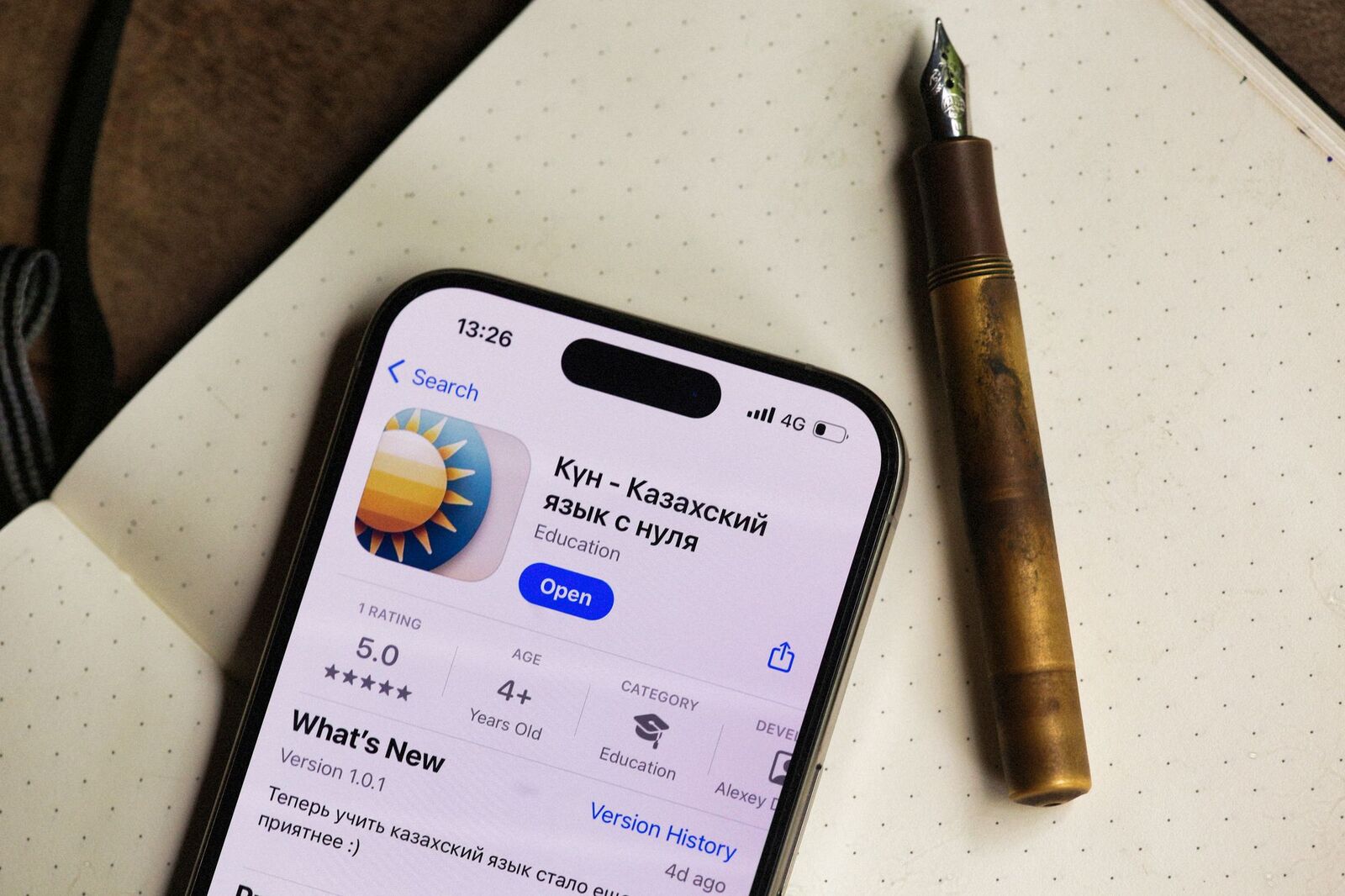
On the product page, the description sits below the screenshots and What's New. Most people read one or two lines of it. Photo: Alexey Demidov / Pexels
The rules that get descriptions rejected
Apple and Google ask for the same things in different words.
App Store. From the App Review Guidelines and the product page guide:
- No keyword stuffing. Guideline 2.3.7: don't "pack any of your metadata with trademarked terms, popular app names, pricing information, or other irrelevant phrases just to game the system."
- No prices. Apple: "avoid including specific prices in your app description," because "references within the description may not be accurate in all regions."
- No other platforms. Guideline 2.3.10: don't include "names, icons, or imagery of other mobile platforms or alternative app marketplaces" unless there is approved interactive functionality. "Also on Android" does not belong here.
- No promises the app does not keep. Guideline 2.3.1 calls marketing "content or services that it does not actually offer" grounds for removal.
- Accolades at the end. Apple recommends putting an award or press quote "at the end of your description or as part of your promotional text."
- Subscription links. Apple's subscriptions page says "your app and App Store metadata must include links to your Terms of Use and Privacy Policy." Most apps add a Terms of Use (EULA) link at the end of the description, or upload a custom EULA in App Store Connect. Developers on the Apple Developer Forums report Guideline 3.1.2 rejections over this, including one who had added the link to the French description but not the English one, so add it to every localization.
Google Play. From the best practices page and the metadata policy:
- No lists of keywords, and no "repetition of words."
- No unattributed or anonymous user testimonials.
- No comparisons with other apps or misleading references to other products.
- No text that "indicates store performance or ranking" or price and promotion information.
- "Don't repeat your short description in your full description."
Our App Store rejection reasons guide covers the other metadata problems App Review flags, and the Google Play short description guide lists the words Google's metadata policy calls out.
How to write an App Store description
Apple describes "the ideal description" as "a concise, informative paragraph followed by a short list of main features." That gives a structure that works for most apps:
- First sentence: what it does, for whom. This is the line people read. Lead with the job and the outcome, not the brand. If you only write one good sentence, make it this one.
- Opening paragraph: why it is different. Two or three sentences on what sets it apart: a method, an integration, an audience, offline use.
- Feature list: one line each. Five to eight features, each starting with the benefit. Use line breaks and a simple character such as a hyphen; the field is plain text.
- Plans and pricing in words, not numbers. "Free to start, with an optional subscription for unlimited plans" is fine; a price in a currency is not.
- Proof, at the end. An award, a press quote with its source, a notable partner.
- Fine print. Subscription terms, a Terms of Use link and a privacy link, plus a support contact.
You do not need to fill 4,000 characters. A description of 1,000 to 2,000 characters that people can scan beats a wall of text, and every sentence after the first is read by fewer people than the one before.
Before and after: the first sentence
Using a fictional habit tracker called Steady:
| Weak opening | Why it fails | Better |
|---|---|---|
| Welcome to Steady! We're so excited you're here. | Says nothing about the app | Build daily habits that last with short streaks, gentle reminders and a weekly review. |
| The #1 BEST habit tracker app on iPhone and Android!!! | Ranking claim, another platform, caps, punctuation | Track habits in two taps and see which ones are actually sticking. |
| Steady is a habit tracker, habit app, routine planner, goal tracker, daily planner. | A keyword list, which both stores reject | A calm habit tracker for people who have tried streak apps and quit. |
A full example
Build daily habits that last with short streaks, gentle reminders and a weekly review.

Steady is for people who have started habit apps before and stopped. Instead of a wall of
checkboxes, you pick three habits, get one reminder at the time you choose, and see each
Sunday which ones held.

- Track a habit in two taps from the home screen widget
- Streaks that bend: one missed day does not reset your progress
- A weekly review that shows what is working and what to drop
- Reminders that adapt to when you usually check in
- Works offline, syncs across your iPhone and iPad
- No ads, and your data stays in your iCloud account

Steady is free for up to three habits. Steady Plus unlocks unlimited habits, detailed history
and custom reminders, as a monthly or yearly subscription with a free trial.

Featured in the App Store "Apps We Love" collection, May 2026.

Terms of Use: https://example.com/terms
Privacy Policy: https://example.com/privacy
Questions? [email protected]
That example runs to just under 1,000 characters. It answers what, who, why this one and what it costs, and it leaves the keyword work to the keyword field and the subtitle. Our guide on how to name an app covers those two fields.
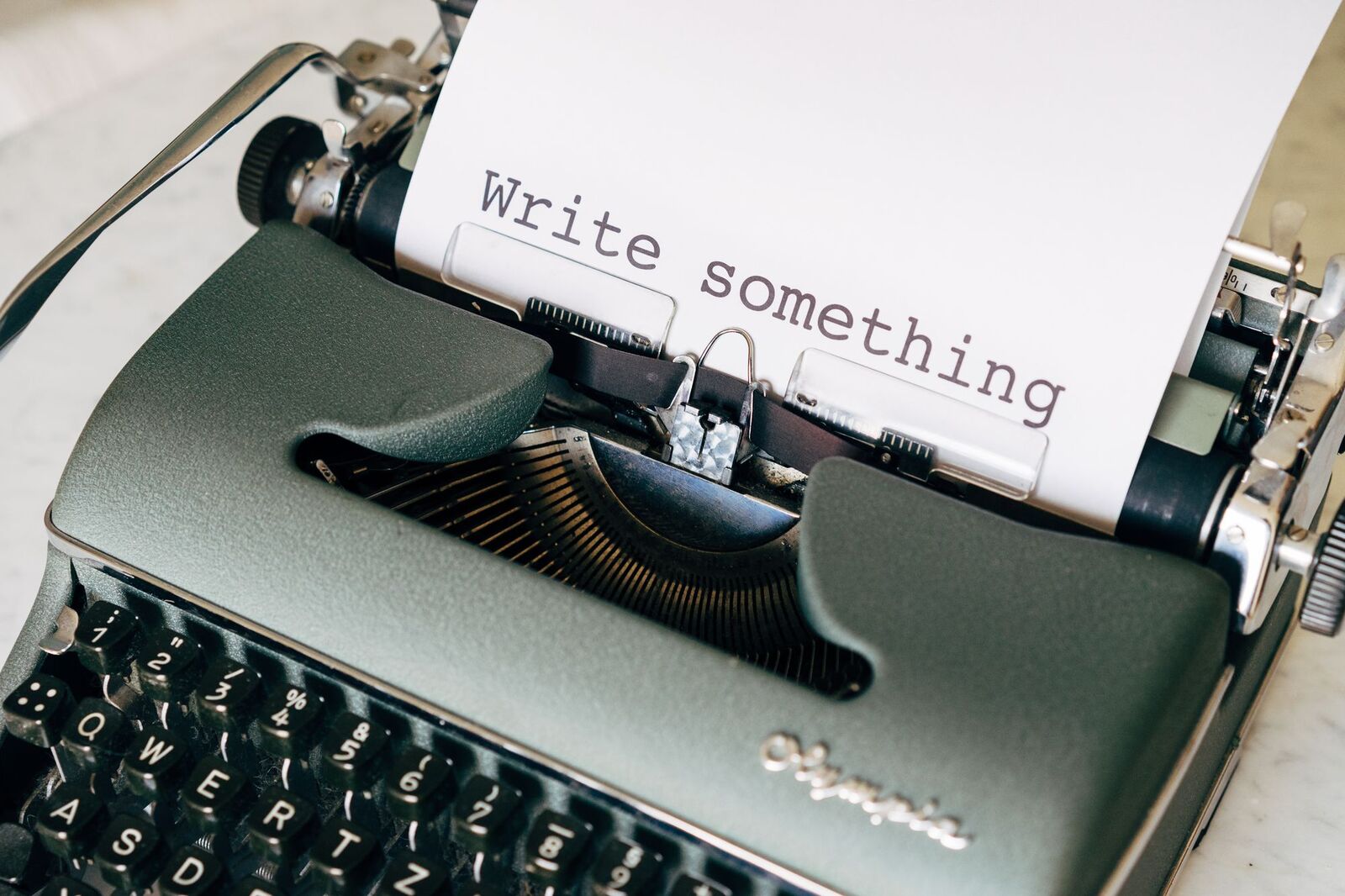
Write the first sentence five times before you write the rest. It is the only part most people will read. Photo: Markus Winkler / Pexels
Promotional text: the part you can change any day
Above the description sits the promotional text, up to 170 characters. Apple says you "can update promotional text at any time without having to submit a new version of your app," and suggests using it for "limited-time sales or upcoming features." It "doesn't affect your app's search ranking," so it is purely for people.
That makes it the right place for anything with a date: a seasonal event, a sale, a new feature this week. The description then stays evergreen and only changes with a release. If you run custom product pages, each one can have its own promotional text, which our App Store custom product pages guide covers. Google Play has no promotional text field, but you can edit the full description at any time; it goes through Play review.
Localize the description, not just translate it
The description can be localized for every language your app supports, and in each one the same rules apply: the first sentence carries the weight, and on Google Play the words people search in that language matter. A literal translation of an English opening often reads as stiff or misses the term people actually use. Our App Store localization guide covers which languages to start with. Remember the Terms of Use link in every localization if you sell subscriptions.
Lint every description before you upload
If you keep metadata in fastlane deliver (fastlane/metadata/<locale>/description.txt and promotional_text.txt), this Node.js script checks each locale for the problems above. It runs on Node.js 18 or later with no dependencies:
// check-descriptions.mjs
// Usage: node check-descriptions.mjs [fastlane/metadata] [--subscriptions]
import { existsSync, readdirSync, readFileSync } from 'node:fs';
import { join } from 'node:path';

const root = process.argv[2] ?? 'fastlane/metadata';
const sellsSubscriptions = process.argv.includes('--subscriptions');
const read = (dir, file) => (existsSync(join(dir, file)) ? readFileSync(join(dir, file), 'utf8').trim() : null);

const RULES = [
  [/<\/?[a-z][^>]*>/i, 'HTML tags (the field is plain text)'],
  [/[$€£¥₹]\s?\d|\d\s?(usd|eur|gbp)\b/i, 'a specific price'],
  [/\b(android|google play|play store)\b/i, 'another platform or store'],
  [/#1\b|\bnumber one\b|\b(best|top) app\b/i, 'a ranking claim'],
  [/([!?])\1/, 'repeated punctuation'],
];

let failures = 0;
for (const locale of readdirSync(root, { withFileTypes: true }).filter((d) => d.isDirectory())) {
  const dir = join(root, locale.name);
  const text = read(dir, 'description.txt');
  if (text === null) continue;
  const issues = [];
  const length = [...text].length;
  if (length > 4000) issues.push(`${length} characters, limit is 4000`);
  const firstSentence = text.split(/(?<=[.!?])\s|\n/)[0];
  if ([...firstSentence].length > 170) issues.push('first sentence is over 170 characters');
  for (const [pattern, label] of RULES) if (pattern.test(text)) issues.push(label);
  const words = text.toLowerCase().match(/\p{L}{4,}/gu) ?? [];
  const counts = words.reduce((m, w) => m.set(w, (m.get(w) ?? 0) + 1), new Map());
  const [topWord, topCount] = [...counts].sort((a, b) => b[1] - a[1])[0] ?? ['', 0];
  if (topCount >= 5 && topCount / words.length > 0.04) issues.push(`"${topWord}" is ${topCount} of ${words.length} words`);
  if (sellsSubscriptions && !/terms|eula/i.test(text)) issues.push('no Terms of Use link');
  const promo = read(dir, 'promotional_text.txt');
  if (promo && [...promo].length > 170) issues.push(`promotional text is ${[...promo].length}/170`);
  failures += issues.length;
  console.log(`${issues.length ? 'FAIL' : 'ok  '} ${locale.name} (${length}/4000)`);
  for (const issue of issues) console.log(`     - ${issue}`);
}
process.exitCode = failures ? 1 : 0;
Running it with --subscriptions against two locales, en-US holding the example above and en-GB holding a deliberately bad one, prints:
FAIL en-GB (341/4000)
     - a specific price
     - another platform or store
     - a ranking claim
     - repeated punctuation
     - "tracker" is 10 of 34 words
     - no Terms of Use link
ok   en-US (982/4000)
Treat each hit as a prompt to look, not an automatic failure: "Android" is fine in a description of an app that controls an Android TV, for example. The word lists are English, so add your other languages. For Google Play, point it at your fastlane supply folder after changing description.txt to full_description.txt, and drop the platform rule.
Your App Store description checklist
- The first sentence says what the app does and for whom, and makes sense on its own.
- A short opening paragraph, then a scannable feature list using plain line breaks.
- Under 4,000 characters; ideally short enough to scan.
- No prices, ranking claims, other platforms, keyword lists or unattributed testimonials.
- Accolades and press quotes at the end, with their source.
- Subscription terms, a Terms of Use link and a privacy link in every localization.
- Time-sensitive news in promotional text, not the description.
- On Google Play, main use cases named once each in everyday words, and no repeat of the short description.
- Every locale checked before upload.
Put your description to work beyond the store
A good first sentence is also your pitch everywhere else: on launch sites, in directories and on social posts. When you list your app on the AppRanker leaderboard, the listing card carries your app's store details, and position on this pay-to-rank board is a plain sort on what each listing has paid. Our guide to writing a store listing that converts covers the screenshots and icon around the description, and where to submit your app lists the free places to reuse the same pitch. If your app sells subscriptions, our billing grace period guide covers keeping subscribers when their payment fails.
FAQ
What is the character limit for an App Store description?
4,000 characters of plain text. The promotional text above it allows 170 characters, and Google Play's full description also allows 4,000 characters.
Does the App Store description help with search ranking?
Not on the App Store. Apple says text relevance comes from the title, subtitle, keywords and primary category. Apple does use the description for web search engine results, and Google Play's search does read the full description.
Can I change my App Store description without an update?
No. You can only change it when you submit a new version of your app. To share news between releases, use the promotional text, which you can edit at any time without review.
Can I use HTML, bold text or emoji in an App Store description?
HTML is not supported; the field is plain text with line breaks. Use line breaks and a simple character such as a hyphen for lists. Keep decoration minimal: both stores' guidance asks for clear, plain language.
Should I mention prices in my app description?
No. Apple recommends avoiding specific prices because they may not be accurate in every region, and Google's metadata policy flags price and promotional text. Describe plans in words instead, such as "free to start with an optional subscription."
Where should the Terms of Use link go for a subscription app?
Apple requires links to your Terms of Use and Privacy Policy in your App Store metadata. Most apps add the Terms of Use link at the end of the description in every language, or upload a custom EULA in App Store Connect, and enter the privacy policy URL in its own field.
Image credits
- Cover, keyboard keys spelling COPY: photo by Miguel Á. Padriñán on Pexels, Pexels License. Cropped to 1200x630.
- App Store product page on an iPhone: photo by Alexey Demidov on Pexels, Pexels License. Resized.
- Typewriter with "Write something": photo by Markus Winkler on Pexels, Pexels License. Resized.