- ASO
- App Store
- Google Play
ASO audit checklist for the App Store and Google Play
An ASO audit checklist for the App Store and Google Play: baseline metrics, metadata, screenshots, ratings, Android vitals and a free script to compare rivals.
AppRanker team14 min read

On this page
An ASO audit checklist turns "our downloads feel low" into a list of specific fixes. You check each part of your App Store and Google Play listing against what the stores say they rank on, compare it with the apps that outrank you, and fix the gaps in order of impact. Most published checklists are long lists of tips. This one is built around the fields and numbers Apple and Google actually document, plus a short script that pulls your listing and your rivals' from Apple's public API so you can compare them side by side.
Set aside about an hour per app, per main country. Work through the steps in order, write down what you find, and only then start changing things.
Key takeaways
- Record a baseline first: impressions, conversion and downloads per source in App Store Connect, and visitors, click-through rate and search terms in Play Console.
- Apple ranks on text relevance (title, subtitle, keywords, primary category) and user behavior (downloads, ratings and reviews). Google Play search considers titles, developer names and descriptions.
- Promotional text does not affect App Store ranking. Google Play has no keyword field.
- On Google Play, technical quality is part of ASO: a user-perceived crash rate above 1.09% or ANR rate above 0.47% can reduce visibility.
- Fix by impact: anything that costs you search visibility first, then the first screenshots and ratings, then everything else.
What an ASO audit covers
| Area | What you check | Where the data is |
|---|---|---|
| Baseline | Impressions, conversion, downloads by source | App Store Connect Analytics, Play Console |
| Metadata | Name, subtitle, keywords, descriptions, category | Your listing and the store limits |
| Visuals | Icon, first screenshots, preview video | Your listing in search results |
| Ratings | Average, volume, recency, replies | Store pages, App Store Connect, Play Console |
| Technical quality | Crash and ANR rates | Android vitals |
| Keywords | Where you rank for your main terms | Store search, Search API |
| Competitors | How the apps above you differ | iTunes Search API, store pages |
Before you start: record a baseline
An audit without numbers produces opinions. Write these down for the last 28 days, per main country, before you touch the listing.
On the App Store, open App Store Connect Analytics and note impressions, product page views, conversion rate and first-time downloads, split by source type (App Store Search, App Store Browse, Web Referrer, App Referrer). Apple defines conversion rate as total downloads and pre-orders divided by unique device impressions, so it measures search results as well as the product page. Our guide to App Store Connect analytics shows where each number lives and how to read the peer group benchmarks.
On Google Play, Play Console's user base help explains the metrics: store listing visitors, store listing acquisitions and click-through rate, which "replaces the legacy 'Conversion Rate' metric." Go to Grow users, then Store performance, then Conversion analysis, and filter by traffic source and by search term. The search term list is the closest thing to keyword data Google gives you.
Two patterns to look for straight away:
- Search impressions low, conversion fine: a visibility problem. The metadata and keyword steps matter most.
- Impressions fine, conversion low: a product page problem. The visuals and ratings steps matter most.
Step 1: Audit your App Store metadata
Apple's App Store search page says results are based on "text relevance (matches for your app's title, subtitle, keywords, and primary category), as well as user behavior (downloads, ratings and reviews, and more)." So the four text fields are the whole of what you control for relevance.
| Field | Limit | Indexed for search | Audit question |
|---|---|---|---|
| App name | 30 characters | Yes | Does it hold your most important phrase after the brand? |
| Subtitle | 30 characters | Yes | Does it add new words, not repeat the name? |
| Keywords | 100 bytes | Yes | Is every character a word not already in the name, subtitle or category? |
| Primary category | One choice | Yes | Is it the category your users browse and your rivals sit in? |
| Promotional text | 170 characters | No | Is it current? (Apple: it "doesn't affect your app's search ranking") |
| Description | 4,000 characters | No direct effect | Does the first sentence sell the app? |
Limits come from Apple's product page guide and the platform version reference.
Check the keyword field against Apple's own rules: terms separated by commas with no spaces, no words repeated from the name, subtitle or category, no plurals of words already there, no "app" or "game", no filler words such as "the", and no competitor names or trademarks. Our post on App Store search in 2026 has a script that checks a keyword field before you submit, and our guide to naming an app covers the name and subtitle split.
Then check the description's first sentence. Apple calls it "the most important", because it is the only part people read without tapping "more". Our guide to the App Store description has examples.
Step 2: Audit your Google Play metadata
Google Play has no keyword field. Its visibility help says "Google Play search takes multiple factors into account, such as app titles, developer names, and app descriptions."
| Field | Limit | Audit question |
|---|---|---|
| App title | 30 characters | Does it hold your main phrase, without banned claims? |
| Short description | 80 characters | Does it state the main benefit with a second key phrase? |
| Full description | 4,000 characters | Are your main phrases used naturally, not repeated or listed? |
| Developer name | No set limit | Is it consistent, with no ranking claims? |
The limits and advice come from Google's store listing best practices, which also warn against words like "Free" and "No Ads" in titles and against repeating the short description in the full one. The metadata policy is stricter still. Look for these in your title, icon and developer name:
- Store performance or ranking claims, such as "#1" or "App of the year"
- Price or promotion text, such as "10% off"
- Google Play program names, such as "Editor's choice" or "New"
- Emojis, emoticons or repeated special characters
- All caps that is not part of your brand
- Repetitive keywords or claims like "best game ever"
Any of these can get a listing rejected, so they come first in your fix list. For the short description itself, see our guide to the Google Play short description.
Step 3: Audit screenshots, previews and the icon
Search results are where most store visitors decide, and they show only part of your listing. Apple says the first one to three screenshots appear in search results when there is no app preview, depending on orientation, and that previews autoplay muted, so "the first few seconds" carry the message. You can show up to 10 screenshots and up to three previews of up to 30 seconds.
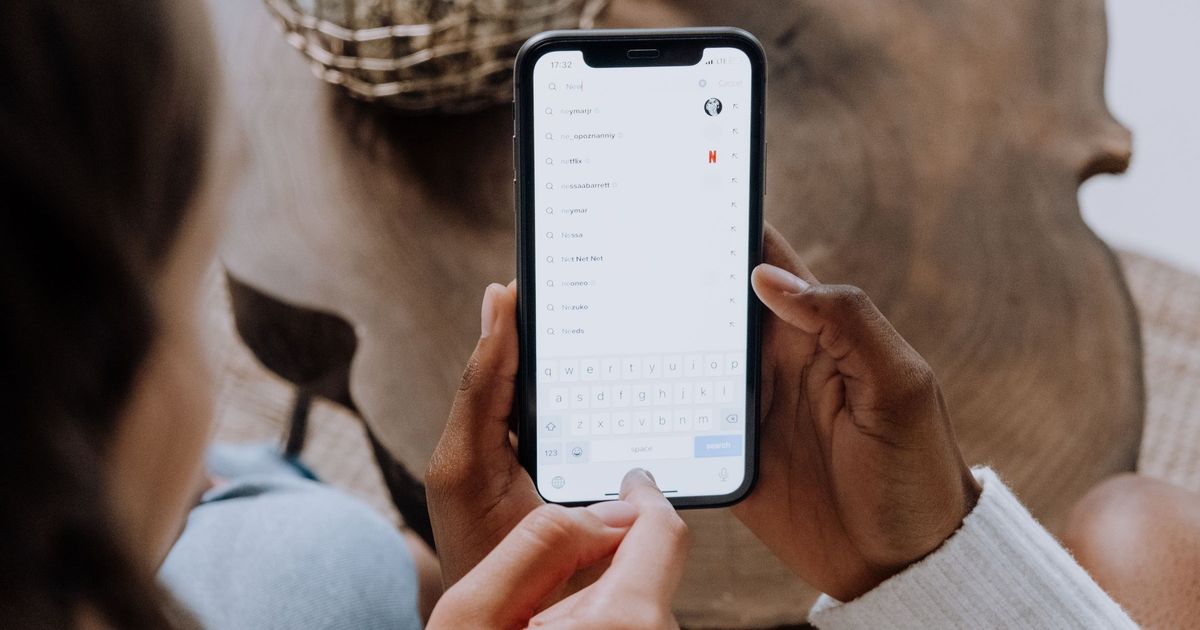
Search your main keyword on a phone, in the country you are auditing, and look at your result next to the ones above it:
- Do the first three screenshots read as a story without the product page around them?
- Is the caption text legible at search-result size?
- Does the first screenshot show the core feature, not a logo or a splash screen?
- If you have a preview video, do the first three seconds show the app in use?
- Does the icon stay recognizable next to the icons around it?
- Are screenshots localized for every language your listing is in?
Our guide to App Store screenshot sizes has the current specs, and App Store A/B testing shows how to test a new first screenshot instead of guessing.
Step 4: Audit ratings and reviews
Apple's search page says ratings and reviews "can influence how your app ranks in App Store search", and they sit in every search result. Check four things:
- Average rating on each store, in each main country. The App Store shows ratings per storefront.
- Volume. How many ratings do you have compared with the apps around you in search?
- Recency. How many arrived in the last 90 days? An app with no recent ratings looks abandoned.
- Replies. Have the last 20 critical reviews had a reply? Our guide on responding to app reviews has templates.
If volume or recency is low, the fix is usually a rating prompt that fires at a good moment. Apple allows the system prompt up to three times in a 365-day period; see our guide to the App Store review prompt for iOS and the Google Play In-App Review API for Android.
Step 5: Audit technical quality on Google Play
On Google Play, stability is part of ASO. Google's Android vitals overview says core vitals "affect your app's visibility on Google Play", and that an app over a bad behavior threshold may see reduced visibility and a warning on its store listing.
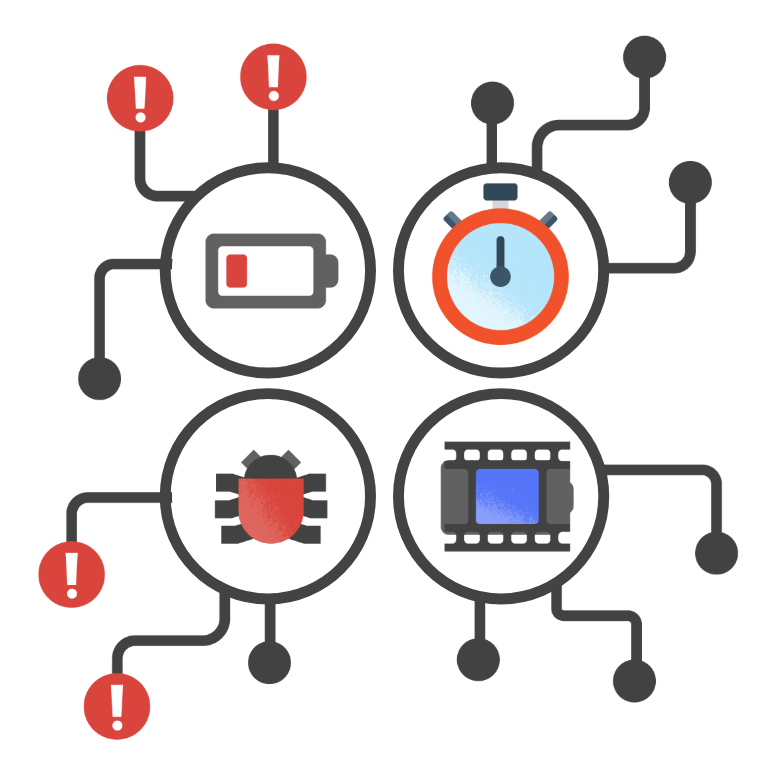
Android vitals tracks the quality signals Google Play uses for visibility. Image: Google, CC BY 4.0
| Core vital | Overall threshold | Per phone model |
|---|---|---|
| User-perceived crash rate | 1.09% | 8% |
| User-perceived ANR rate | 0.47% | 8% |
| Excessive partial wake locks | 5% | Not set |
Play judges these on a 28-day average, checked daily. Google also says apps over the thresholds for memory usage, bitmap memory usage or code optimization may see visibility impact from February 2027, so check those now while there is time. Our guides on ANR rate and DEX code optimization cover the fixes.
Apple does not publish an equivalent threshold, but crashes still reach ranking through ratings and reviews.
Step 6: Check where you rank for your main keywords
Pick five to ten phrases from your Play Console search terms and your own keyword list, then check your rank for each from a clean view, in the country you are auditing. Our guide to App Store keyword ranking explains why rank differs between phones and how to log it weekly. If you are not in the top 10 for any phrase you care about, Step 1 and Step 2 are where the work is.
For new keyword ideas from free data, see ASO keyword research without paid tools.
Step 7: Compare with the apps that outrank you
The fastest way to find what is missing is to put your listing next to the apps that appear above you. Apple's public iTunes Search API returns enough to compare the visible basics. This Node.js script (Node 18 or later, no dependencies) looks up your app, searches a term in the same country and prints both, then flags the gaps:
// Usage: node aso-audit.mjs <appId> <country> "<search term>"
const [appId, country = 'us', term] = process.argv.slice(2);
if (!appId || !term) {
  console.error('Usage: node aso-audit.mjs <appId> <country> "<search term>"');
  process.exit(1);
}

const api = 'https://itunes.apple.com';
const getJson = async (url) => {
  const res = await fetch(url);
  if (!res.ok) throw new Error(`${res.status} for ${url}`);
  return res.json();
};

const [lookup, search] = await Promise.all([
  getJson(`${api}/lookup?id=${appId}&country=${country}`),
  getJson(`${api}/search?term=${encodeURIComponent(term)}&country=${country}&entity=software&limit=10`),
]);

const mine = lookup.results[0];
if (!mine) throw new Error(`No app ${appId} in the ${country} storefront`);

const days = (iso) => Math.round((Date.now() - Date.parse(iso)) / 86_400_000);
const row = (app) => ({
  name: app.trackName.slice(0, 32),
  nameLen: app.trackName.length,
  ratings: app.userRatingCount ?? 0,
  stars: (app.averageUserRating ?? 0).toFixed(2),
  shots: app.screenshotUrls.length,
  daysSinceUpdate: days(app.currentVersionReleaseDate),
  langs: app.languageCodesISO2A.length,
});

const peers = search.results.filter((app) => app.trackId !== mine.trackId);
console.log(`Your app in ${country.toUpperCase()}:`);
console.table([row(mine)]);
console.log(`Top results for "${term}" (Search API order, not live App Store rank):`);
console.table(peers.slice(0, 5).map(row));

const median = (values) => {
  const sorted = [...values].sort((a, b) => a - b);
  return sorted[Math.floor(sorted.length / 2)] ?? 0;
};
const flags = [];
const me = row(mine);
if (me.ratings < median(peers.map((app) => app.userRatingCount ?? 0)))
  flags.push('Fewer ratings than the median result: review your rating prompt.');
if (me.shots < median(peers.map((app) => app.screenshotUrls.length)))
  flags.push('Fewer iPhone screenshots than the median result.');
if (me.daysSinceUpdate > 90) flags.push('No update in 90+ days.');
if (me.nameLen < 20) flags.push('Name uses under 20 of 30 characters: room for a keyword?');
if (!mine.description.split('\n')[0].toLowerCase().includes(term.split(' ')[0].toLowerCase()))
  flags.push(`First line of the description does not mention "${term}".`);
console.log(flags.length ? flags.map((f) => `- ${f}`).join('\n') : 'No flags.');
Your app ID is the number after id in your App Store URL. Running it on November 15, 2026 for the term "podcast player" in the US returned this comparison table for the top results:
| Name | Name length | Ratings | Stars | iPhone screenshots | Days since update | Languages |
|---|---|---|---|---|---|---|
| Apple Podcasts | 14 | 2,075,486 | 4.86 | 5 | 20 | 33 |
| Podcast App | 11 | 310,960 | 4.77 | 8 | 10 | 14 |
| Pocket Casts: Podcast Player | 28 | 16,454 | 4.52 | 6 | 7 | 13 |
| Podcast App & Player - Castbox | 30 | 201,491 | 4.90 | 6 | 3 | 12 |
| Podbean Podcast App & Player | 28 | 53,966 | 4.83 | 8 | 41 | 10 |
Even this small sample says a lot. Three of the five use 28 to 30 of their 30 name characters and put the category phrase in the name. All have between 5 and 8 screenshots, every one shipped an update in the last six weeks, and each supports 10 or more languages. An app with an 18-character name, three screenshots and English only would know exactly where to start.
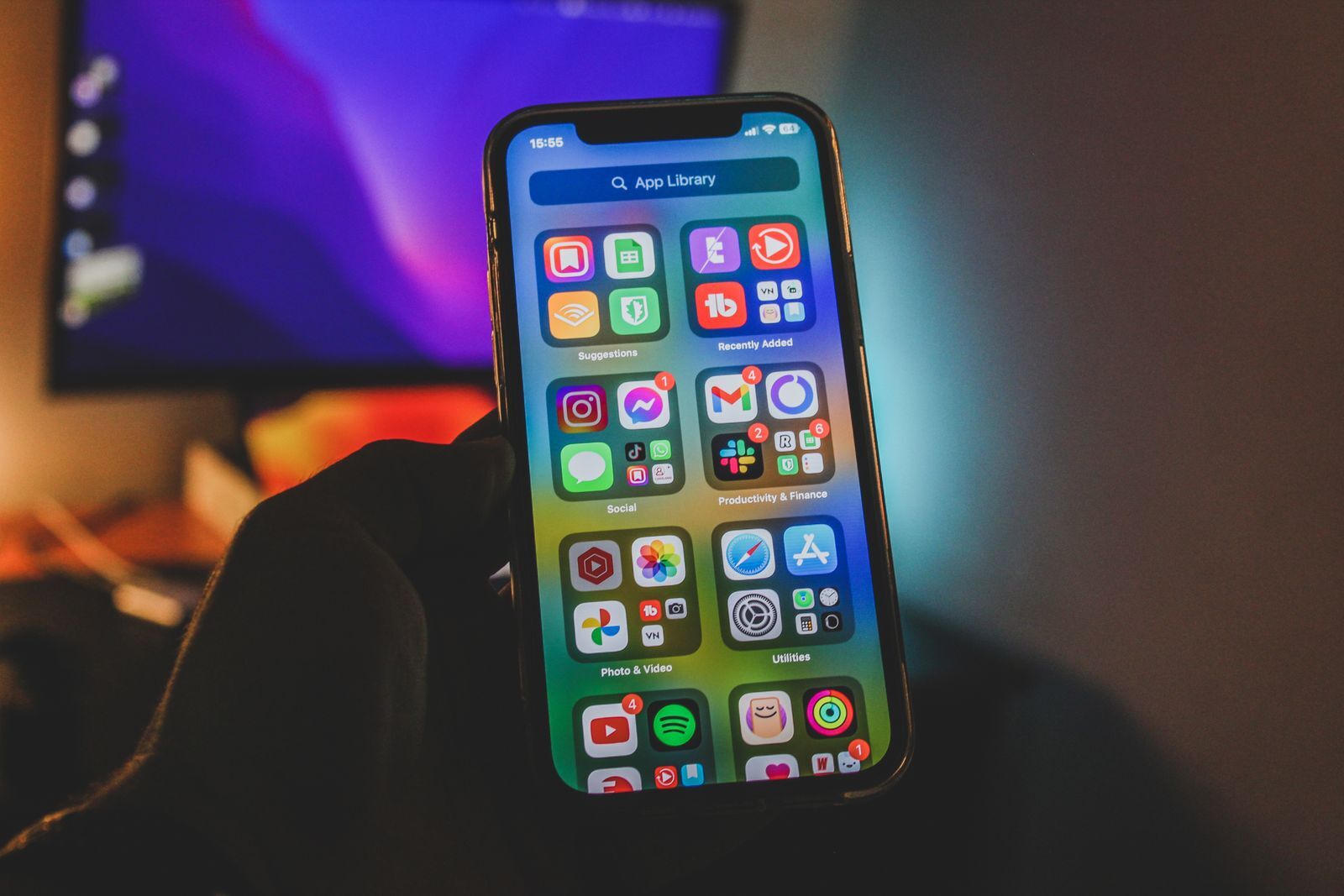
Compare what users see: names, icons and screenshots next to the apps around you. Photo: Czapp Árpád / Pexels
Two limits to keep in mind. The Search API's order is not the live App Store ranking, which also depends on the person searching, so use it to pick whom to compare with, not to measure your rank. And it does not return subtitles or keywords, so open the top results' product pages to read their subtitles yourself. For a deeper look at rivals, see our guide to App Store localization, since language coverage is often the clearest gap.
Google Play has no equivalent public API, so do the same comparison by hand: search your main term on a phone, then note each top result's title, short description, rating count and screenshot count in a spreadsheet.
Step 8: Prioritize the fixes
Sort what you found into this order, and ship one group at a time so you can tell what moved the numbers.
| Priority | Fix | Why first |
|---|---|---|
| 1 | Policy problems: banned title words, ranking claims, trademarks in keywords | They can get the listing rejected |
| 2 | Android vitals over the bad behavior thresholds | They can reduce Play visibility |
| 3 | Name, subtitle, keywords, Play title and short description | Text relevance drives search impressions |
| 4 | First three screenshots and preview opening | They decide conversion in search results |
| 5 | Rating prompt and review replies | Ratings feed ranking and conversion |
| 6 | Localization of metadata and screenshots | Each language is a new set of searches |
| 7 | Description body, promotional text, custom product pages | Smaller or indirect effects |
On the App Store, name, subtitle and keyword changes go live with your next approved version, while promotional text can change at any time. Batch metadata changes with a release, then compare against your baseline after two to four weeks. Visual changes are better tested than shipped blind: use product page optimization on iOS and store listing experiments on Google Play, both covered in our A/B testing guide.
The full ASO audit checklist
Baseline
- Impressions, conversion rate and downloads by source recorded in App Store Connect
- Visitors, click-through rate and top search terms recorded in Play Console
App Store metadata
- Name uses most of its 30 characters, with the main phrase after the brand
- Subtitle adds new keywords and a clear benefit
- Keyword field full, comma-separated, no spaces, no repeats or plurals
- Primary category matches where users browse
- First sentence of the description explains the app
- Promotional text current
Google Play metadata
- Title holds the main phrase, no "Free", "No Ads" or ranking claims
- Short description states the main benefit in 80 characters
- Full description uses key phrases naturally, no keyword lists
- No emojis, all caps or program names in title, icon or developer name
Visuals
- First three screenshots tell the story in search results
- Preview video opens on the app in use
- Icon recognizable among rivals
- Screenshots localized for each listing language
Ratings and quality
- Ratings volume and recency comparable with rivals
- System rating prompt in place on iOS and Android
- Recent critical reviews answered
- Crash rate under 1.09% and ANR rate under 0.47% in Android vitals
Keywords and competitors
- Rank logged for five to ten main phrases per country
- Listing compared with the top five results for the main phrase
- Fixes prioritized and scheduled, baseline date noted
Repeat the audit every quarter, and after any big release or a sudden change in downloads. If downloads drop suddenly, start with our guide to finding out why app downloads dropped instead.
Visibility outside the store search box
An audit fixes how well your listing converts the people who find it. It cannot change how many people see it when the stores give a small app little room in search and charts. That is why most developers also send traffic from outside the store. AppRanker is a pay-to-rank leaderboard for apps and extensions and an Outbid alternative for App Store and Google Play listings: paste your store link, pay $5 at the time of writing, and your app gets a row that links straight to its store page. Rank is a plain sort on what each listing has paid, and you can check what any position costs before you pay. A board position buys visibility, not installs, so it works best after the audit, when the product page is ready to convert the visits.
For more ranking background, our guide to App Store ranking factors sorts what Apple and Google confirm from what is only guessed.
FAQ
What is an ASO audit?
An ASO audit is a structured review of your App Store and Google Play listings: metadata, visuals, ratings, technical quality and keyword rankings, compared against store rules and the apps that outrank you. The output is a prioritized list of fixes.
How often should you do an ASO audit?
Quarterly works for most apps, plus after a major release, a redesign, a move into new countries or a sudden change in downloads. Keyword rankings are worth checking weekly in between.
Can I do an ASO audit for free?
Yes. App Store Connect and Play Console give you the baseline numbers, the store rules are public, and Apple's iTunes Search API is free to query for the comparison step. Paid tools add keyword volume estimates and history, but the checks in this list work without them.
Does Google Play have a keyword field?
No. Google says Play search considers app titles, developer names and app descriptions, so key phrases belong in the title, short description and full description, used naturally.
Does promotional text help App Store ranking?
No. Apple states that promotional text does not affect search ranking. Use it for timely news, such as a sale or a new feature, since you can change it without a new version.
How long until ASO changes show results?
App Store metadata changes go live with your next approved version, and Play listing changes after review. Give a change two to four weeks before comparing against your baseline, and change one group of things at a time so you know what worked.
Image credits
- Cover, magnifying glass on charts and a laptop: photo by Leeloo The First on Pexels, Pexels License. Cropped to 1200x630.
- Android vitals illustration: Android vitals overview by Google, CC BY 4.0.
- iPhone showing the App Library: photo by Czapp Árpád on Pexels, Pexels License.