- App Store
- Launch
- App promotion
App Store pre-order: how to set up and promote your app
App Store pre-order guide: the 2 to 180 day window, App Store Connect steps, the build that ships on release day, rewards, promotion and how to track orders.
AppRanker team13 min read
On this page
An App Store pre-order puts your product page on the App Store before the app can be downloaded. People can find it in search, tap Pre-Order, and on release day the app downloads to their device on its own and they get a notification. For an indie developer that changes what launch day means: instead of starting from zero installs, you start with everyone you convinced over the previous weeks.
It also has a few traps that only show up on release day: which build actually ships, what happens when you move the date, and why your thank-you reward cannot be tested in advance. This guide walks through eligibility, the App Store Connect steps, the release-day mechanics, how to reward pre-order customers with StoreKit, how to promote the page and how to measure it. The rules come from Apple's Publish for pre-order help page and its pre-orders overview.
Key takeaways
- A new app can be on pre-order for 2 to 180 days. An app that is already live elsewhere can take pre-orders in new regions for 2 to 365 days.
- You can only publish a pre-order after App Review has approved a version. Plan the review into your timeline.
- On release day, customers get the latest version you released for distribution, so the build you submit early is the build that ships unless you replace it.
- Paid apps charge nothing until release, and customers pay the lower of the pre-order price and the release price.
- Apple does not tell pre-order customers when you move or cancel the date. You have to tell them yourself.
What an App Store pre-order does
When you publish a pre-order, Apple says "a limited version of your product page is published on the App Store and people can order your app before it's released." The page has your name, icon, screenshots and description, and a Pre-Order button in place of Get. Apple's overview adds that "pre-orders are also discoverable in search results, as well as on the Today, Games, and Apps tabs if your app is being actively featured."
The product page shows an expected release date. If the date is less than 180 days away it shows the full date, for example "Expected Jan 1, 2024"; further out, it shows only the month and year.
On release day, two things happen for every customer who ordered: the app downloads automatically to the device they used to pre-order, and they get a notification so they can open it. It also downloads to their other eligible devices if they have automatic downloads turned on.
Customers who pre-order a paid app are not charged until the official release date. If you change the price during the pre-order, Apple charges each customer "the lower of" the price they accepted and the price on release day, so a launch discount never costs early buyers more.
Who can offer an App Store pre-order
| Rule | What Apple allows |
|---|---|
| Brand-new app | Release date 2 to 180 days after the pre-order is published |
| App already live in other regions | Release date 2 to 365 days after publishing, in the new regions only |
| Price | Free and paid apps, on all Apple platforms |
| In-app purchases | Not eligible for pre-order, but you can set them up and their promotional metadata before and during the pre-order |
| Promoted in-app purchases | Not shown on the product page until the app is released |
| App bundles | Not eligible |
| Customer devices | iOS 11.2, iPadOS 13, macOS 10.13.2, tvOS 11.2, watchOS 6 or later; older versions see a disabled button |
| Your role | Account Holder, Admin or App Manager |
Once an app has been released in a country or region, it can no longer be offered for pre-order there. If you plan to use promoted in-app purchases at launch, prepare them during the pre-order: they will appear on the product page from release day.
How to set up an App Store pre-order in App Store Connect
This is the path for an app that has never been released anywhere, from Apple's help page:
- In Apps, select your app and click Pricing and Availability in the sidebar.
- Under App Availability, click Set Up Availability.
- Select Publish as Pre-Order and click Next.
- Choose a release date between 2 and 180 days in the future and click Next.
- Select the countries or regions and click Next.
- Click Confirm. The pre-order now appears under Pre-Orders, but it is not on the App Store yet.
- Go back to Pricing and Availability and select the platform version to submit.
- Submit the version for review.
- Once it is approved, open the version, click Release This Version at the top right and confirm.
- The pre-order publishes immediately, although it can take up to 24 hours to appear for everyone.
Step 8 is the one that catches people. Apple's overview is explicit: "Once your app has been submitted and reviewed by App Review, you can publish your pre-order." If your pre-order window is meant to start on a specific day, such as the day a press piece runs, submit the version at least a week earlier. Our guide to how long App Store review takes has current timings, and App Store rejection reasons covers the guidelines that most often send a first version back.
Pre-orders can also be managed through the App Store Connect API's app pre-orders resources, which is useful if you script your release process.
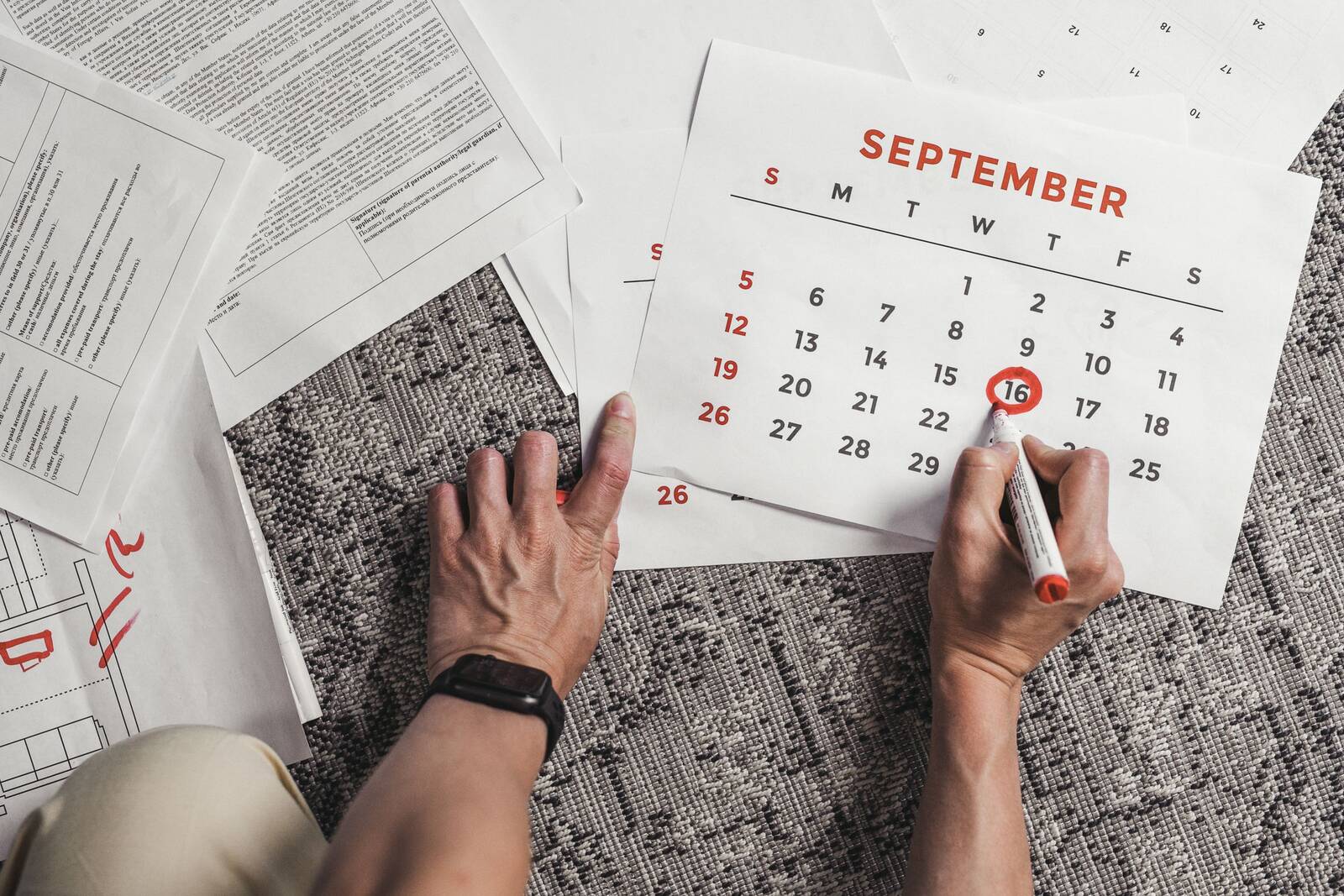
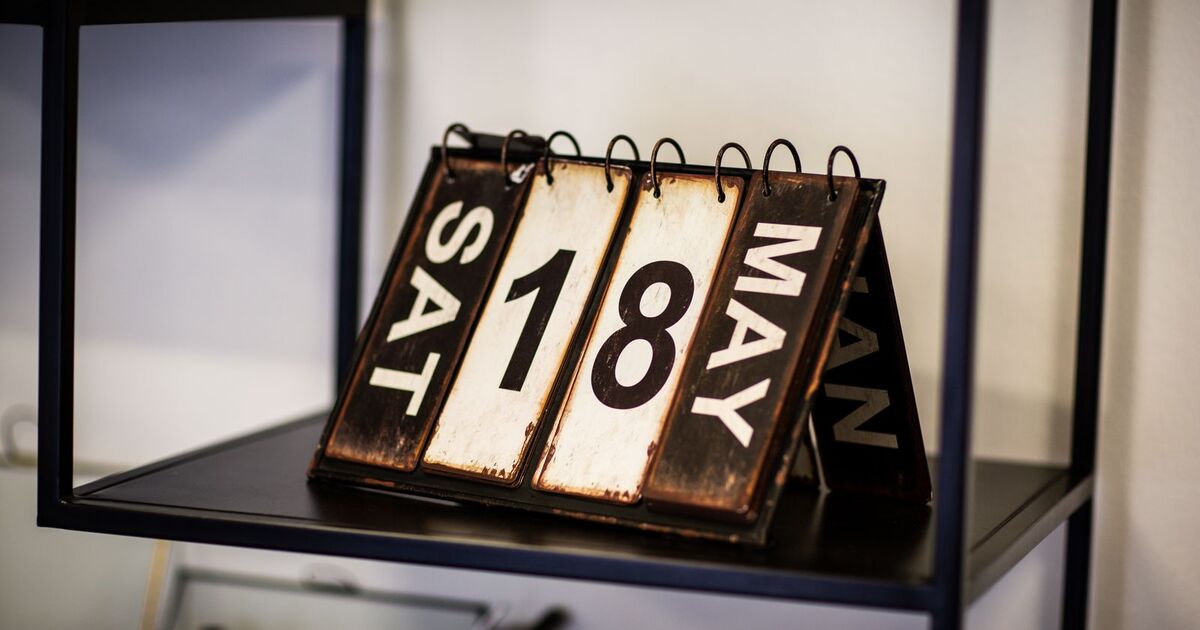
Work back from the release date: App Review has to approve a version before the pre-order can go live. Photo: SHVETS production / Pexels
Adding a pre-order for a new country or region
If your app is already on sale somewhere, you can use a pre-order to build demand before you open a new market, for example after you localize your listing. Under Pricing and Availability, click Manage next to App Availability, then Set Up Pre-Order (or the + next to Pre-Orders if one is running). Pick a release date 2 to 365 days out, choose the regions and confirm. This pre-order publishes straight away with the version that is currently Ready for Distribution.
The build that ships on release day
The single most important line in Apple's help page is this one: during a pre-order, "customers receive the latest version you have released for distribution." You can keep submitting new versions while the pre-order runs. A newly approved version is published to the pre-order, but it "won't go live until the pre-order release date."
In practice that means whichever approved version is the newest on release day is the one every customer downloads at once. Two rules follow from it:
- Never release a test build to the pre-order. Use TestFlight for testers. A build you release for distribution is a candidate to ship to everyone.
- Get the final build approved days before the date, not hours. A developer on the Apple Developer Forums described uploading an early build in April for a June 13 pre-order launch, submitting the final version on June 5, and seeing the early build go out to customers the night before launch while the final one was still waiting for review. Removing all countries to stop downloads also cancelled the pre-order. Whatever the cause in that case, the safe plan is the same: have the version you want to ship approved and released for distribution well before release day.
Changing the date, releasing early or cancelling
All three live behind Pricing and Availability, Manage, then Edit next to the pre-order.
- Move the date. For a first release, the new date must fall within 180 days of when the pre-order was first published in that region; for apps already live elsewhere, within 365 days. Once the date has passed in a region, it cannot be changed there.
- Release now. Choose "Release your app to customers immediately." Pre-order customers are notified and the app downloads, and paid customers are charged at that point.
- Remove the pre-order. The app leaves the App Store within 24 hours. Customers do not get the app and are not charged, unless you make it available for pre-order again before the release date.
Apple's overview warns: "people who pre-order your app aren't notified by Apple of date changes or if you remove the pre-order from the App Store, so you'll need to communicate any adjustments." It also recommends leaving the date out of your marketing if there is any chance it will shift. Keep an email list or a social account where you can post the change.
You pick a date, not a time. The release time varies by country or region, and a developer feature request asking Apple to let pre-orders set a time of day had no reply at the time of writing. Do not plan a launch-hour announcement around a precise minute.
Reward pre-order customers with StoreKit
Apple suggests using the pre-order date to "display in-app messaging that thanks them for their purchase, or unlock rewards for them." In StoreKit 2, the signed AppTransaction carries a preorderDate, available from iOS 16. Apple's description: "This date is present if your app is available for preorder and the customer places an order before your app is available in the App Store."
import StoreKit

/// Returns the date the customer pre-ordered the app, or nil if they did not.
func preorderDate() async -> Date? {
    do {
        let result = try await AppTransaction.shared
        guard case .verified(let transaction) = result else { return nil }
        return transaction.preorderDate
    } catch {
        return nil
    }
}

// On first launch:
// if let date = await preorderDate() { unlockFounderBadge(orderedOn: date) }
Only trust the .verified case, and grant the reward once, keyed to the device or account, so a reinstall does not hand it out again.
Plan for one limitation: you cannot fully test this before launch. In a forum thread from early 2026, a developer reported that preorderDate stopped coming back during final testing, released anyway, and found that the live app returned it correctly. Keep the reward logic simple, ship it in the version that will be live on release day, and check it on a real pre-ordered device as soon as the app goes live.
How to promote an App Store pre-order
A pre-order page only collects the orders your promotion sends to it. Apple's own suggestions, plus what has worked for small launches:
- Use the pre-order badge and a plain call to action. Apple provides an App Store pre-order badge in its marketing resources and recommends wording like "Pre-order on the App Store" with "a direct link to your product page."
- Tag every link with a campaign token. Create a campaign link per channel (newsletter, Reddit post, press piece) in App Store Connect Analytics so you can see which one brings orders. Our guide on how to promote your app for free shows how
ptandctlinks work. - Run Apple Ads. Apple says "you can use Apple Ads to promote your app while it's available for pre-order." A small exact-match budget on your own name and a few category terms is enough to learn what converts; see Apple Search Ads on a small budget.
- Nominate the launch for featuring. The App Launch nomination type covers pre-orders, and a pre-order gives editors a date to plan around. Our guide on how to get featured on the App Store covers timing.
- Test the page if the app is already live. Apps that already exist can use custom product pages and product page optimization on their pre-order page; a brand-new app gets only its default page.
- Tell the people who already use your apps. If you have another app, a card inside it reaches the cheapest audience you have; our guide to app cross-promotion covers the rules and the code.
- Give the press something to link. A pre-order page is a real store link a journalist can publish today. Pair it with a press kit.
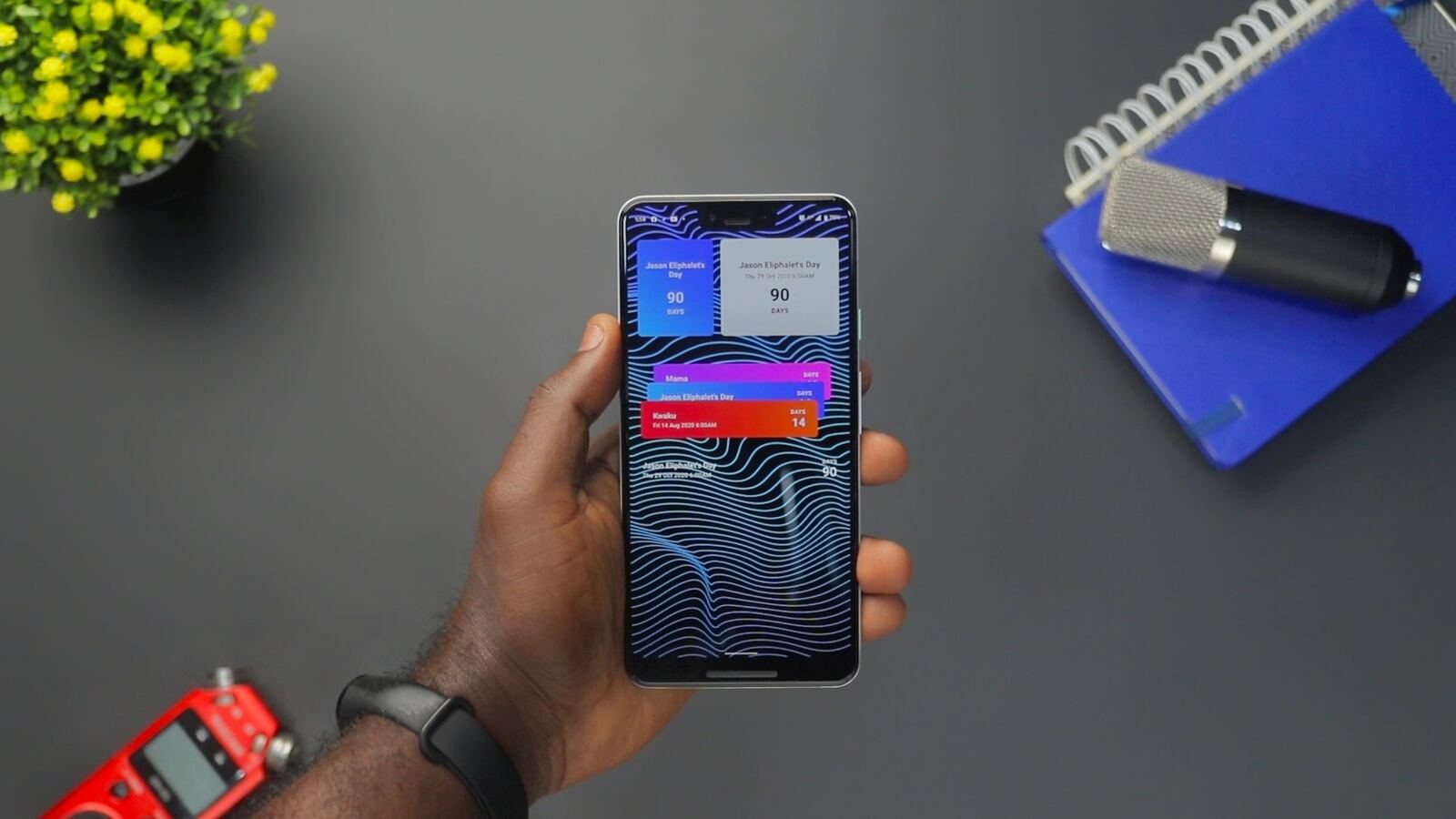
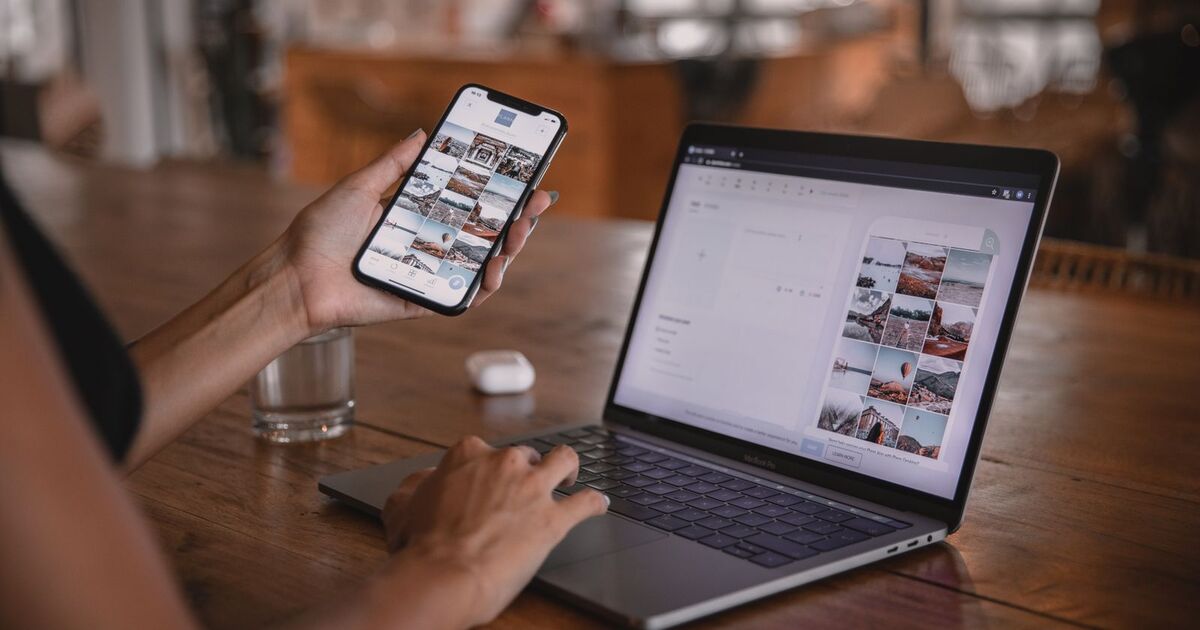
On release day every pre-order customer gets a notification and the app downloads by itself. Photo: Emmanuel Jason Eliphalet / Pexels
How to measure App Store pre-orders
App Store Connect gives you two views. In Analytics, Apple's pre-orders help says you can measure "net pre-orders (calculated as pre-orders placed minus pre-orders canceled), pre-order conversion rate, and downloads resulting from pre-orders," filtered by device, territory and source type. The numbers appear "once your app has received pre-orders from at least five individual users," and after launch "fulfilled pre-orders automatically flow into download reporting." Our App Store Connect analytics guide explains the source types.
In Sales and Trends, the Pre-Order report lists Ordered and Canceled counts for the period, cumulative totals since the pre-order began, and the country and device for each row. Watch cancellations in the last days before release: a spike usually means a date change or a price surprise that needs explaining.
Release day
When the date arrives, the App Store fulfils every order and the app is live. A short plan for the day:
- Swap the pre-order badge and copy for the regular Download on the App Store wording everywhere, as Apple asks.
- Thank pre-order customers in the app, with the reward from the StoreKit check above.
- Ask for ratings once people have used the app, not on first launch. Reviews written in the first days set the tone of the listing, and you will want to respond to app reviews quickly.
- Put the live app where people browse for new apps. Pre-orders bring the people who already heard of you; launch-day visibility has to reach the ones who have not. Our launch-week visibility checklist and the list of where to submit your app cover the channels.
App Store pre-order vs Google Play pre-registration
If you ship on both stores, the Android equivalent is pre-registration. The ideas are the same, the rules are not:
| App Store pre-order | Google Play pre-registration | |
|---|---|---|
| How long | 2 to 180 days for a new app | Up to 90 days per country |
| Before you start | A version approved by App Review | App content declarations, and closed testing for new personal accounts |
| On launch | Notification and automatic download | Notification, plus auto-install on eligible devices |
| Paid apps | Charged on release, at the lower price | Supported |
| Rewards | Your own, via preorderDate |
One optional reward set in Play Console |
Our guide to Google Play pre-registration covers the Android side step by step.
App Store pre-order checklist
- Release date chosen 2 to 180 days out, with time for App Review before the pre-order should start.
- Product page finished: name, subtitle, screenshots and description are what people will see for weeks.
- Only release-quality builds released for distribution; test builds stay in TestFlight.
- Final build approved and released to the pre-order several days before the date.
- In-app purchases and any promoted in-app purchases set up before release.
-
preorderDatereward shipped in the release-day build. - One campaign link per channel, and the pre-order badge on your site.
- Featuring nomination submitted with the App Launch type.
- A way to reach customers if the date moves, because Apple will not tell them.
- Release-day plan: badge swap, thank-you, ratings prompt, launch channels.
Turn the orders into a launch
A pre-order makes your first day look busy; what keeps the app visible afterwards is everyone who did not know it existed yet. Once you are live, put the app somewhere people browse new apps by choice. On AppRanker, a pay-to-rank leaderboard for App Store and Google Play apps, rank is a plain sort on what each listing has paid and every row links straight to your App Store page. Paste your App Store link on the AppRanker home page to see what a launch-week position costs before you pay anything.
FAQ
How do I set up a pre-order on the App Store?
In App Store Connect, open your app's Pricing and Availability, click Set Up Availability, choose Publish as Pre-Order, pick a release date 2 to 180 days out and the regions, and confirm. Then submit a version for review and, once it is approved, click Release This Version to publish the pre-order.
How long can an App Store pre-order last?
For a brand-new app, the release date must be 2 to 180 days after the pre-order is published. For an app that is already live in other regions, a pre-order in a new region can run 2 to 365 days.
When are customers charged for a pre-ordered app?
Not until the release date. If you change the price during the pre-order, each customer pays the lower of the price they accepted and the price on release day. If you remove the pre-order, nobody is charged.
Can I change the release date of an App Store pre-order?
Yes, until the date has passed in that region. The new date must be within 180 days of the pre-order's first publication for a new app, or 365 days for an app already live elsewhere. Apple does not notify customers of the change, so tell them yourself.
How do I see how many pre-orders my app has?
In App Store Connect Analytics, choose Pre-Orders under the App Store metrics to see net pre-orders by territory, device and source; data appears after five people have ordered. The Pre-Order report in Sales and Trends shows orders and cancellations per period.
Can in-app purchases be pre-ordered on the App Store?
No. In-app purchases are not eligible for pre-order, but you can create them and their promotional metadata during the pre-order so they are ready on release day.
Image credits
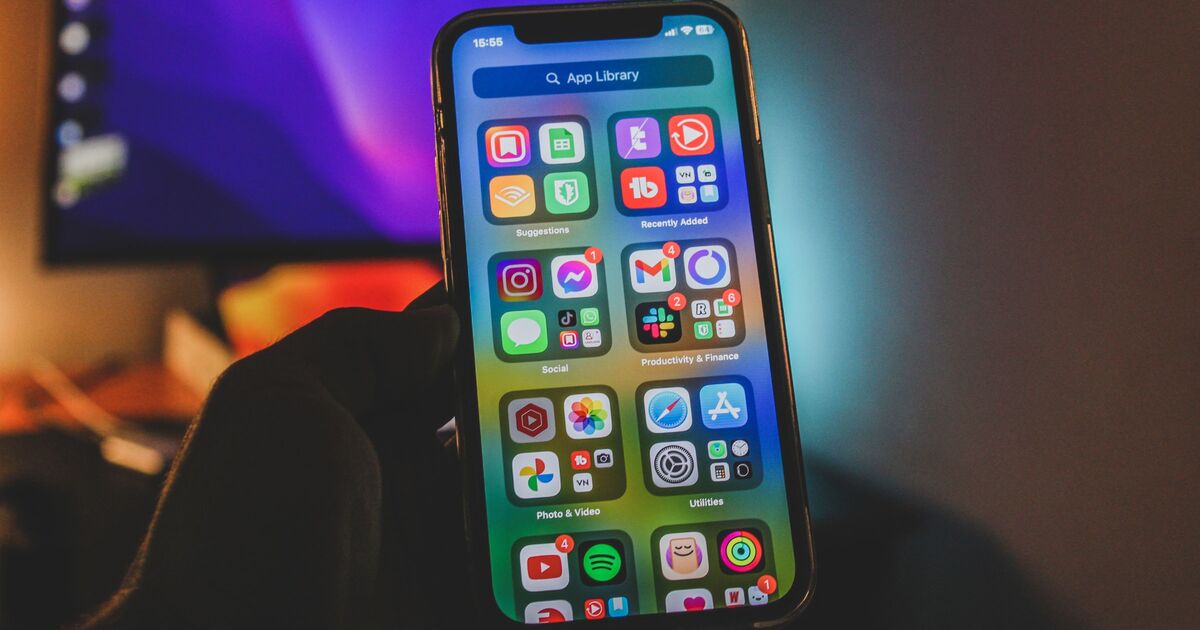
- Cover, an iPhone showing the App Library in a dim room: photo by Czapp Árpád on Pexels, Pexels License. Cropped to 1200x630.
- Circling a date on a paper calendar: photo by SHVETS production on Pexels, Pexels License. Resized.
- Notifications on a phone held over a desk: photo by Emmanuel Jason Eliphalet on Pexels, Pexels License. Resized.