- App promotion
- App Store
- Google Play
App cross-promotion: how to promote your other apps
App cross-promotion for iOS and Android: what Apple and Google allow, SKOverlay and in-app product pages, Play Store intents, tracked placements and bundles.
AppRanker team12 min read
On this page
App cross-promotion means using the apps you already have to send people to the ones you are launching. If you ship more than one app, your existing users are the cheapest audience you will ever reach: they already trust your work, you can show them a message at exactly the right moment, and it costs nothing but a few days of development. Done badly, though, a house promo is just another ad your users learn to ignore, or a screen that gets your update rejected.
This guide covers what Apple and Google allow, where a cross-promotion belongs in an app, the native code to show your other app without sending people out of yours (SKOverlay, SKStoreProductViewController and a Play Store intent), how to open the app instead when it is already installed, how to track every placement, and when an App Store app bundle does the job better.
Key takeaways
- Apple's guideline 3.2.1(i) explicitly allows "displaying your own apps for purchase or promotion within your app, provided the app is not merely a catalog of your apps."
- You may not force a download: guideline 3.2.2(x) bans requiring users to "download other apps" to use your app, and push notifications for promotion need explicit opt-in.
- On iOS,
SKOverlayandSKStoreProductViewControllershow the other app's App Store page inside yours, and both accept a campaign token so App Store Connect can attribute the downloads.- On Android, open the Play Store listing with an intent set to the Play Store package, and pass UTM values in the
referrerparameter.- Promote where the second app solves the next problem the user has, not on launch.
When app cross-promotion pays off
Cross-promotion works when two apps share an audience but do different jobs: a habit tracker and a journaling app, a budgeting app and a receipt scanner, a puzzle game and its sequel. It works badly when the apps compete for the same need, because then you are moving users between your own products rather than adding new ones.
Expect a steady trickle, not a launch spike. On Hacker News, one developer listing what had worked for them back in 2012 wrote that cross-promoting within their own apps "does ok" and estimated it "probably accounts for 5% of the user base on the apps i promote", while paid ads cost them over a dollar per user. Your numbers will differ, which is why the tracking section below matters more than any benchmark. What makes the channel worth building is that it compounds: every app you ship becomes a permanent placement for the next one.
What Apple and Google allow
Read these before you design anything, because the rules decide the format.
| Rule | Source | What it means for a house promo |
|---|---|---|
| Promoting your own apps is acceptable "provided the app is not merely a catalog of your apps" | Apple, App Review Guidelines 3.2.1(i) | A "More from us" screen is fine; an app that is only that screen is not |
| Apps "must not force users to rate the app, review the app, download other apps" to access functionality | Apple 3.2.2(x) | No locked features until the other app is installed |
| "Your app should work on its own without requiring installation of another app to function" | Apple 4.2.3(i) | The promoted app must be optional |
| Push notifications "should not be used for promotions or direct marketing purposes unless customers have explicitly opted in" | Apple 4.5.4 | Use in-app placements, or ask for marketing opt-in with an opt-out |
| Do not "collect information about which other apps are installed on a user's device for the purposes of analytics or advertising/marketing" | Apple 5.1.2(iv) | Checking whether your other app is installed is fine for routing; do not log it |
| Full-screen interstitials that "show unexpectedly" are not allowed | Google Play Ads policy | Hold a full-screen house promo to the same standard as an ad |
| Families rules apply to "cross-promotions (for your apps and third party apps)" | Google Play Families policy | In apps for children, a house promo is treated like ad content |
Google does not publish a separate rule for promoting your own apps outside the Families program, so the safest reading is to treat a cross-promotion like an ad: dismissible, never in the way of what the user came to do, and honest about what it links to.
Where to place a cross-promotion
Placement matters more than design. In order of what tends to respect users most:
- At the moment of the next need. The user finishes a 30-day streak in your habit tracker; a card suggests the journaling app for reflecting on it. The promo answers a question they now have.
- In settings or an "About" screen. A short "More apps from us" section is the classic placement. Few people see it, but those who do are your most engaged users.
- After a completed task, not before one. A results screen, an exported file, a finished level. Never in onboarding, and never before the user reaches the content they opened the app for.
- In your own channels. Your newsletter, your release notes page on the web and your website footer all reach the same people without touching the app.
If the new app is not out yet, start before launch: put it up for App Store pre-order and point your newsletter and website at the pre-order page, so your existing users are the first orders on release day.
The stores also give you two free surfaces. On the App Store, your product page lists your other apps under your developer name. On Google Play, your developer page can feature one app and list the rest, and you can link straight to it with https://play.google.com/store/apps/dev?id=<developer_id>.

A native store sheet takes an afternoon to build and keeps the user inside your app. Photo: olia danilevich / Pexels
iOS: show your other app without leaving yours
Sending people to the App Store app with a plain link works, but they leave your app and often do not come back. StoreKit gives you two ways to show the other app's page in place.
SKOverlay: a banner with a Get button
SKOverlay, available from iOS 14, is "an overlay you can use to recommend another app." It slides up from the bottom of the screen with the other app's icon, name and a Get button, and the user can download it without leaving. In SwiftUI, use the appStoreOverlay modifier:
import SwiftUI
import StoreKit

struct JournalPromoCard: View {
    @State private var showOverlay = false

    var body: some View {
        Button("Reflect on your streak in our journaling app") {
            showOverlay = true
        }
        .appStoreOverlay(isPresented: $showOverlay) {
            let config = SKOverlay.AppConfiguration(
                appIdentifier: "1234567890",   // the other app's Apple ID
                position: .bottom
            )
            config.campaignToken = "habit-streak-card"  // one token per placement
            config.providerToken = "123456"             // your pt value
            return config
        }
    }
}
SKOverlay.AppConfiguration also takes a customProductPageIdentifier, so you can show a custom product page written for users who arrive from your other app. App extensions cannot display an overlay.
SKStoreProductViewController: the full product page
SKStoreProductViewController presents the whole App Store product page as a sheet: screenshots, ratings, description and the Get button. Apple's own campaign links help names this exact use: presenting "your app's product page from inside another app (for example, when cross-promoting one app from another)," with the campaign and provider tokens passed so Analytics "attributes the results to your campaign the same way it would for a standard campaign link."
import StoreKit
import UIKit

final class MoreAppsViewController: UIViewController, SKStoreProductViewControllerDelegate {
    func showJournalApp() {
        let store = SKStoreProductViewController()
        store.delegate = self
        let parameters: [String: Any] = [
            SKStoreProductParameterITunesItemIdentifier: 1234567890,
            SKStoreProductParameterCampaignToken: "habit-settings",
            SKStoreProductParameterProviderToken: "123456"
        ]
        store.loadProduct(withParameters: parameters) { [weak self] loaded, _ in
            if loaded { self?.present(store, animated: true) }
        }
    }

    func productViewControllerDidFinish(_ viewController: SKStoreProductViewController) {
        viewController.dismiss(animated: true)
    }
}
Apple's notes: present it "immediately when someone triggers an interaction," and the class "doesn't support subclassing or embedding," so present it modally as is.
Open the app instead when it is already installed
Showing a Get button to someone who already has the app wastes the placement. If the other app registers a custom URL scheme, you can check for it with canOpenURL(_:), which only works for schemes listed under LSApplicationQueriesSchemes in your Info.plist:
// Info.plist: LSApplicationQueriesSchemes = ["myjournal"]
if let url = URL(string: "myjournal://today"),
   UIApplication.shared.canOpenURL(url) {
    UIApplication.shared.open(url)          // installed: open it
} else {
    showOverlay = true                      // not installed: show the store overlay
}
Apple's documentation limits apps linked on or after iOS 15 to 50 entries in that key, and apps linked on or after iOS 27 to 25, which is still plenty for a family of your own apps. Keep the result on the device: guideline 5.1.2(iv) forbids collecting which apps are installed for analytics or marketing.
Android: send people to the Play Store listing
Android has no in-app store sheet for this, so you open the Play Store app itself. Google's linking guide recommends an intent with the package set to com.android.vending, "so that users see your app's details in the Google Play Store app instead of a chooser." Add a UTM referrer and open the app directly when it is already installed:
import android.content.ActivityNotFoundException
import android.content.Context
import android.content.Intent
import android.net.Uri

fun openOrInstall(context: Context, packageName: String, placement: String) {
    // Already installed: open it instead of showing the listing.
    context.packageManager.getLaunchIntentForPackage(packageName)?.let {
        context.startActivity(it)
        return
    }

    val referrer = Uri.encode(
        "utm_source=habit_app&utm_medium=cross_promo&utm_campaign=$placement"
    )
    val intent = Intent(Intent.ACTION_VIEW).apply {
        data = Uri.parse(
            "https://play.google.com/store/apps/details?id=$packageName&referrer=$referrer"
        )
        setPackage("com.android.vending")
    }
    try {
        context.startActivity(intent)
    } catch (e: ActivityNotFoundException) {
        // No Play Store app on the device: let the browser handle the link.
        context.startActivity(intent.setPackage(null))
    }
}
On Android 11 and later, getLaunchIntentForPackage only sees apps your manifest declares under package visibility, so list your other apps:
<manifest>
    <queries>
        <package android:name="com.example.journal" />
    </queries>
</manifest>
Declare only your own packages. Asking for broad visibility of every installed app is a separate permission with its own Play policy review, and a cross-promotion does not need it.
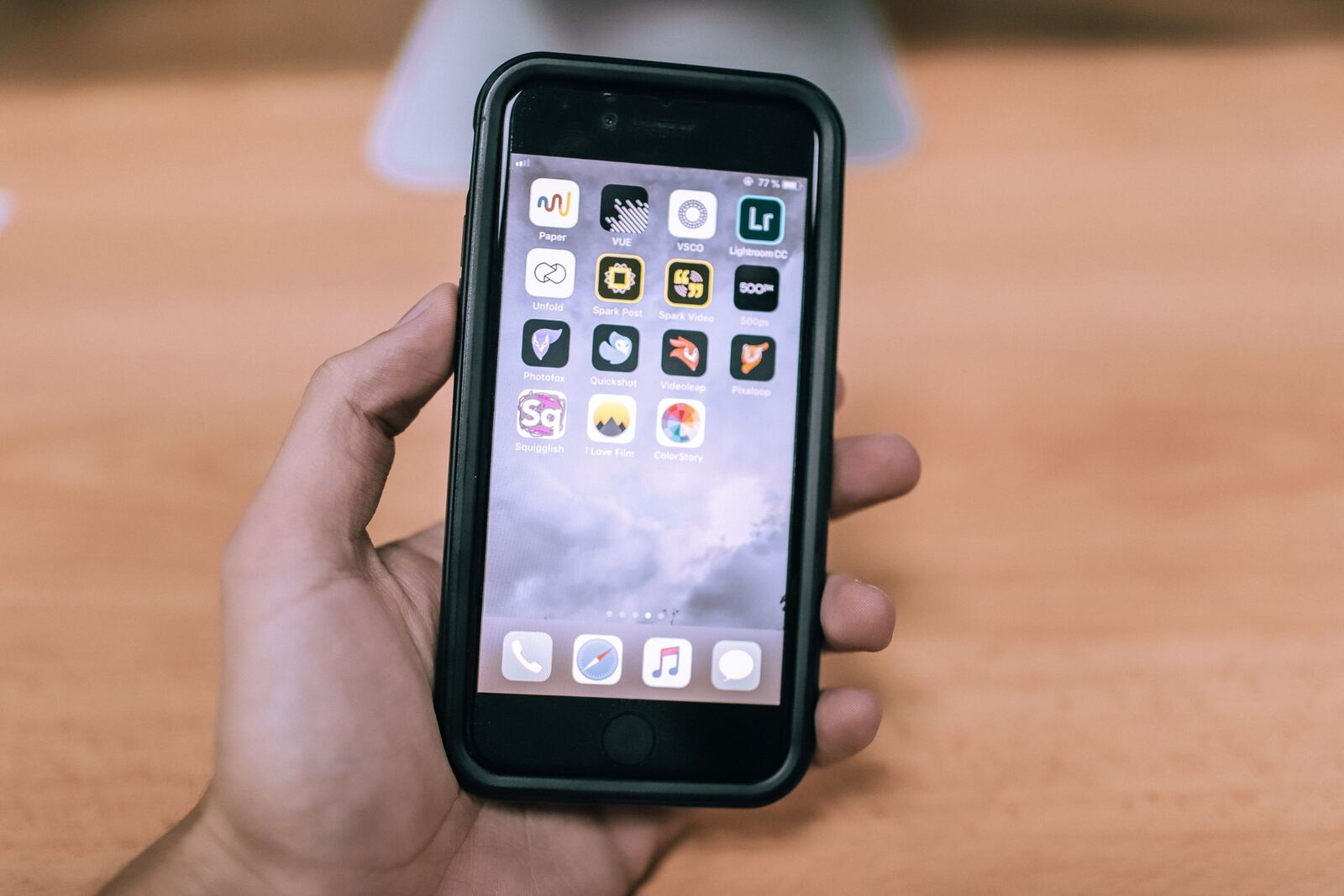
The best placement shows up when the user needs the other app, not when they open this one. Photo: Luis Quintero / Pexels
Track every placement separately
Give each placement its own token so you can turn off the ones that do not work:
- App Store: the campaign token (
ct) is the campaign name you create in App Store Connect Analytics, up to 30 characters. The provider token (pt) "identifies your developer account" and stays the same for every campaign. Apple shows a campaign "once it has generated first-time downloads from at least five individual users," and only after it has been live for 24 hours. - Google Play: the
utm_source,utm_mediumandutm_campaignvalues in thereferrerparameter show up in Play Console's acquisition reports. Our guide on how to promote your app for free covers both stores' tracked links in detail.
A simple naming scheme keeps the reports readable, for example <source app>-<placement>: habit-settings, habit-streak-card, habit-newsletter. Then compare first-time downloads per placement in App Store Connect analytics after a few weeks, and check whether those users stay with the retention reports, since a placement that brings installs nobody opens is worse than none.
App bundles and shared subscriptions
If your apps are paid, or share one subscription, the App Store has a built-in way to sell them together. Apple's app bundles page says bundles let customers "buy up to 10 of your apps or games in a single purchase":
- Bundles work "for paid apps or free apps that offer an auto-renewable subscription to access all apps in the bundle," but the two kinds cannot be mixed.
- Paid bundles "must offer a discount" and support Complete My Bundle, which credits apps a customer already bought so "they only pay the balance."
- For subscription bundles, someone who subscribes in one app "must be able to access all other apps in the bundle at no additional cost."
- An app can be in up to three bundles, and you can have up to 10 bundles live.
A bundle turns every product page in it into a cross-promotion, with no code. For subscriptions that span apps from more than one developer, see our guide to App Store subscription bundles.
Cross-promote with other indie developers
The same placements work between friends. Two indie developers with overlapping audiences can swap a settings-screen card or a newsletter mention. A few rules keep it clean:
- Give your partner a campaign link created in your own App Store Connect account, and a Play link with your own UTM values, so the installs land in your reports.
- Apply the same guidelines as for your own apps: optional, dismissible, never required to unlock anything.
- Label it honestly, for example "From our friends at…", so nobody mistakes it for a feature of the app.
Beyond your own apps
Cross-promotion only reaches people who already use one of your apps. Each new app still needs a way in front of people who have never heard of you. That is the gap a leaderboard listing fills: on AppRanker, App Store and Google Play apps sit on one public board where rank is a plain sort on what each listing has paid, and every row links straight to the store page. If you run a family of apps, each one can hold its own row. Paste a store link on the AppRanker home page to see what each position costs before you pay. Our list of where to submit your app covers the other channels worth a launch.
App cross-promotion checklist
- The promoted app solves the next problem the user has, and the two apps do not compete.
- Placements appear after a completed task or in settings, never in onboarding.
- Nothing in the app is locked behind installing the other app.
- No promotional push notifications without explicit opt-in.
- iOS:
SKOverlayorSKStoreProductViewControllerwith a campaign token per placement. - iOS: installed apps opened through a declared URL scheme, and the check never logged.
- Android: Play Store intent with
setPackage("com.android.vending"), a UTMreferrer, and<queries>for your own packages. - A naming scheme for tokens, and a date to review first-time downloads and retention per placement.
- App bundle considered if the apps are paid or share a subscription.
FAQ
Can I promote my other apps inside my app?
Yes. Apple's guideline 3.2.1(i) allows "displaying your own apps for purchase or promotion within your app, provided the app is not merely a catalog of your apps." Google has no specific ban, but treat the promotion like an ad: dismissible and not shown unexpectedly.
Can I use push notifications to promote my other apps?
On iOS, only if users explicitly opted in to marketing messages through consent language in your app and can opt out, per guideline 4.5.4. Otherwise keep cross-promotion to in-app placements and your own channels.
Can I require users to download another app?
No. Apple's guideline 3.2.2(x) says apps must not force users to "download other apps" to access functionality or content, and 4.2.3(i) says your app should work on its own.
How do I track downloads from cross-promotion?
On iOS, pass a campaign token and your provider token to SKOverlay or SKStoreProductViewController, or use a campaign link; results appear in App Store Connect Analytics. On Android, add UTM values in the referrer parameter of the Play Store link.
How do I check if my other app is installed on iPhone?
Register a custom URL scheme in the other app, list it under LSApplicationQueriesSchemes in this app's Info.plist and call canOpenURL(_:). Use the result only to choose between Open and Get, and do not send it to analytics.
What is the Google Play developer page link?
https://play.google.com/store/apps/dev?id=<developer_id>, with your developer ID from Play Console. The page can feature one app and list all the others you publish.
Image credits
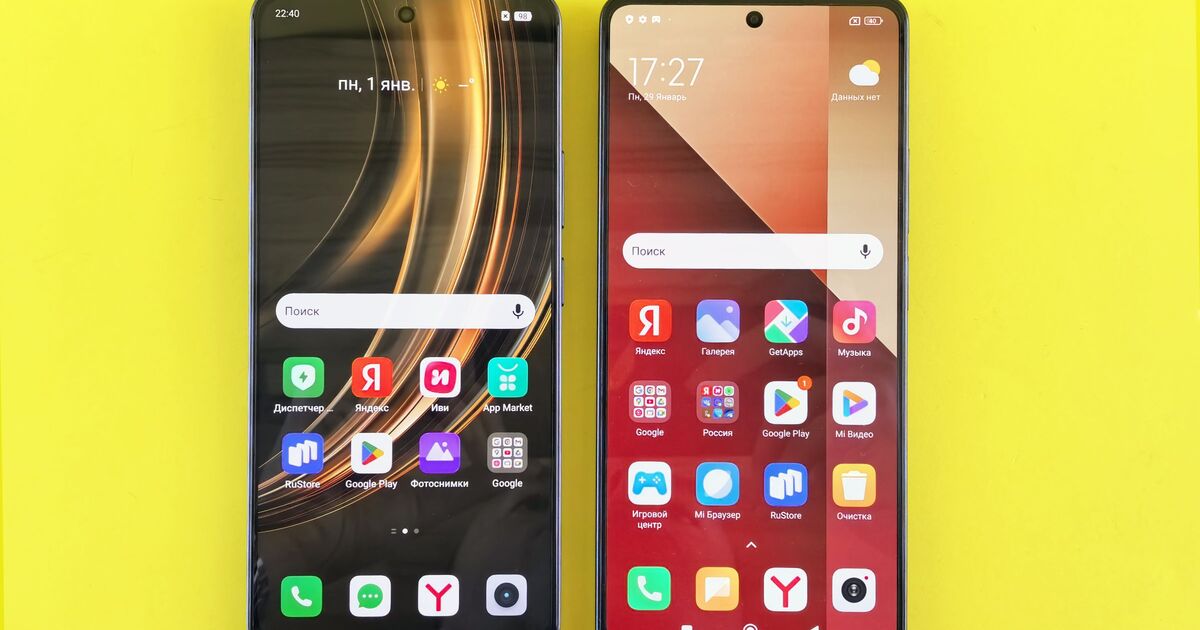
- Cover, two phones on a yellow surface: photo by Andrey Matveev on Pexels, Pexels License. Cropped to 1200x630.
- Developer coding on a laptop: photo by olia danilevich on Pexels, Pexels License. Resized.
- iPhone home screen in a hand: photo by Luis Quintero on Pexels, Pexels License. Resized.