- App Store
- Subscriptions
- iOS
App Store subscription bundles and multiseat purchases: what iOS 27 changes before October 22
App Store subscription bundles, Suites and multiseat purchases in iOS 27: what is on by default, what to check before October 22, and Google Play's version.
AppRanker team12 min read

On this page
App Store subscription bundles arrive with iOS 27, and they come with a quieter change that is already switched on in your App Store Connect account: multiseat purchasing. Since September 16, 2026, auto-renewable subscriptions are set by default to allow purchases of more than one seat, unless you turn that off. The first buyers arrive when Volume Purchasing through Apple Business and Apple School Manager opens on October 22, 2026, and Group Purchases follow this winter.
If you sell a subscription on iOS, this is a growth opportunity and a configuration task at the same time. Bundles and Suites put your app in front of people who subscribe to another app, and multiseat lets one buyer pay for a whole team. But both change who holds a valid transaction, and code that assumes "one purchase, one person" can lock seat holders out or keep removed seats unlocked. This guide covers what Apple announced, what is on by default, the code and server checks to make, and what Google Play is doing in the same space.
Key takeaways
- Multiseat purchases are on by default for auto-renewable subscriptions. Older subscriptions that do not use StoreKit 2 or that have Family Sharing on are opted out by default.
- Volume Purchasing launches October 22, 2026. Group Purchases launch this winter. Bundles and Suites are by request and arrive "later this year" on iOS 27 and the other 27 releases.
- A seat holder gets their own transaction with the new
assignedownership type. Grant access from transactions, not from group membership.- Google Play announced multi-quantity subscriptions and cross-developer bundling on September 29, 2026, rolling out through its Early Access Program first.
What Apple announced for subscriptions in iOS 27
Apple's developer news post Get your subscriptions ready for iOS 27 (September 16, 2026) bundles four features under one heading. They are easy to mix up, so here they are side by side:
| Feature | What the customer gets | How you get it | When |
|---|---|---|---|
| Bundles | Several subscriptions in one purchase: in one app, across your apps, or across up to five developers' apps | Request form, then Apple configures it with you | Later in 2026, iOS 27 and later |
| Suites | One subscription that works across a set of your apps (up to 15) | Request form | Later in 2026, iOS 27 and later |
| Volume Purchasing | An organization buys seats in Apple Business or Apple School Manager and assigns them through device management | On by default for eligible subscriptions | October 22, 2026 |
| Group Purchases | A subscriber buys several seats in your app and invites others | On by default for eligible subscriptions | This winter |
The first two are opt-in programs you apply for. The last two, grouped by Apple as multiseat purchasing, are opt-out. That difference is why this post exists: nothing happens with Bundles unless you ask for it, but multiseat can start selling seats of your subscription without any change on your side.
Multiseat purchasing is on by default: check your settings
Apple's help page on managing purchase options for an auto-renewable subscription is explicit: "Multiseat purchases are turned on by default for all auto-renewable subscriptions." The exceptions are subscriptions "created prior to September 14, 2026 that do not use StoreKit 2 or that have Family Sharing turned on", which start opted out.
The person who buys seats is the group purchaser. They manage the shared subscription and decide who has access. On the App Store, people can still buy individually or as a group. In Apple Business and Apple School Manager, only multiseat purchases are possible.
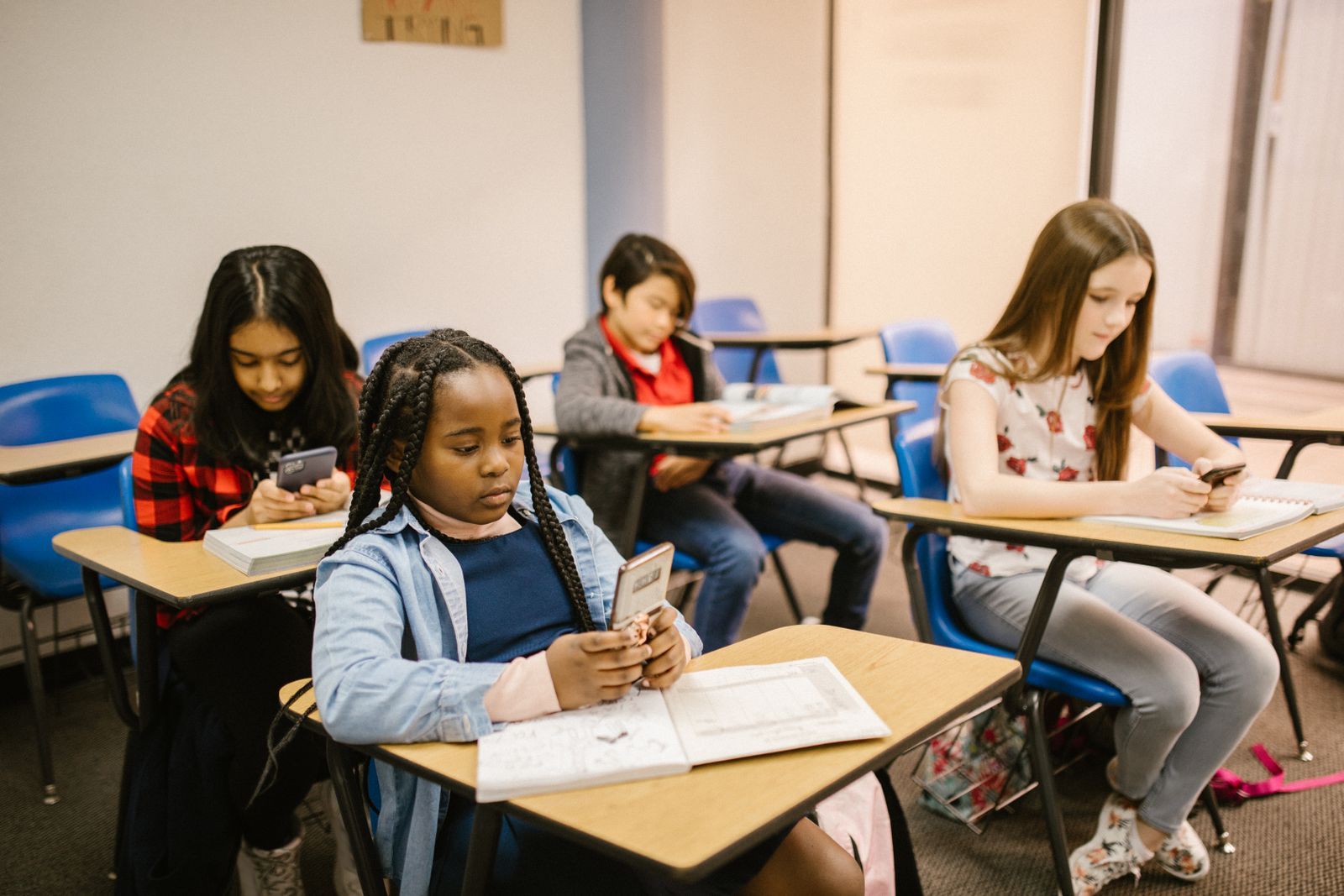
Apple School Manager sells subscriptions only as volume purchases, assigned seat by seat. Photo: RDNE Stock project / Pexels
How to change it in App Store Connect
You need the Account Holder, Admin or App Manager role.
- In Apps, select the app, then open Subscriptions under Monetization.
- Click the subscription, then Edit in the Purchase Options section.
- Under "Can a customer purchase multiple seats for this subscription?", choose Yes, allow multiseat purchases or No, don't allow multiseat purchases.
- Under "Where can a customer purchase this subscription?", tick any of The App Store, Apple Business and Apple School Manager.
- Click Save.
Read the fine print before you save, because several of these choices are one-way:
- App Store availability cannot be removed once the subscription is approved.
- Removing Apple Business or Apple School Manager later can only be done by the Account Holder, and existing subscribers there are cancelled at the end of their next renewal.
- Turning multiseat off stops new multi-seat purchases and removes the subscription from Apple Business and Apple School Manager, but existing group subscriptions keep renewing until the purchaser cancels.
- Family Sharing and multiseat together: only the group purchaser can share with family members, and Family Sharing, once on, cannot be turned off.
- Custom apps cannot opt out. Their subscriptions are available in Apple Business and Apple School Manager automatically.
Should you leave it on?
For most productivity, education, creative and team tools, yes. Apple's own pitch describes the buyers you could not reach before: "a work team splitting the cost of a productivity app, a small business outfitting a handful of employees, a department within a larger company". These people can now pay without going through procurement.
Turn it off, at least until you have tested, if any of these apply:
- Your subscription unlocks something tied to one account on your server, such as storage, credits or an AI usage quota, and your backend does not yet know about seats.
- You sell a consumer subscription where a team purchase makes no sense, and you would rather not field support questions about it.
- You rely on App Store Server API calls that do not accept assigned transactions (more on that below).
Pricing seats: volume price bands
By default every seat sells at your current subscription price. In the WWDC26 session Offer subscriptions to groups and organizations, Apple shows volume pricing: up to five price bands, each with a quantity range and a per-seat price, set in App Store Connect. Apple's example was $19.99 per seat for seats 1 to 20, $13.99 for 21 to 40 and $10.99 from 41, which works out to about 20% off the base price for a 50-seat purchase.
A sensible starting point for a small developer is one discount band at the size where a team purchase becomes likely (say 10 seats and up), then a second once you see real orders. A per-seat discount that is too deep on small quantities just lowers revenue from people who would have bought anyway.
What changes in your code and on your server
A seat holder does not share the purchaser's transaction. In both Volume Purchasing and Group Purchases, "the App Store creates a transaction for each member", and you grant access from that transaction.
On the device: StoreKit 2
StoreKit's Transaction.OwnershipType now has a third value next to purchased and familyShared: assigned, meaning "the user has access to this transaction through an organization." If your entitlement check loops over current entitlements and does not filter by ownership, seat holders already get access:
import StoreKit

enum AccessSource { case purchased, familyShared, assigned }

func activeSubscriptionAccess(for productIDs: Set<String>) async -> AccessSource? {
    for await result in Transaction.currentEntitlements {
        guard case .verified(let transaction) = result,
              productIDs.contains(transaction.productID),
              transaction.revocationDate == nil else { continue }

        switch transaction.ownershipType {
        case .purchased: return .purchased
        case .familyShared: return .familyShared
        case .assigned: return .assigned // a seat from an organization or a group
        default: return .purchased
        }
    }
    return nil
}
Two habits cause trouble here. The first is caching "subscribed until" dates and only refreshing them on expiry: when a purchaser removes a seat, the transaction is revoked before it expires, so listen to Transaction.updates and re-check. The second is filtering on ownershipType == .purchased to exclude Family Sharing, which now also excludes every seat holder.
For group purchases, the WWDC session says you build your own seat picker and pass the seat count into a StoreKit 2 purchase, but Apple's public documentation does not yet show that call. Do not guess: StoreKit's existing quantity(_:) purchase option is documented only for consumables and non-renewing subscriptions, with a maximum of 10. Build the UI, and wire the purchase when Apple publishes the API.
On the server: App Store Server API 1.22
The App Store Server API changelog lists version 1.22 (September 28, 2026) as the multiseat release:
inAppOwnershipTypegainsASSIGNED, "a customer who has access through an organization or group."revocationTypegainsASSIGNMENT_REVOKE: "the organization or group purchaser removed the subscription from the customer. Revoke the customer's access."quantitynow reports "the number of seats the purchase covers" for a multiseat purchase.- New Get Customer Groups and Get Group Members endpoints, only in the sandbox for now.
- New error codes, including ones for calls that do not support assigned transactions, such as extending a subscription renewal date.
Apple's documentation for Get Customer Groups is clear about what group data is for: "Group membership is separate from entitlement. To unlock content for a customer, read their transactions; don't depend on group membership." Use group data to show admin controls or a shared workspace, not to decide who gets in.
A minimal server-side check, after you have verified and decoded the signed transaction:
ASSIGNED = "ASSIGNED"
ASSIGNMENT_REVOKE = "ASSIGNMENT_REVOKE"


def has_access(tx: dict, now_ms: int) -> bool:
    if tx.get("revocationDate"):
        # Includes ASSIGNMENT_REVOKE: the purchaser took the seat back.
        return False
    return tx.get("expiresDate", 0) > now_ms


def seats_bought(tx: dict) -> int:
    # For a multiseat purchase this is the number of seats, otherwise 1.
    return tx.get("quantity", 1)


def can_extend_renewal(tx: dict) -> bool:
    # Some billing endpoints reject assigned transactions; check before calling.
    return tx.get("inAppOwnershipType") != ASSIGNED
If your server keys subscribers on appAccountToken, plan a second key for seat holders. A seat holder never ran your purchase flow, so their transaction will not carry the token you set at checkout.
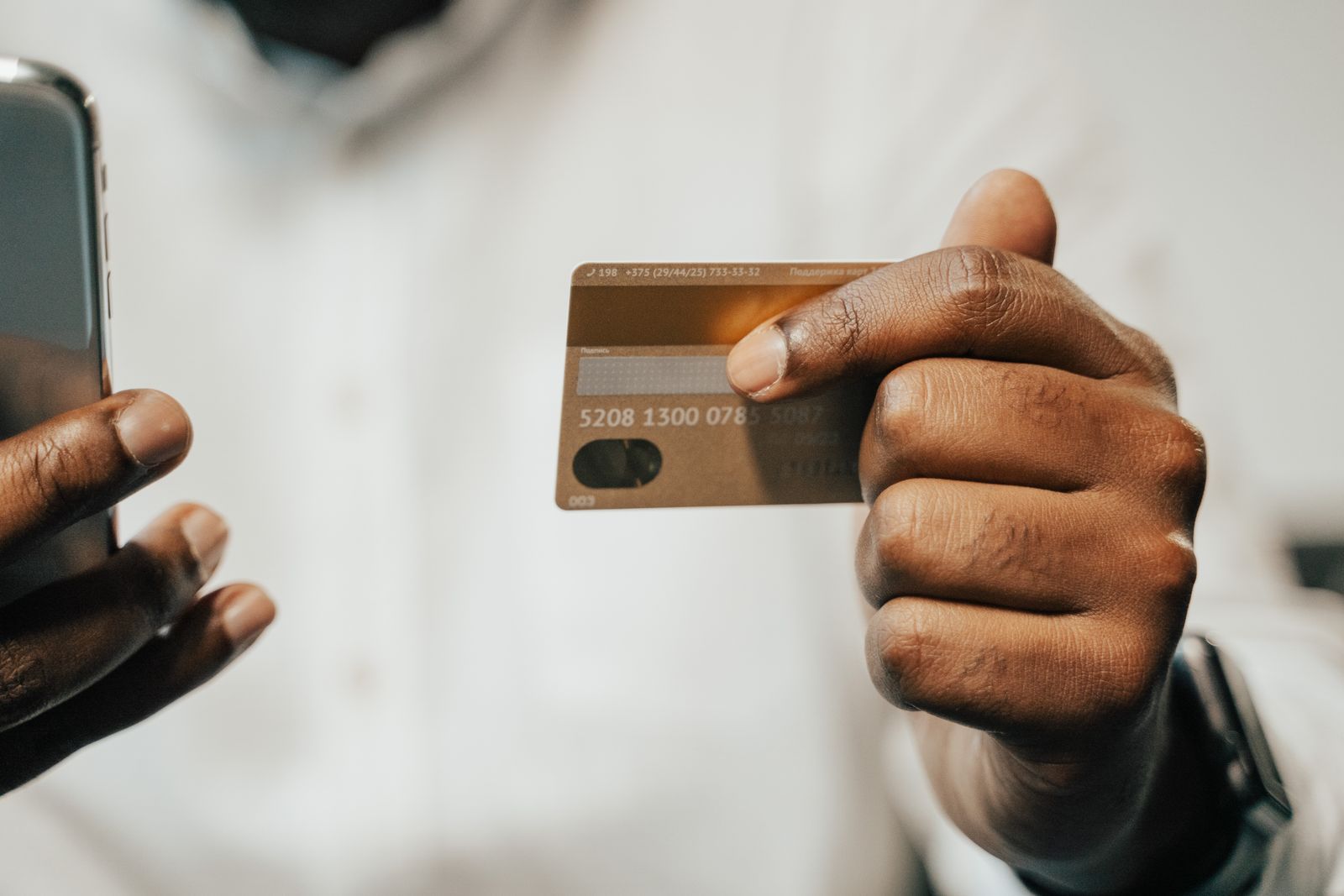
One card, many seats: the group purchaser pays, and each seat holder gets their own transaction. Photo: Tima Miroshnichenko / Pexels
App Store subscription bundles and Suites: how to apply
Bundles and Suites are not switches in App Store Connect. Apple's Bundles and Suites page describes a request process:
- Single-developer Bundle: several of your auto-renewable subscriptions, sold together "at a lower price than subscribing to each individually", within one app or across several.
- Multi-developer Bundle: "Up to five developers can participate." Each one submits an interest form and signs the Multi-Developer Bundle Program Legal Addendum.
- Suite: a single subscription that works across up to 15 of your apps.
The requirements are short but strict:
- Use StoreKit 2 for your in-app purchases.
- Support iOS 27, iPadOS 27, macOS 27 and tvOS 27 or later for people to buy.
- Every subscription in a Bundle must have the same duration, so a monthly plan cannot be bundled with an annual one.
- A Bundle holds up to 5 subscriptions.
If approved, Apple's team works with you on pricing and a go-live date, and Bundles and Suites are "configured and published in batches." Existing subscribers who buy a Bundle that includes their current subscription are upgraded straight away and get a prorated refund for the rest of their standalone period.
Why bundles matter for visibility
For a small app, the interesting case is the multi-developer Bundle. Apple's purchase sheet "displays all apps included in your Bundle or Suite", so a subscriber to a bigger partner's app sees yours at the moment they pay. That is distribution you cannot buy with search ads. The right partner sells something complementary to the same audience: a habit tracker with a journaling app, a PDF editor with a scanner. Approach them with numbers, not a vague pitch: your retention, your rating and what each of you adds to the other's subscribers.
Bundles are one channel among several. If you are still building an audience, our guide on how to promote your app for free covers the channels that cost nothing, and a paid position on the AppRanker app leaderboard puts your App Store listing in front of other makers and early adopters from $5 at the time of writing. If you are weighing paid installs, our new guide to Google App campaigns covers the Google side.
Google Play's version: multi-quantity subscriptions and bundling
Google is moving in the same direction. Its September 29, 2026 post Driving growth on Google Play: the next era of subscriptions announced:
- Multi-quantity subscriptions: users can "make multiple subscription purchases in a single transaction" and assign them as seats to team members or students.
- Cross-developer bundling: "create and sell a hard bundle of two or more complementary subscriptions."
- Mixed carts: a subscription and one-time products in one checkout.
- Usage-based billing: prepaid metered billing that tops up automatically, aimed at AI and variable-cost apps.
The difference is availability. Google says many of these features are "testing and rolling out" through its Early Access Program with select partners, with a broader Play Console rollout planned. Apple's multiseat is on by default today. If you ship on both stores, design your backend's seat model once, with a store-agnostic "seat holder" record, rather than bolting each store's version on separately.
Your checklist before October 22
- Open Purchase Options for every auto-renewable subscription and confirm the multiseat setting is what you want.
- Decide which stores can sell it: App Store, Apple Business, Apple School Manager. Remember that App Store availability cannot be removed after approval.
- Set volume price bands if team purchases are likely.
- Make sure your entitlement check accepts
assignedtransactions and drops revoked ones. - Handle
ASSIGNMENT_REVOKEand checkrevocationTypeon every notification for the subscription. - Guard billing calls that reject assigned transactions.
- Give seat holders an account key that does not depend on
appAccountToken. - Test in the sandbox, including Get Customer Groups if you plan an admin view.
- If a Bundle or Suite fits, submit Apple's request form and line up a partner.
For other iOS 27 changes that affect your listing and installs, see our posts on the new EU App Tracking Transparency prompt and on getting your app ready for iPhone Duo.
FAQ
What are App Store subscription bundles?
A Bundle sells several auto-renewable subscriptions as one in-app purchase. It can combine subscriptions within one app, across several of your apps, or across up to five developers' apps. A Suite is a single subscription that works across up to 15 of your apps. Both require StoreKit 2 and iOS 27 or later, and you apply through a request form.
Is multiseat purchasing on by default for my subscription?
For new auto-renewable subscriptions, yes. Subscriptions created before September 14, 2026 that do not use StoreKit 2 or that have Family Sharing on start opted out. Check the Purchase Options section of each subscription in App Store Connect to see the current setting.
When does Volume Purchasing launch?
October 22, 2026, for organizations using Apple Business and Apple School Manager. Group Purchases, where a subscriber buys seats inside your app and invites others, launch this winter.
How do I know if a user has access through a seat?
On the device, a verified transaction's ownershipType is assigned. On the server, inAppOwnershipType is ASSIGNED. Grant access from the transaction itself, and revoke it when revocationType is ASSIGNMENT_REVOKE.
Does Google Play have subscription bundles?
Google announced cross-developer bundling and multi-quantity subscriptions on September 29, 2026. They are rolling out through the Early Access Program first, so most developers will see them in Play Console later.
Image credits
- Cover, colleagues around a table with laptops and a tablet: photo by fauxels on Pexels, Pexels License. Cropped to 1200x630.
- Students using phones in a classroom: photo by RDNE Stock project on Pexels, Pexels License. Resized.
- Phone and bank card in hand: photo by Tima Miroshnichenko on Pexels, Pexels License. Resized.