- Promotion
- Google Play
- Paid ads
Google App campaigns for app installs: setup, bidding and budget for small developers
Google App campaigns explained for small iOS and Android developers: setup, target CPI, the 50x budget rule, assets, iOS measurement and when not to run one.
AppRanker team10 min read

On this page
Google App campaigns are the one way to buy installs across Google Search, Google Play, YouTube, Discover and the Display Network from a single campaign. You supply text, images and video, a budget and a bid, and Google's system decides where your ads show and which combinations win. For a small developer that is both the appeal and the risk: there are no keywords to pick and few levers to pull, so the setup choices you make on day one matter more than they would in a normal search campaign.
This guide walks through how Google App campaigns work, how to set one up, which bid strategy to choose, how much budget Google says you need, what changes on iOS, and when a small app is better off not running one yet. Everything here comes from Google's own help pages, quoted where it matters.
Key takeaways
- Google recommends a daily budget of at least 50 times your target cost per install, or 10 times your target cost per action.
- Pick an in-app action that at least 10 different users complete per day, or the campaign has too little data to optimize toward it.
- Change bids by no more than 20% at a time, and Google's example waits for 100 conversions before the next change.
- On iOS, Google suggests bidding about 1.5 times your Android target and running eight or fewer install campaigns per app without on-device measurement.
How Google App campaigns work
Google's About App campaigns page describes the deal: instead of designing individual ads, you provide ad text, a starting bid, a budget and the languages and locations to target, and "our system will test different asset combinations" and favor the best performers.
Your ads can appear in five places:
| Network | Where the ad shows |
|---|---|
| Google Search | Search results and search partner sites |
| Google Play | Play search results, related-app sections and the Play homepage |
| YouTube | Relevant pages and videos |
| Google Display Network | Gmail, other apps and mobile websites |
| Discover | The Discover feed in the Google app |
There are three subtypes:
- App campaigns for installs (ACi), which find new users. This is the one most small developers start with.
- App campaigns for engagement (ACe), which bring back people who already installed your app. Google requires audience segments such as Customer Match or Firebase lists for these to serve.
- App campaigns for pre-registration (ACpre), Android only, which promote an app before launch. We cover the organic side in our guide to Google Play pre-registration.
Your app must be live on Google Play or the App Store, and you need a payment method on the Google Ads account.
Before you spend: fix the store page and the tracking
An App campaign sends people to your store listing, and the listing decides whether they install. If your icon, screenshots and first lines of description are weak, every click costs more. Run through our checklist for writing a store listing that converts first, and if you have the traffic, test changes with App Store and Google Play A/B testing.
Then decide what you will measure:
- Android installs are tracked for you. When you create the campaign, Google automatically creates a Google Play download conversion event if your account has none for that app.
- In-app actions (sign-up, tutorial complete, first purchase) need conversion tracking, usually through Google Analytics for Firebase or a third-party app attribution partner.
- iOS is covered in its own section below, because Apple's privacy rules change what Google can see.
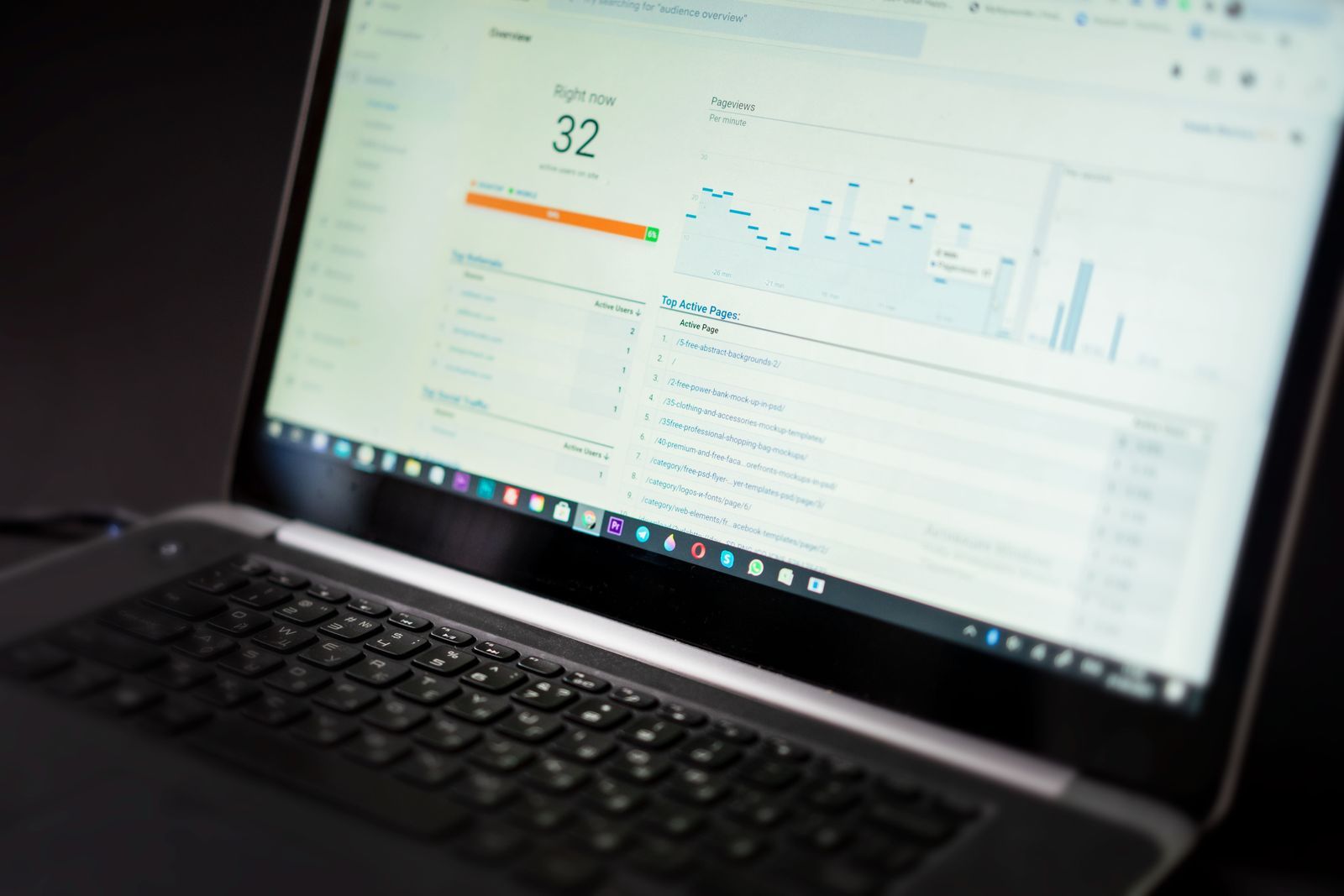
Set up the conversion events before the campaign starts: the bidding can only optimize toward what it can measure. Photo: Atlantic Ambience / Pexels
How to set up a Google App campaign, step by step
These are the steps from Google's Create an App campaign help page:
- In Google Ads, open Campaigns, click the plus button and select New campaign.
- Choose the goal App promotion and the subtype App installs.
- Pick Android or iOS, then find your app by name, package name or publisher. If it does not appear, paste the store URL.
- Name the campaign so the platform is obvious, such as
ACi - Android - US - tCPI. You will run one campaign per platform. - In Campaign settings, choose locations and languages. Ads are not translated, so match the language to your assets.
- In Budget and bidding, set an average daily budget, then choose what to focus on and which conversion event to optimize for.
- Optionally set a target: target cost per install, target cost per action or target return on ad spend.
- In Ad groups, add your headlines, descriptions, images, videos and HTML5 assets. Watch the ad strength indicator.
- Under Advanced options, you can add an App URL for deep linking. On Android it can open a specific page after install; on iOS, users without the app go to the App Store page.
- Optionally add an audience signal, review and publish.
If you use deep links, make sure they still work. Many apps lost theirs when Firebase Dynamic Links shut down; our post on Firebase Dynamic Links alternatives covers the replacements.
Choosing a bid strategy
Google's page on choosing a bid strategy for your App campaign lists the options for install campaigns:
| You want | Focus | Bid strategy | Notes |
|---|---|---|---|
| As many installs as possible at a target cost | Install volume | Target cost per install (tCPI) | The usual starting point |
| As many installs as possible for the budget | Install volume | Maximize conversions | Leave "Set a target cost per install" unchecked |
| Installs from people likely to act | In-app actions | Target cost per action (tCPA) | Pick one predefined action |
| Revenue | In-app action value | Target return on ad spend (tROAS) | Needs purchase values tracked |
For a new app with no purchase data, start with install volume and a target CPI. Move to target CPA once one in-app action happens often enough. Google's best practices for App campaigns give the threshold: "Pick an in-app action that's completed by at least 10 different users per day in the campaign." If fewer than ten people a day reach your paywall, optimize for an earlier step, such as completing onboarding.
The budget rule: 50 times your target CPI
This is the number that surprises most small developers. Google's best practices say:
- For installs: "set a daily campaign budget that's at least 50 times your target CPI."
- For in-app actions: "set a daily campaign budget that's at least 10 times your target CPA."
Here is what that means in practice:
| Target | Example value | Minimum daily budget | Per 30 days |
|---|---|---|---|
| Target CPI | $0.50 | $25 | $750 |
| Target CPI | $1.50 | $75 | $2,250 |
| Target CPA | $5.00 | $50 | $1,500 |
| Target CPA | $15.00 | $150 | $4,500 |
You can run below these numbers, but the campaign will gather data slowly and results will swing from day to day. Plan for the first two weeks as a learning cost rather than a test of whether the channel works.
How to adjust bids without resetting progress
Google's help article on target CPI works through an example: raising a target CPI from $2 to $2.40 is "no greater than 20% per day", which gives steadier results, and the advertiser then waits for "at least 100 conversions" before changing the bid again. The same example checks that the daily budget is still at least 50 times the new target.
So the rhythm is: change one thing, by 20% or less, then wait for enough conversions to judge it. Changing the bid, the budget and the assets on the same day makes it impossible to tell what worked.
Assets: what to upload
Google's best practices allow "up to 10 text, 20 image, and 20 video assets per ad group", and recommend using all the slots. The rest of its advice is short and practical:
- Add videos "that vary in length between 10 to 30 seconds". Supplying landscape, portrait and square versions gives the system more placements it can fill.
- "Avoid superimposing logos and calls-to-action" on images; the ad formats add their own.
- "Replace low-performing assets with new ones." Give new assets time to collect data before you judge them.
Write text assets that each work alone, because Google mixes them freely. One benefit per headline beats a headline that only makes sense next to another.
Most App campaign traffic lands on a phone that already has dozens of apps. Your assets have one glance to explain why yours belongs there. Photo: Pixabay / Pexels
Google App campaigns on iOS
App campaigns can promote iOS apps too, but measurement works differently since Apple's App Tracking Transparency rules. Google's FAQ about iOS changes covers the essentials:
- SKAdNetwork reports are available to App campaign advertisers. They are aggregated and delayed, and can differ from Google's modeled conversions.
- On-device conversion measurement matches conversions on the device, and Google says the GA4F SDK "ensures that only de-identified conversion data is sent off-device".
- Campaign count: without on-device measurement data, Google recommends keeping install campaigns for each iOS app to eight or fewer, because more campaigns can obscure SKAdNetwork reporting.
On bidding, Google's bid strategy page recommends iOS targets about 1.5 times your Android tCPI or tCPA. Budget accordingly: the 50x rule applies to the higher number.
Apple is also adding an alternative ATT prompt for the EU starting with iOS 27.2, which can affect opt-in rates and therefore what Google can attribute. Our post on the App Tracking Transparency prompt in the EU explains the change.
A warning about pre-registration campaigns
Pre-registration campaigns optimize for sign-ups, not installs, and the gap can be large. On Hacker News, the author of a write-up called "We spent $20k on Google Play pre-registration ads" summarized the result: "Google charged us for 16,171 conversions. When we launched, we only received 1,371 installs." That is one developer's experience from 2023, not a rule, but it is a good reason to treat pre-registration as a cost per sign-up and to model the conversion to installs conservatively before you scale it.
When a small app should not run Google App campaigns yet
Paid installs magnify what your app already does. They do not fix it. Hold off if:
- You cannot afford the 50x budget for at least two weeks on one platform.
- Your day-one retention is weak. Buying users who leave on day one only makes your store metrics worse.
- You have no conversion tracking beyond installs, so you cannot tell good users from bad ones.
- Your store listing has not been tested and your rating is below what similar apps show.
In that case, put the money and time into channels with a lower floor. Our guide on how to promote your app for free covers store tools, communities and content. If you want a small paid step first, a listing on the AppRanker leaderboard for apps and extensions costs a one-time $5 at the time of writing and keeps your app on a public board with a link straight to your store page; how AppRanker ranks apps explains exactly what that buys. For a broader list of places to put your app in front of early users, see our new guide on where to submit your app.
If you sell subscriptions, also check what iOS 27 changed for them before you buy traffic: App Store subscription bundles and multiseat purchases can raise what each user is worth.
Google App campaigns checklist
- Store listing reviewed, screenshots tested, rating healthy.
- Conversion events set: Play download (automatic on Android) plus one in-app action.
- One campaign per platform, named with platform, country and bid strategy.
- Bid strategy chosen: tCPI to start, tCPA once an action reaches 10 users a day.
- Daily budget at least 50x target CPI or 10x target CPA.
- All asset slots filled: text, images and 10 to 30 second videos in several orientations.
- iOS: SKAdNetwork registered, on-device measurement considered, eight or fewer install campaigns.
- Bids changed by 20% or less, with enough conversions between changes.
- Low-performing assets replaced every few weeks.
FAQ
How much does a Google App campaign cost?
There is no minimum spend, but Google recommends a daily budget of at least 50 times your target cost per install. With a $1 target CPI, that is $50 a day, or about $1,500 a month. Campaigns optimizing for in-app actions need at least 10 times the target cost per action per day.
Can I choose keywords for a Google App campaign?
No. App campaigns do not use keyword lists. Google builds ads from your assets and store listing and decides where to show them across Search, Play, YouTube, Discover and the Display Network. Your levers are the bid strategy, the conversion event, the budget, locations, languages and assets.
Why is my Google App campaign not spending?
The most common causes are a target CPI or CPA set too low for your category and country, a budget too small relative to the target, or an optimization event that too few users complete. Raise the target by up to 20% at a time, or optimize for a more frequent event.
Do Google App campaigns work for iOS apps?
Yes. Measurement relies on SKAdNetwork and Google's on-device conversion measurement rather than device identifiers. Google recommends bidding about 1.5 times your Android target on iOS and keeping each iOS app to eight or fewer install campaigns without on-device measurement.
Should I use App campaigns or Apple Search Ads?
They reach different places. Apple Ads promote iOS apps inside the App Store. Google App campaigns run across Google's properties and cover both Android and iOS. Many small developers test one channel at a time, starting with the platform where their app already converts best.
Image credits
- Cover, a laptop with an analytics dashboard among printed reports: photo by Tiger Lily on Pexels, Pexels License. Cropped to 1200x630.
- Laptop showing an analytics dashboard: photo by Atlantic Ambience on Pexels, Pexels License. Resized.
- Android phone showing app icons: photo by Pixabay on Pexels, Pexels License. Resized.