- Launch
- App Store
- Google Play
How much does it cost to publish an app? 2026 fee guide
How much does it cost to publish an app in 2026? Apple's $99 a year, Google Play's $25 once, fee waivers, store commissions and the costs nobody lists.
AppRanker team11 min read
On this page
How much does it cost to publish an app? The short answer is $124 for your first year on both stores: Apple charges $99 a year for the Apple Developer Program, and Google Play charges a one-time $25 registration fee. After that, publishing costs $99 a year for as long as you want to stay on the App Store, and nothing more on Google Play. Both stores then take a commission, but only on money your app earns.
The longer answer matters if you are budgeting a launch, because the registration fees are rarely the biggest line. This guide breaks down every fee Apple and Google charge in 2026, who can get Apple's fee waived, what the commission really is when your app starts earning, and the costs no store lists, from the Mac you need for Xcode to a privacy policy URL. Every number comes from Apple's or Google's own pages, linked where it is quoted. Prices can change, so check them before you pay.
Key takeaways
- App Store: $99 per membership year (local prices vary). Nonprofits, accredited schools and government entities can ask for a fee waiver; individuals cannot.
- Google Play: a $25 one-time registration fee. New personal accounts must also pass a closed test before they can publish.
- First year on both stores: $124. Every year after: $99.
- Commissions apply only to sales. Free apps without in-app purchases pay no commission on either store.
- The hidden costs are a Mac for iOS builds, test devices, your time on testing and review, and whatever you spend getting the first users.
How much does it cost to publish an app? The summary
| Cost | App Store | Google Play |
|---|---|---|
| Developer account | $99 per membership year | $25, one time |
| Renewal | Every year, or your apps leave the store | None |
| Fee waiver | Nonprofits, accredited educational institutions, government entities | None listed |
| Commission on paid apps and in-app purchases | 30% standard, 15% in the Small Business Program | Service fee plus a billing fee; about 15% in total under $1M in regions on Google's new model |
| Commission on free apps without purchases | None | None |
| Organization verification | Free D-U-N-S Number | Free D-U-N-S Number |
| Build machine | A Mac (Xcode runs only on macOS) | Any Mac, Windows or Linux computer |
Apple App Store: $99 a year
Apple's enrollment page is plain: "The Apple Developer Program is 99 USD per membership year." It adds that "prices may vary by region and are listed in local currency during the enrollment process." The membership gives you App Store Connect, TestFlight and the certificates you need to sign an app for the store. It also includes 25 compute hours a month of Xcode Cloud, Apple's hosted CI, with paid tiers from $49.99 a month if you need more.
Individuals need an Apple Account with two-factor authentication and must "be the legal age of majority in your region". Organizations must be a legal entity and need a D-U-N-S Number, which Apple says Dun & Bradstreet issues for free; allow "up to 5 business days" for D&B and up to 2 more for Apple to receive it, per Apple's D-U-N-S help page.
Can you publish on the App Store for free?
Not as an individual. A free Apple Account lets you run your app on your own devices through Xcode, but Apple's membership comparison sets tight limits: up to 3 devices, up to 3 apps per device, and provisioning profiles that "expire 7 days from issuance." App Store Connect and TestFlight require the paid membership.
The exception is the fee waiver. According to Apple's fee waiver page, nonprofit organizations, accredited educational institutions and government entities can request one if they are not "an individual, sole proprietor, or single-person business", have not signed the Paid Applications Agreement, and do not "sell digital goods or services through any of your apps."
What happens if you stop paying?
The $99 is not a one-off. Apple's renewal page says that if your membership expires, "your apps will no longer be available for download and you won't be able to submit new apps or updates." People who already installed your app can keep using it. Turn on auto-renew if it is available in your region, because an expired card is a silly reason to disappear from the store.
Do not confuse this with the Apple Developer Enterprise Program, which Apple's enterprise page prices at "299 USD per membership year". It is for private distribution to employees and cannot publish to the App Store.
Apple bills the membership every year; Google Play charges once. Photo: Pavel Danilyuk / Pexels
Google Play: $25 once
Google's registration help page says "there is a US$25 one-time registration fee." It accepts Mastercard, Visa, American Express, Discover (US only) and Visa Electron (outside the US), and prepaid cards are not accepted. Google also warns that if the identity information you submit is found to be invalid, the fee is not refunded, so register with your legal name and a card in that name.
Two account types are available. Organizations must provide a D-U-N-S Number, and Google's account type page stresses that "applying for a D-U-N-S number through Dun & Bradstreet is a completely free process", warning about "third-party services that may attempt to charge high administrative fees". Personal accounts are quicker to open, but those created after November 13, 2023 must meet testing requirements before they can publish to production. That is a time cost, not a money cost, and our guide to Google Play's 12 testers for 14 days rule explains how to get through it.
Android distribution outside Google Play now has its own registration steps too. If you plan to ship APKs directly, our Android developer verification checklist covers what changes.
What the stores take when your app earns money
Registration is the entry ticket. Commissions are where the real money goes once you sell something.
App Store commission
- Standard rate: 30% on paid apps and in-app purchases.
- Small Business Program: 15%. Apple's program page offers "a reduced commission rate of 15% on paid apps and Apple In-App Purchases" to developers who earned up to $1 million in proceeds in the prior calendar year, and to developers new to the App Store. You have to enroll; it is not automatic. If you pass $1 million in the current year, "the standard commission rate will apply to future sales."
- Subscriptions: Apple's subscriptions page says you receive "70% of the subscription price" in a subscriber's first year and "85% of the subscription price" after a year of paid service. Small Business Program members get 85% from the start.
Small Business Program members also get a perk that matters in 2026: Apple says those "with fewer than two million first-time App Store downloads" can use Apple Foundation Models on Private Cloud Compute "with no cloud API cost." Rules for external purchase links differ by country, and in the US Apple's proposed fees for link-out purchases were still before the court at the time of writing, so check Apple's current terms for your storefronts before you build a web checkout.
Google Play service fees
Google rebuilt its fees in 2026. In the US, UK, EEA, Australia and Japan, Google now charges a service fee on every transaction plus, per its service fee help page, a billing fee that "is set at 5%" when the purchase uses Google Play Billing. For most indie developers the result is close to the old number: a 10% service fee on the first $1M of annual earnings and on auto-renewing subscriptions, plus 5% for Play Billing, or about 15% in total. Other regions move to the new model later. Our guide to Google Play service fees in 2026 walks through the full rate card.
Free apps pay nothing
If your app is free and sells nothing in-app, neither store takes a cut. Ads, sponsorships or a paid web service your app connects to are outside the stores' commission, as long as you follow each store's rules on digital goods.
The costs no store lists
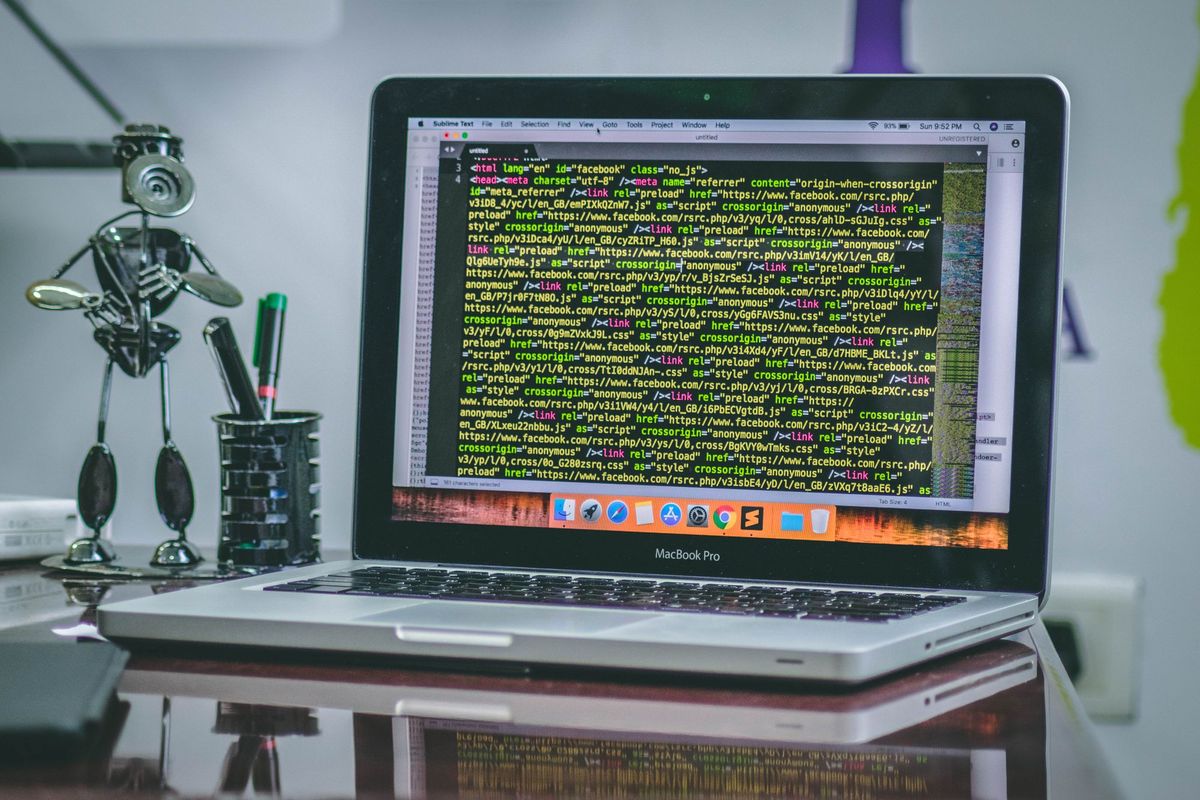
Xcode runs only on macOS, and Xcode 27 needs macOS Tahoe 26.6 or later. Photo: hitesh choudhary / Pexels
- A Mac for iOS. You build and upload iOS apps with Xcode, which runs only on macOS. Apple's Xcode system requirements list macOS Tahoe 26.6 or later for Xcode 27, and from April 2027 every upload must be built with it; our Xcode 27 requirement guide explains the deadline. An older Mac that cannot run Tahoe will not do. Cross-platform tools do not remove this step, they only move it to a hosted Mac, such as Xcode Cloud's included hours.
- Test devices. Simulators and emulators catch most bugs, but App Review and real users run your app on real hardware. At minimum, keep one recent iPhone and one mid-range Android phone.
- A privacy policy URL. Both stores require one, even for simple apps. Apple's App Review Guidelines say "All apps must include a link to their privacy policy in the App Store Connect metadata field and within the app", and Google's User Data policy says "All apps must post a privacy policy link in the designated field within Play Console". A simple page on your own domain is enough, which usually means paying for a domain.
- Store assets. Screenshots, an icon and, on Google Play, a feature graphic. You can make them yourself; our guides to App Store screenshot sizes and the Google Play feature graphic list every spec.
- Time. Closed testing on Google Play, App Review on both stores and fixing what review finds can add days or weeks. See our guides to App Store review time and Google Play review time.
Sample first-year budgets
These budgets assume you already own a computer and a phone. Store fees are Apple's and Google's list prices; everything else is your choice.
| Plan | Store fees | Optional extras | What you get |
|---|---|---|---|
| Android only | $25 | Domain for the privacy policy | Live on Google Play after closed testing |
| iOS only | $99 | Domain, a Mac if you do not have one | Live on the App Store, TestFlight, 25 Xcode Cloud hours a month |
| Both stores | $124 | Domain, Mac, a small launch budget | Live on both stores; $99 a year after |
The line most first-time developers underestimate is the last one: getting users. Publishing makes your app findable, not found. Paid channels have minimums that add up quickly: our guide to Apple Search Ads on a small budget and the one on Google App campaigns show what a realistic test costs, and our playbook on how to promote your app for free covers the channels that cost time instead of money.
How to keep the cost of publishing low
- Start on one store if money is tight. Google Play's one-time $25 is the cheapest way to get real users and feedback, but budget two weeks or more for the closed test.
- Enroll in the Small Business Program before your first sale on the App Store, so you pay 15% instead of 30% from the start.
- Use the free D-U-N-S route for an organization account on either store; never pay a third party for it.
- Use the included Xcode Cloud hours before buying a faster Mac or a CI plan.
- Turn on auto-renew for the Apple membership so your apps never drop out of the store because of a lapsed card.
- Spend the launch budget where you can measure it, and keep part of it for the weeks after launch, when early users and reviews arrive.
A low-cost way to get the first eyes on your app
Once the app is live, one low-cost option is a public leaderboard. You can list your app on the AppRanker leaderboard from $5 at the time of writing, with no account. Position is a plain sort on what each listing has paid, and every row links straight to your App Store or Google Play page. Our list of where to submit your app covers the free directories worth adding alongside it.
FAQ
How much does it cost to publish an app on the App Store?
$99 per membership year for the Apple Developer Program, or the local-currency equivalent. Nonprofits, accredited educational institutions and government entities that meet Apple's conditions can request a fee waiver.
How much does it cost to publish an app on Google Play?
A one-time $25 registration fee. There is no yearly renewal. Google keeps the fee if your identity information turns out to be invalid.
Is it free to publish an app?
Not on either official store: Apple charges $99 a year and Google Play $25 once. What is free is distribution of a free app after that: neither store takes a commission from apps that sell nothing.
Do I have to pay Apple $99 every year?
Yes, as long as you want your apps available. If the membership expires, Apple says your apps will no longer be available for download and you cannot submit updates, although existing users can keep using them.
What percentage do Apple and Google take from app sales?
Apple takes 30% by default and 15% for Small Business Program members and for subscriptions after a year of paid service. Google Play charges a 10% service fee on the first $1M of annual earnings plus a 5% billing fee for Play Billing in regions on its new model, about 15% in total.
Do I need a Mac to publish an iOS app?
You need macOS to run Xcode, which builds and uploads iOS apps. If you do not own a Mac, you can use a hosted Mac, such as the 25 Xcode Cloud compute hours a month included with the Apple Developer Program.
Image credits
- Cover, calculator and coins: photo by Atlantic Ambience on Pexels, Pexels License. Cropped to 1200x630.
- Paying online with a card: photo by Pavel Danilyuk on Pexels, Pexels License. Resized.
- MacBook Pro on a desk: photo by hitesh choudhary on Pexels, Pexels License. Resized.