- Google Play
- Launch
- Android
Google Play 12 testers for 14 days: how to pass closed testing and get production access
Google Play's 12 testers for 14 days rule, explained: who it applies to, how to set up the closed test, keep testers opted in and apply for production access.
AppRanker team11 min read

On this page
If you opened a personal Google Play developer account in the last few years, the first wall you hit is not code review. It is the Google Play 12 testers for 14 days rule: before your app can go to production, you must run a closed test with at least 12 testers who have stayed opted in for 14 days in a row. Until you do, the Production page and pre-registration stay locked in Play Console.
The rule sounds simple and still trips up a lot of first launches. Testers join the list but never accept the invite, someone opts out on day 9, or the production application is turned down with "more testing required" after the 14 days are done. This guide covers who the rule applies to, how to set up the closed test step by step, how to keep 12 people active for two weeks, and how to answer the production access form so you pass the first time.
Who the 12 testers rule applies to
Google's testing requirements page is specific: it applies to personal developer accounts created after November 13, 2023. In Google's words, those developers "must run a closed test for their app with a minimum of 12 testers who have been opted in continuously for at least 14 days." When they meet that bar, they can apply for production access from the Dashboard.
A few points that people often get wrong:
- It is per app, not per account. Each new app on a covered personal account goes through its own closed test before its first production release.
- It used to be 20. Posts from 2024, such as this developer write-up on dev.to, describe 20 testers. The current requirement on Google's page is 12.
- It is not the same as developer verification. Android developer verification is a separate identity check that applies far more widely. Our Android developer verification checklist covers that one.
- Pre-registration waits too. Google lists Pre-registration among the features that "remain disabled until developers meet these testing requirements", so a pre-registration campaign cannot start before you pass. Our guide to Google Play pre-registration explains how to plan around that.
What "12 testers for 14 days" actually means
The wording matters more than the numbers. Google says that "at least 12 testers must be opted in to your closed test when you apply for production access, and they must have been opted in continuously for the preceding 14 days."
Three consequences follow:
- It is checked on the day you apply. Twelve people who joined at some point is not enough. Twelve people must be opted in on the day you click Apply, and each must have been opted in for the 14 days before it.
- Opting out breaks the streak. From Google's FAQ: "Testers who opt in, test for fewer than 14 days, and then opt out do not count toward the requirement. If a tester opts out and opts back in later, the 14 days must be consecutive."
- Only the closed test counts. Internal testing is useful and has no setup requirements, but the requirement is written for a closed test, so run one.
The safe plan is to recruit 15 to 20 testers, so one or two people who uninstall or switch accounts do not drop you below 12.
How to set up a closed test, step by step
Closed testing needs your app setup to be complete first (the store listing basics, content rating, target audience, data safety and the other declarations on the Dashboard). Then, following Google's testing tracks guide:
- In Play Console, select your app and go to Test and release > Testing > Closed testing.
- Click Manage track, then create a release and upload your app bundle.
- Open the Testers tab and click Create email list. A list can hold up to 2,000 users, you can create up to 200 lists, and a track can use up to 50 of them. You can also add testers by Google Group, in the
[email protected]format. - Add a feedback URL or email address. It appears on the tester opt-in page.
- Choose the countries for the test. Country availability changes apply across all tracks.
- Copy the shareable link, save, and roll out the release.
Then each tester has to do three things, and most failed tests trace back to one of them:
- be on your email list or in your Google Group, with the same Google account they use in the Play Store on their phone;
- open the shareable link and accept the invitation (being on the list is not the same as being opted in);
- install the app from Google Play through the link.
Google warns that after you publish a test for the first time, "the test link can take several hours to become available to testers." Send the invitation after the link works for you, not before.
A short message that tells testers exactly what to do saves a day of back-and-forth:
Subject: Can you test my Android app for 2 weeks?

1. Reply with the Gmail address you use for the Play Store.
2. When I confirm, open this link on your phone: <opt-in link>
3. Tap "Become a tester", then "Download it on Google Play".
4. Please stay opted in for at least 14 days (until <date>).
   Leaving early resets my count, and I need 12 people.
5. Use it a few times a week and send any bug or idea to <feedback address>.
Where to find 12 testers who stay
Google's own advice is to start with "personal and professional networks": friends, family, colleagues and classmates. It also suggests going where your future users are, for example a local club for a fitness app, and to "recruit testers who represent your app's intended future audience."

Twelve people you can message directly are worth more than fifty strangers who join and forget. Photo: Kindel Media / Pexels
Some practical sources that work for small teams:
- Your own circles first. Ten people you can text are the backbone of the test.
- The communities you already belong to. A subreddit, Discord server or forum where your target users are, following its self-promotion rules.
- Your waitlist. If you collected emails on a landing page, invite the most engaged people.
- Other developers. Tester-swap threads, where developers test each other's apps, are common on forums such as the MIT App Inventor community. They help you reach 12, but swap testers rarely use your app like a real user would, and that shows up in the next step.
Avoid anything that only produces opt-ins. Google reviews engagement, not just the count.
Keep testers engaged for the full 14 days
The production application asks how testers used your app and what you changed because of them. Rejected developers commonly quote three reasons from Google's reply, as listed in the dev.to write-up:
- "Testers were not engaged with your app during your closed test"
- "You didn't follow testing best practices, which may include gathering and acting on user feedback through updates to your app"
- "Your answers to the application questions about your app, closed test, or production readiness were incomplete or insufficient"
So plan the two weeks as a real beta, not a waiting room:
| Day | What to do |
|---|---|
| 0 | Roll out the closed test, confirm the opt-in link works, invite 15 to 20 people. |
| 1 to 2 | Check the tester count in Play Console; chase anyone who has not accepted. |
| 3 | Send a short task list: "Try creating X, then share Y." |
| 5 to 6 | Ship update one with fixes from the first feedback. |
| 9 to 10 | Ship update two; ask testers about one specific feature. |
| 12 | Summarize feedback and changes in a document for the application. |
| 14+ | Confirm at least 12 testers are still opted in, then apply. |
Google says testers "can also provide private feedback directly through Google Play." You can read it in Play Console under Monitor and improve > Ratings and reviews > Testing feedback, with filters for date, app version and device. Google also recommends keeping "a record of received feedback", because "you must summarize your testing feedback when applying for production access."
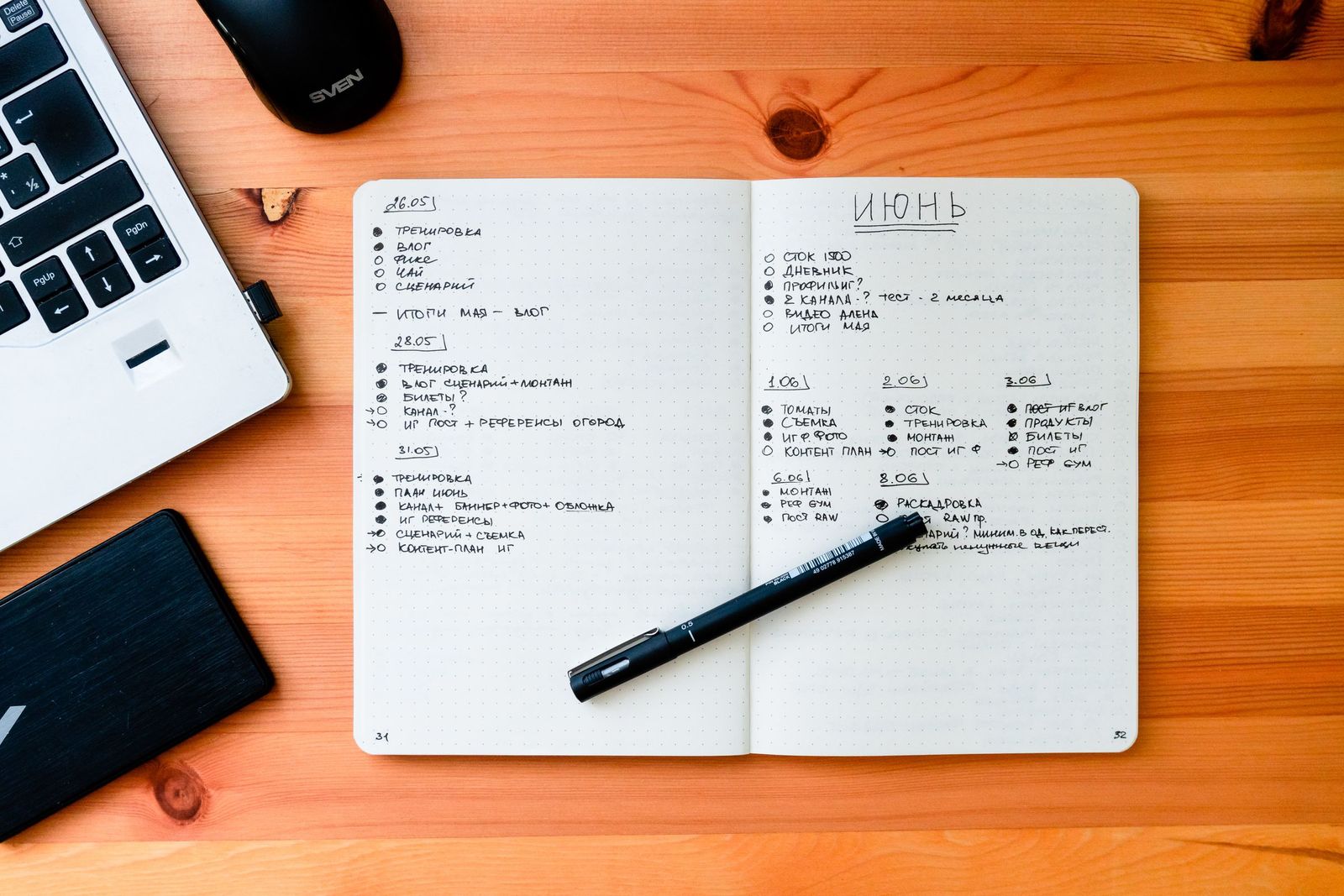
Write down each piece of feedback and what you changed. The application asks for exactly that. Photo: Max Bonda / Pexels
Two more tools help. Run a pre-launch report, which installs your app on test devices and lists crashes, warnings and performance issues. And put testers in a group chat, which Google suggests so "testers can provide context that helps you prioritize."
How to apply for production access
When the 14 days are done, open the Dashboard and click Apply for production. The form has three parts.
About your closed test. How easy it was to recruit testers, whether testers used all the features, whether their usage matched how you expect real users to behave, and a summary of feedback and how you collected it.
About your app or game. The target audience, the value your app provides (or what makes your game unique), and your estimated installs in the first year. Google says these answers "are not displayed publicly" and "do not affect app visibility."
About your production readiness. What you changed because of the closed test, and how you decided the app was ready.
Specific answers beat general ones. Compare:
Weak:   Testers liked the app. We fixed some bugs.

Strong: 16 testers joined; 13 used it at least three times a week.
        Feedback came through Play's testing feedback and a group chat.
        Main issues: sign-up failed on Android 12 (fixed in 1.0.2),
        the timer was hard to find (moved to the home screen in 1.0.3).
        We released 2 updates during the test and the last week had
        no new crash reports in the pre-launch report.
Google says review "usually takes seven days or less, but can occasionally take longer", and the result is emailed to the account owner. Before you apply, Google also asks you to double-check policy basics: content and monetization, target audience and content rating, stability, and working test credentials if the app needs a login.
If Google says "more testing required"
Google names the usual reasons itself: "having fewer than 12 opted-in testers or insufficient tester engagement during the testing period." The fix is the same in both cases:
- Keep the closed test running. Do not remove testers.
- Recruit replacements until you are comfortable above 12.
- Ship at least one update that responds to real feedback.
- Wait until the 14-day window is clean again, then reapply with more specific answers.
Use the 14 days to prepare the launch
The closed test is two weeks you cannot shorten, so spend them on the parts of the launch that do not depend on it:
- Finish the store listing: title, short description, at least four phone screenshots at 1080 x 1920 or larger, and a 1024 x 500 feature graphic. Our guide to App Store screenshot sizes lists every Google Play spec.
- Read up on Google Play ASO in 2026, including the battery rule that can hide an app.
- Plan the first week with our launch-week visibility checklist.
A new app also starts with no rank in Play search. For guaranteed visibility on day one, you can list it on the AppRanker leaderboard, where an Android app's position is a plain sort on what each listing has paid rather than an algorithm, and every row links straight to your Google Play page. Paste your Play Store link on the home page to see what each position costs before you pay.
Google Play 12 testers checklist
- Confirmed the account is a personal account created after November 13, 2023.
- App setup complete, closed testing track created, release rolled out.
- Email list or Google Group with 15 to 20 testers, feedback address set.
- Opt-in link tested yourself before sending it.
- Every tester accepted the invitation and installed from Google Play.
- Tester count checked in Play Console on day 2 and day 10.
- At least one update shipped during the test in response to feedback.
- Feedback and changes written down for the application.
- Test credentials added in Play Console if the app needs a login.
- At least 12 testers opted in for the full 14 days on the day you apply.
FAQ
Does the 14-day clock reset if a tester leaves?
The requirement is checked when you apply: at least 12 testers must be opted in and must have been opted in continuously for the preceding 14 days. A tester who opts out does not count, and if they opt back in, their 14 days start again. Recruit a few extra testers so one departure does not set you back.
Do internal testers count toward the 12 testers?
The requirement is a closed test with at least 12 opted-in testers. Internal testing is a separate track for quick builds to a small trusted group, so run a closed test for the requirement even if you also use internal testing.
Do organization developer accounts need 12 testers?
Google's requirement is written for personal developer accounts created after November 13, 2023. Organization accounts are not covered by that page, though Google still recommends testing every app before release.
Do testers have to use the app every day?
Google does not publish a minimum usage figure. It does reject applications when "testers were not engaged with your app", so ask testers to use the app a few times a week and ship updates based on what they report.
How long does Google take to review a production access application?
Google says review usually takes seven days or less, but can occasionally take longer. The result is emailed to the account owner, and an approved app can then use the Production and Open testing tracks.
Image credits
- Cover, friends on a sofa with smartphones: photo by Gustavo Fring on Pexels, Pexels License. Cropped to 1200x630.
- Friends using their smartphones outdoors: photo by Kindel Media on Pexels, Pexels License. Resized.
- Notebook and pen on the work desk: photo by Max Bonda on Pexels, Pexels License. Resized.