- App Store
- Monetization
- iOS
App Store price tiers: price points and pricing by country
App Store price tiers are now price points: how base country pricing works, how to set prices by country, subscription price change rules and an API script.
AppRanker team11 min read
On this page
If you are looking for the App Store price tiers table, it no longer exists. Apple used to sell every app and In-App Purchase on numbered tiers, where Tier 1 meant $0.99 in the US and a fixed equivalent everywhere else. In 2023 Apple replaced the tiers with price points: hundreds of fixed prices per currency, a base country of your choice, and automatic equalization across every other storefront. Many developers, and plenty of old tutorials, still say "tier," so this guide maps the old idea onto the current system.
It covers how many price points there are and how they step up, how base country pricing and automatic adjustments work, how to set or override prices by country in App Store Connect, the rules for changing subscription prices, and a script that lists what one price becomes in all 175 storefronts. Facts come from Apple's help pages on setting an app price and subscription pricing, its December 2022 pricing announcement and recent developer news.
Key takeaways
- App Store price tiers were replaced by price points: up to 800 by default and 100 higher ones (up to $10,000) on request, starting at $0.29 in the US.
- You choose a base country or region. Apple generates comparable prices for the other storefronts and keeps them equalized as taxes and exchange rates change, but never changes your base price.
- Any storefront you price manually is no longer adjusted by Apple. You then own its tax and currency changes.
- Subscription price increases can require subscriber consent. Decreases apply to everyone automatically and cannot be reversed.
- The App Store Connect API lists every price point and its equivalent in each storefront, with your proceeds.
From App Store price tiers to price points
Under the old system you picked a tier and Apple set the price in every country from a fixed matrix. You could not price Japan or Brazil differently from the US equivalent, and the steps between tiers were coarse.
Apple's December 2022 announcement introduced the replacement: 900 price points starting "as low as $0.29 and, upon request, go up to $10,000," in steps of "every $0.10 up to $10; every $0.50 between $10 and $50," and larger steps above that. It also allowed rounder endings such as X.00 or X.90, which suit annual plans and bundles, alongside the familiar X.99. Subscriptions got the new system immediately; paid apps and In-App Purchases followed in spring 2023.
Today the App Store Connect help page puts it like this: "Choose from up to 800 price points by default, and request to access an additional 100 higher price points (up to $10,000)." Apple sells in 175 storefronts and, per its August 2026 tax and price update, 43 currencies.
So when someone asks "what tier should I use," the modern question is: what price, in which base storefront, and which countries should you set by hand?
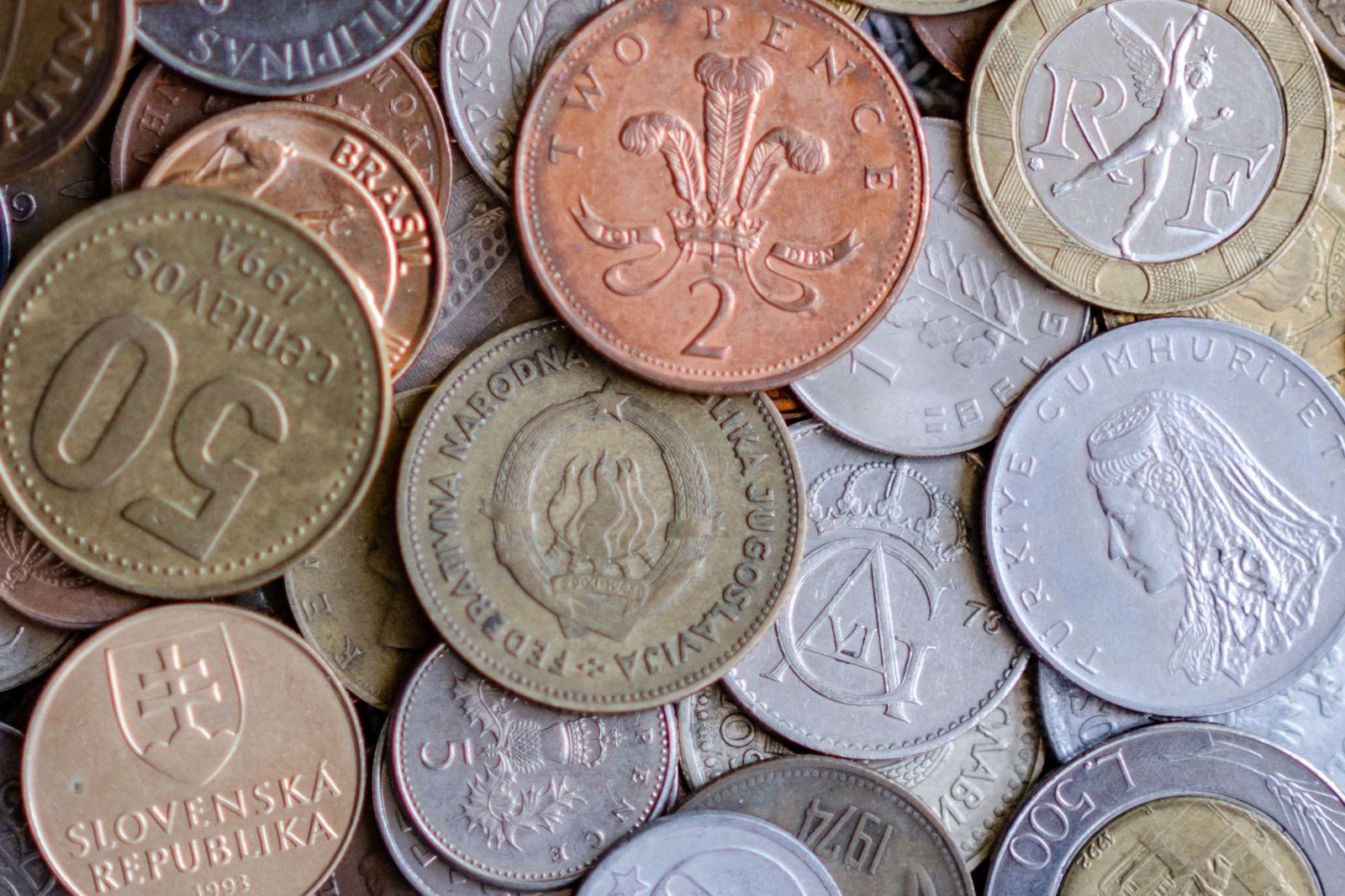
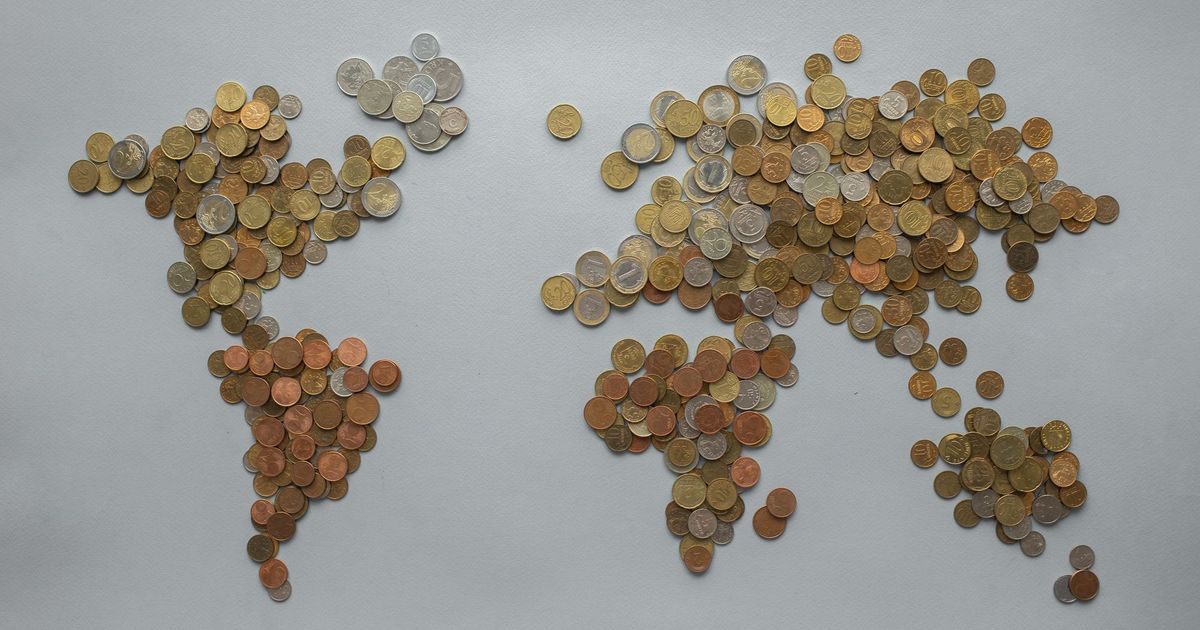
One price, 175 storefronts and dozens of currencies. The base country decides which of them Apple keeps in step. Photo: Atlantic Ambience / Pexels
How base country pricing works
You pick one storefront you know well as your base country or region and set a price there. App Store Connect then proposes a comparable price for each of the other 174 storefronts, "taking into account taxes and foreign exchange rates."
From then on, three rules apply:
- Your base price never moves. "Apple will never change the price in your base country or region, and will always notify you in advance of changes on other storefronts."
- Other storefronts follow it. "Periodically, Apple updates prices in certain regions based on changes in taxes and foreign exchange rates" to keep them equalized with the base.
- Manual prices are yours. "If you select your own prices, Apple won't adjust your pricing on those storefronts in the future," and you are "responsible for staying up to date with taxes and exchange rates in the storefronts you manually manage."
The August 2026 update shows what this means in practice. Apple announced that proceeds changed on August 27 in Morocco, the Republic of the Congo and Tanzania because of new or higher taxes, and that prices would be updated in Israel, Indonesia, Morocco and the Republic of the Congo from September 14. Apps with one of those as their base storefront, and storefronts priced manually, were left alone. Auto-renewable subscriptions were excluded from those price updates entirely.
Which base country should you choose? Usually the one where you earn most or think in prices, often the United States. If most of your revenue comes from one market with its own pricing habits, such as Japan or Germany, making it the base keeps that price clean and lets everything else follow it. You can change the base later; Apple notes that doing so "deletes any scheduled price changes," and In-App Purchases you have not priced separately inherit the new base.
How to set your app's price by country
You need the Account Holder, Admin or App Manager role, and the Account Holder must have accepted the Paid Apps Agreement; without it, "you can only offer your app for free."
- In Apps, select your app.
- In the sidebar, under Monetization, click Pricing and Availability.
- In Price Schedule, click Add Pricing.
- Select your base country or region.
- Choose a price. The menu first shows 25 price points "that follow the most common pricing convention" for that storefront; click See Additional Prices for the rest.
- Review the comparable prices for every other storefront. Leave them as they are to let Apple manage them, or change individual countries.
- Click Next, review and Confirm.
In-App Purchases and subscriptions have their own pricing screens with the same base storefront idea. For subscriptions with introductory offers, Apple generates offer prices for all 175 storefronts the same way; our guide to the App Store free trial covers that flow.
When to override a storefront
Automatic prices follow exchange rates, not what people can afford. Consider a manual price when:
- Purchasing power is far lower than the exchange rate implies, and the converted price would be out of reach for most users. India, Brazil, Indonesia and Turkey are common candidates.
- The local price looks odd. A converted price can land on a number nobody would choose; pick the nearest point that reads naturally in that currency.
- You run a regional promotion and want one country lower for a while.
Every override is a storefront you now maintain yourself, so keep a list, review it when Apple announces tax or currency changes, and test one region before you change twenty. Our soft launch guide explains how to read results from a few countries before going global.
Converted prices follow exchange rates. Whether $24.99 feels right in each market is still your call. Photo: Marcus / Pexels
Changing prices later
For paid apps and one-time In-App Purchases, you schedule a future price change in the same Price Schedule section, and the change takes effect on the date you pick.
Subscriptions have stricter rules, from Apple's subscription pricing page:
- You can keep current subscribers on their old price. Choose to keep the current price for existing subscribers, and people whose subscription lapses can come back at the preserved price within 60 days.
- Some increases need consent. Subscribers must agree before renewal if they live where the law requires it, if they had another increase in the past 12 months, or if the increase is "more than 50% of the current price and the difference in price exceeds approximately US$5 per period for non-annual subscriptions, or US$50 per year for annual subscriptions." Apple asks for consent, not you, and if the subscriber does nothing, the subscription does not renew.
- Other increases are notice only. Apple emails subscribers 27 days before renewal, shows an in-app message, and follows up with a push 7 days before if needed. Minimum notice is 7 days for weekly, 27 for monthly and 30 for longer plans.
- Decreases are one-way. "Existing subscriptions will automatically renew at the lower price," and "once a price decrease goes into effect, it can't be reversed."
- One future change at a time. Scheduling a second change for the same storefront overwrites the first, and the earliest start date is "generally 1 to 2 days in advance."
Price changes affect conversion, so track installs and revenue around the date of each one; App Store Connect analytics shows both by territory.
List what one price becomes in every storefront
Clicking through 175 rows in App Store Connect is slow. The App Store Connect API exposes the same data: GET /v1/apps/{id}/appPricePoints lists the price points for one territory, and GET /v3/appPricePoints/{id}/equalizations lists the equivalent point in every other storefront, each with customerPrice and proceeds.
Create an API key under Users and Access > Integrations > App Store Connect API, note its key ID and issuer ID, download the .p8 file, then run this with Node.js 18 or later (no dependencies):
// price-by-country.mjs
// Usage: ASC_KEY_ID=... ASC_ISSUER_ID=... ASC_KEY_PATH=AuthKey_XXXX.p8 \
//        node price-by-country.mjs <appAppleId> 4.99
import { readFileSync } from 'node:fs';
import { createPrivateKey, sign } from 'node:crypto';

const [appId, target = '4.99'] = process.argv.slice(2);
const { ASC_KEY_ID, ASC_ISSUER_ID, ASC_KEY_PATH } = process.env;
if (!appId || !ASC_KEY_ID || !ASC_ISSUER_ID || !ASC_KEY_PATH) {
  throw new Error('Set ASC_KEY_ID, ASC_ISSUER_ID and ASC_KEY_PATH, and pass the app Apple ID');
}

// App Store Connect API tokens are ES256 JWTs that live at most 20 minutes.
const b64url = (value) => Buffer.from(value).toString('base64url');
function token() {
  const now = Math.floor(Date.now() / 1000);
  const header = b64url(JSON.stringify({ alg: 'ES256', kid: ASC_KEY_ID, typ: 'JWT' }));
  const claims = b64url(JSON.stringify({ iss: ASC_ISSUER_ID, iat: now, exp: now + 1200, aud: 'appstoreconnect-v1' }));
  const key = createPrivateKey(readFileSync(ASC_KEY_PATH));
  const signature = sign('sha256', Buffer.from(`${header}.${claims}`), { key, dsaEncoding: 'ieee-p1363' });
  return `${header}.${claims}.${b64url(signature)}`;
}

const headers = { Authorization: `Bearer ${token()}` };
async function* pages(url) {
  while (url) {
    const res = await fetch(url, { headers });
    if (!res.ok) throw new Error(`${res.status} ${await res.text()}`);
    const body = await res.json();
    yield body;
    url = body.links?.next;
  }
}

const api = 'https://api.appstoreconnect.apple.com';

// 1. Find the US price point with the customer price you want.
let point;
for await (const page of pages(`${api}/v1/apps/${appId}/appPricePoints?filter[territory]=USA&fields[appPricePoints]=customerPrice,proceeds&limit=200`)) {
  point = page.data.find((p) => p.attributes.customerPrice === target);
  if (point) break;
}
if (!point) throw new Error(`No US price point at ${target}`);

// 2. List its equivalent in every other storefront, with your proceeds.
const rows = [];
const fields = 'fields[appPricePoints]=customerPrice,proceeds,territory&fields[territories]=currency';
for await (const page of pages(`${api}/v3/appPricePoints/${point.id}/equalizations?include=territory&${fields}&limit=200`)) {
  const currency = Object.fromEntries((page.included ?? []).map((t) => [t.id, t.attributes.currency]));
  for (const p of page.data) {
    const territory = p.relationships?.territory?.data?.id ?? '?';
    rows.push({ territory, currency: currency[territory], price: p.attributes.customerPrice, proceeds: p.attributes.proceeds });
  }
}
rows.sort((a, b) => a.territory.localeCompare(b.territory));
console.table(rows);
The app Apple ID is the number under App Information in App Store Connect. The output is one row per storefront with its currency, the customer price and your proceeds, which makes it easy to paste into a spreadsheet, add a purchasing-power column and decide which countries to override. Change USA to your base storefront's code if it is not the United States. Keep the .p8 key out of your repository.
What about Google Play?
Google Play works on the same principle with fewer rules. Its pricing help page says "Play uses the price you enter as the base for calculating market-specific prices," converting with the exchange rate on the day you set it and country-specific pricing patterns. You can edit individual countries in Products > App pricing, and an Update exchange rates option refreshes the conversions. Two differences catch people out:
- No more pricing templates. "Starting October 27th, 2025, you'll no longer be able to manage prices across your products using pricing templates"; changes are now made per product.
- Free is forever. "Once your app has been offered for free, the app can't be changed to paid."
What Google takes from each sale is a separate question; our guide to Google Play service fees in 2026 covers the current rates.
App Store pricing checklist
- Paid Apps Agreement accepted by the Account Holder.
- Base country or region chosen on purpose, and the same base used for your In-App Purchases unless you have a reason.
- Converted prices reviewed in your top 10 markets, with odd-looking prices replaced.
- A written list of manually priced storefronts, reviewed when Apple announces tax or price updates.
- Subscription increases planned under the consent thresholds, or announced well ahead if they exceed them.
- Existing subscribers' prices preserved, unless you deliberately decide otherwise.
- Revenue and conversion tracked by territory around every change.
Price is only half of revenue
The right price converts the people who reach your product page; you still need people to reach it. List your iOS or Android app on the AppRanker leaderboard, the pay-to-rank board where position is a plain sort on what each listing has paid, and use App Store offer codes when one audience deserves a better deal than your list price. If you also ship on Android, keep your ANR rate on Google Play under the threshold so a stability problem does not undo your pricing work.
FAQ
Does the App Store still use price tiers?
No. Apple replaced numbered price tiers with price points in 2023. You now choose from up to 800 price points by default, plus 100 higher ones on request, and set a base country from which other storefront prices are generated.
What is the lowest price on the App Store?
Apple's 2022 announcement put the lowest price point at $0.29 in the US. Apps can also be free.
How do I set different prices in different countries?
In Pricing and Availability, set your base price, then change the price for any storefront on the comparable prices screen before confirming. Apple stops adjusting any storefront you price manually.
Will Apple change my prices without asking?
Apple may adjust prices in storefronts it manages when taxes or exchange rates change, and notifies you in advance. It never changes your base country price or storefronts you manage manually.
Can I raise my subscription price for existing subscribers?
Yes, or you can keep them on their current price. Subscribers must consent if their region requires it, if they had an increase in the past 12 months, or if the increase is over 50% and more than about US$5 per period (US$50 per year for annual plans).
How many currencies and storefronts does the App Store support?
Apple says the App Store supports 43 currencies across 175 storefronts.
Image credits
- Cover, world map made of coins: photo by Monstera Production on Pexels, Pexels License. Cropped to 1200x630.
- Coins from many countries: photo by Atlantic Ambience on Pexels, Pexels License. Cropped to landscape and resized.
- Hanging price tag: photo by Marcus on Pexels, Pexels License. Cropped to landscape and resized.